
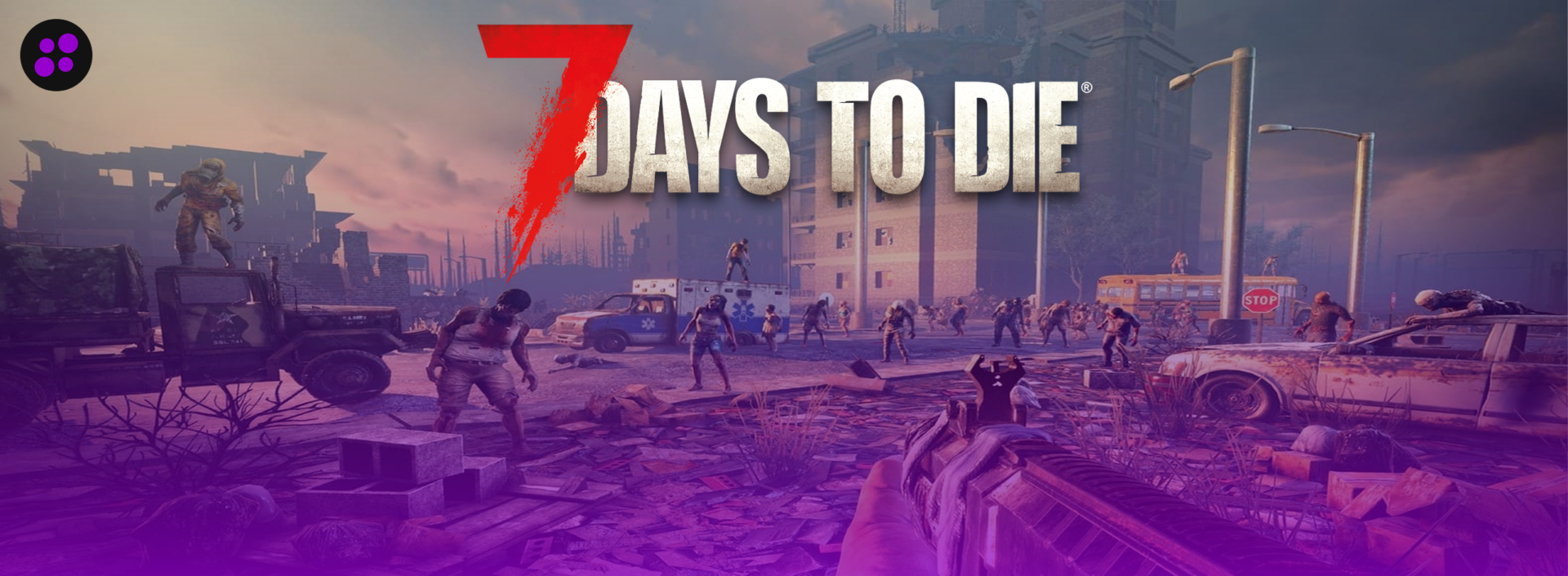

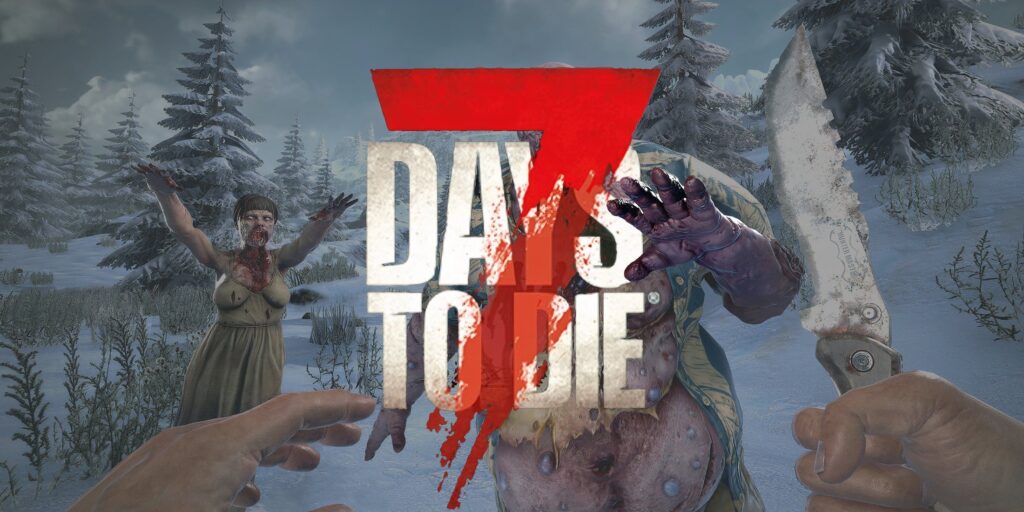
7 Days to Die is one of those games that gets harder on a server the longer you play. Early on, things are usually simple. You have a small base, a few players, and not much going on. Later, it turns into bigger builds, traps everywhere, vehicles, and blood moon hordes trying to destroy everything at once. That’s usually when server quality starts to matter.
Some servers handle normal gameplay fine at the beginning, but struggle once more zombies, players, and more activity start loading in together. Lag during a blood moon or constant server crashes can ruin the experience pretty quickly, especially on long-term worlds.
This blog covers some of the best 7 Days to Die server hosting providers to look at in 2026.
If you think your business should be on our list, contact us.
1. Cybrancee
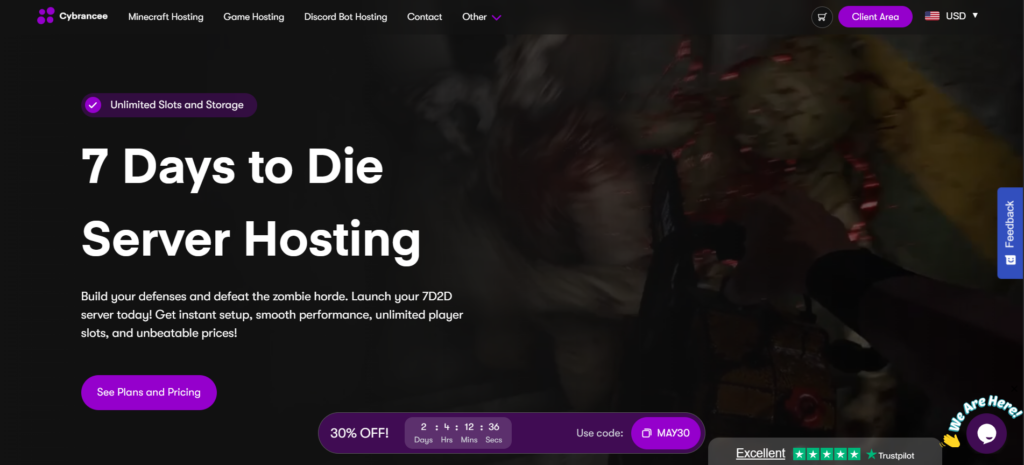
Cybrancee works great for 7 Days to Die since it stays stable even once your world gets more active. Bigger hordes, larger bases, traps, and multiple players can put a lot of pressure on weaker servers, but it handles regular gameplay without issues.
The setup process is simple, and the panel is easy to understand even if you’ve never hosted a server before. It also includes features like automated backups, DDoS protection, and server locations across multiple regions. That helps a lot later on when more players are online, bigger horde nights start happening, and larger parts of the map are being loaded at the same time.
Price:
- Starts at around $9.99/month
- Higher plans depend on RAM and player setup
Pros of Cybrancee:
- Fast setup process
- AI helper and support from real staff
- Offers a large library of supported mods
- Access to files through SFTP and file manager
- Automatic backups
- Ryzen CPUs with NVMe storage
- Multiple server locations
- 90-day money-back guarantee
Cons of Cybrancee:
- No free trial (90-day money-back guarantee available)
Whether the server is small or turns into a long-term world later, it still runs well without problems. Even once larger horde nights start happening, it stays stable with bigger bases, more traps, vehicles, and multiple players online at the same time. That becomes more important later in the game when more zombies and larger parts of the world are loading in together.
You can check our 7 Days to Die server hosting plans to see what fits you.
2. Shockbyte
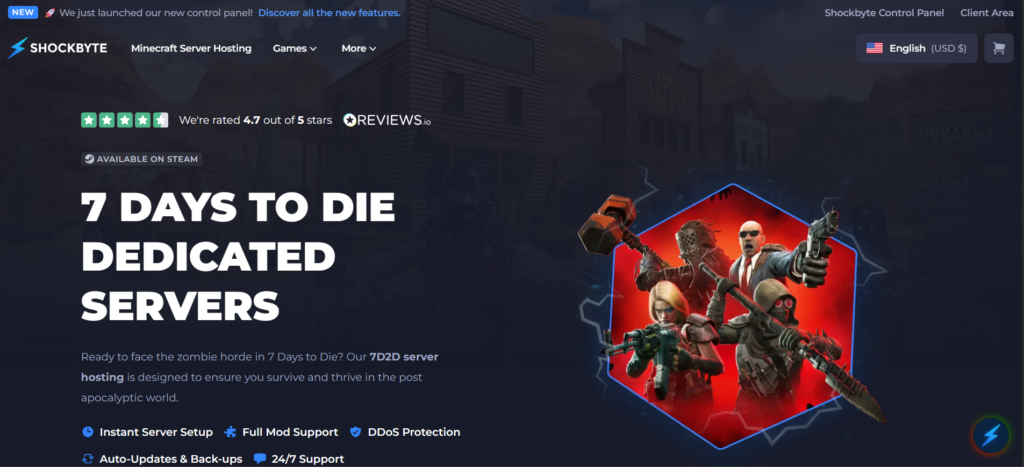
Shockbyte is usually one of the cheaper options people start with. It’s easy to set up, so you can start playing pretty quickly without spending much. The panel is simple to use, which makes it a decent option for casual servers and smaller groups.
For smaller survival worlds, it gets the job done without many issues. You can build a basic base, loot towns, and survive blood moons normally early on. The problems usually start later once the world gets heavier with bigger bases, more traps, and multiple players online at the same time.
Price:
- Starts around $11–$15/month
- Price changes depending on slots and RAM
Pros of Shockbyte:
- Affordable pricing
- Simple setup
- Multiple server locations
- Works well for smaller servers
Cons of Shockbyte:
- Performance drops on larger worlds
- Support can be slow sometimes
- Not great for long-term heavy servers
It is good for smaller survival servers, especially early on. Bigger worlds with more players, vehicles, traps, and blood moon hordes can start putting more pressure on the server later.
3. GTX Gaming
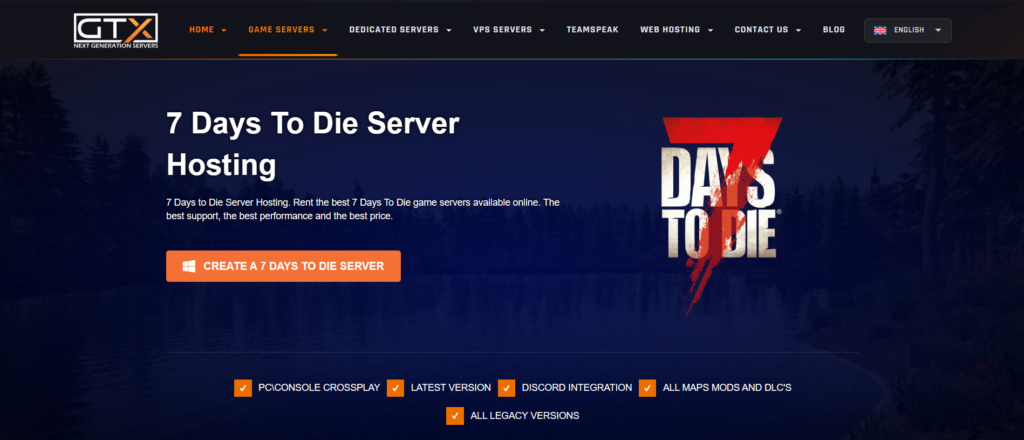
GTX Gaming is a good option for players who want a balance between performance and customization. It gives you enough control to change settings, install mods, and manage your server. The panel is easy to get used to compared to some advanced hosting providers. For regular gameplay with friends, the server usually runs smoothly.
However, when more players stay active for longer sessions, you may start noticing occasional lags or performance drops, especially during heavy activity or larger horde nights.
Price:
- Usually around $12–$41/month
- Depends on slots and server configuration
Pros of GTX Gaming:
- Good performance for multiplayer gameplay
- Supports modded servers and custom settings
- Easy access to files and server management
- Multiple server locations available
Cons of GTX Gaming:
- Performance can vary on heavily active servers
- Some features can take a bit longer to configure
It is a good option if you want more control over your server without having to constantly manage every small setting yourself.
4. HostHavoc
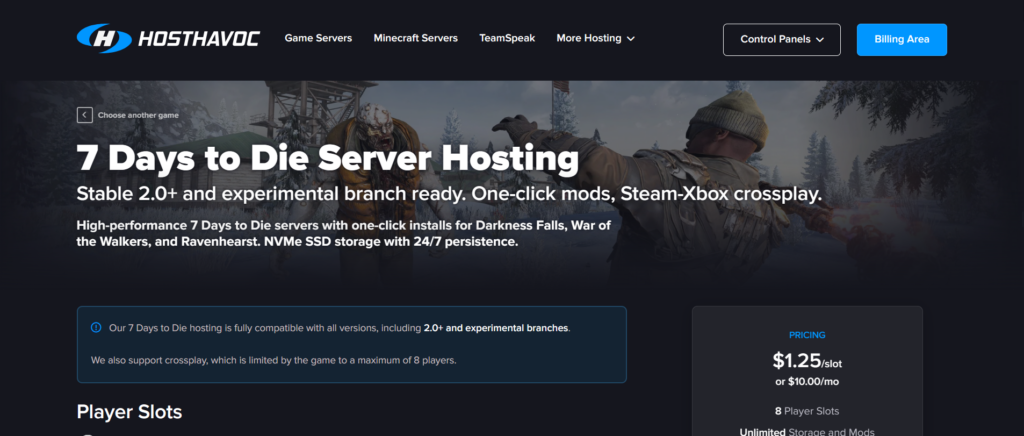
HostHavoc works well for players who want stable performance without spending too much time figuring everything out. The panel is easy to use, settings are not hard to manage, and running the server feels pretty straightforward. For normal survival gameplay, the server generally runs without many problems. It also handles mods pretty well.
Price:
- Usually around $10–$25/month
- Changes depending on slots and upgrades
Pros of HostHavoc:
- Good support for modded servers
- Stable performance for multiplayer gameplay
- Easy access to server files and settings
- Multiple server locations available
- Beginner-friendly control panel
Cons of HostHavoc:
- Costs more than some budget hosts
- Bigger worlds may need stronger plans later on
- Fewer customization options compared to advanced hosts
It usually runs fine, even once bases get bigger and more players stay online for longer sessions. You might notice some lag during larger Blood Moon hordes or on very busy worlds, but most of the time, the server works pretty well.
5. Apex Hosting
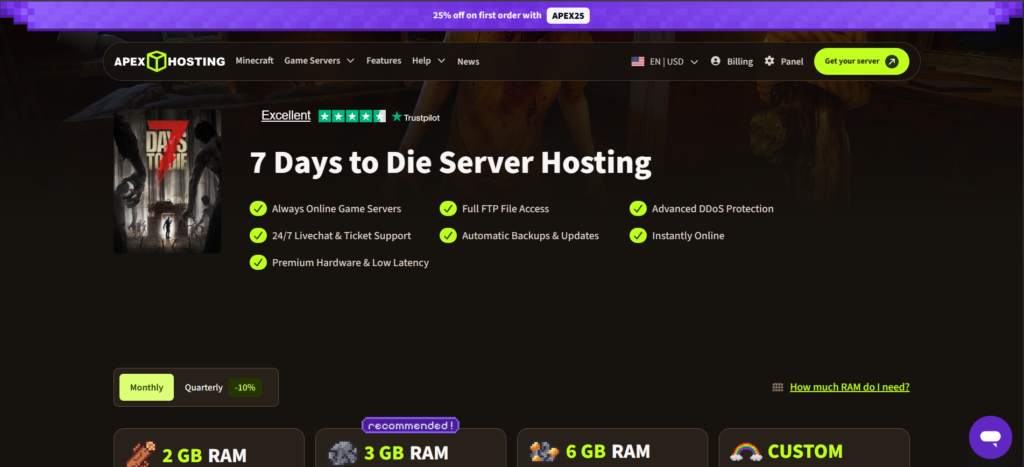
Apex Hosting is more focused on performance and larger setups. If you are planning to run a heavily modded world or a long-term server with multiple players, it usually handles the extra load better than cheaper hosts.
The hardware is strong enough to deal with bigger hordes, larger bases, and heavier gameplay without slowing down too much. It also gives you more control over server settings, file access, and configuration.
That becomes more useful later on, once more traps, vehicles, zombies, and different parts of the map start loading in at the same time. Even then, the server usually runs well during normal co-op survival sessions without many problems.
Price:
- Starts around $22–$25/month
- Higher plans cost more, depending on RAM
Pros of Apex Hosting:
- Strong performance
- Handles larger servers well
- Good support
- Easy-to-use panel
- More control over server settings
Cons of Apex Hosting:
- More expensive than most options
- Too much for smaller casual servers
If you are planning a massive, long-term world with bigger bases, multiple players, vehicles, and regular blood moon hordes, the higher price can be worth it. Stronger hardware makes a bigger difference later on, once more zombies and traps start putting pressure on the server.
Conclusion
For most players, Cybrancee feels like the best overall choice. It handles normal survival servers great, stays stable once worlds get bigger, and doesn’t make things complicated to manage later on.
Other providers can still work well depending on the kind of server you want to run. HostHavoc is a solid option for stable long-term survival worlds, while GTX Gaming gives you more control for modded servers and custom settings. Whereas Shockbyte is easier on the budget for smaller groups, and Apex Hosting works well for players who want a simpler setup with less manual configuration.
Ultimately, if your main goal is to just log in, survive, and build without constantly fighting server issues behind the scenes, Cybrancee is the easiest host to stick with long-term.