




Palworld is fun when you’re playing solo, but once you switch to a server with friends, the experience changes completely. You can build together, set up your base to run on its own, and progress much faster.
The issue is that Palworld servers don’t stay “light” for long. What starts as a small setup with a few Pals can quickly turn into a heavy world with multiple bases, automation, and constant activity. That’s where your hosting choice starts to matter.
Some providers handle this growth well. Others start fine but struggle later. This blog focuses on options that can actually keep up as your world expands.
Why Palworld servers feel heavy over time
In the early game, everything feels smooth. You have a small base, a few Pals, and not much going on. But after a few hours or days:
- You have multiple workstations running.
- Pals are constantly moving, farming, crafting, and fighting.
- More players are active at the same time.
- Bases become larger and more complex.
All of this runs in real time on the server.
Palworld depends heavily on CPU performance, not just RAM. So even if a host advertises “high memory,” it won’t matter much if the processor can’t keep up.
That’s why some servers suddenly start lagging later, even if they were fine at the beginning.
What to look for before choosing a host
Instead of just picking the cheapest option, think about how the server will handle your world after a few days.
A good Palworld host should:
- Stay stable even when your base becomes active.
- Handle multiple players without sudden lag spikes.
- Restart and update smoothly without breaking your world.
- Have support that actually responds when something goes wrong.
You don’t need the most expensive plan, but you do need something reliable.
If you think your business should be on our list, contact us.
1. Cybrancee
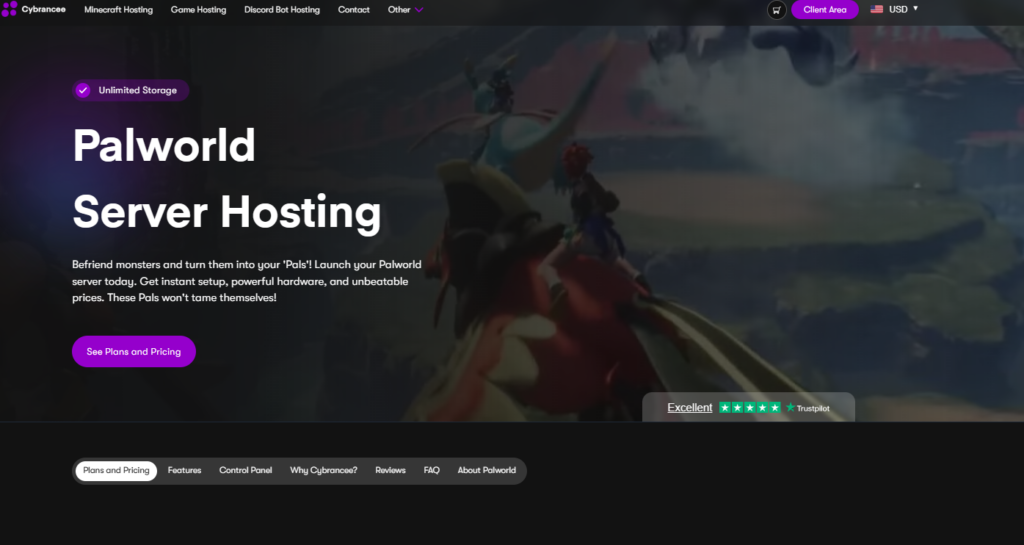
Cybrancee runs well without costing too much, and you don’t have to spend time figuring things out, as your Palworld server grows with more players, bases, and active Pals. It manages to keep things stable without requiring constant adjustments. It also includes useful features like global server locations, automated backups, and reliable DDoS protection.
Price:
- Starts at $9.99/month
- Higher plans go up to $59.99/month, depending on RAM
Pros of Cybrancee:
- 90-day money-back guarantee
- No player slot limit
- Instant setup
- Scheduled backups
- Modern hardware (Ryzen CPUs, NVMe storage)
- SFTP access for file management
- Good value for money
- Servers across multiple global locations
- Beginner-friendly control panel
Cons of Cybrancee:
- No free trial (but includes a 90-day money-back guarantee)
If you’re looking for a setup that works great from your first small base to a massive late-game world, Cybrancee gets the job done. It skips the usual headaches like lag spikes and crashes, making it a solid option if you don’t want to deal with server issues and focus on the game.
You can check our Palworld hosting plans to see what fits your setup.
2. Apex Hosting
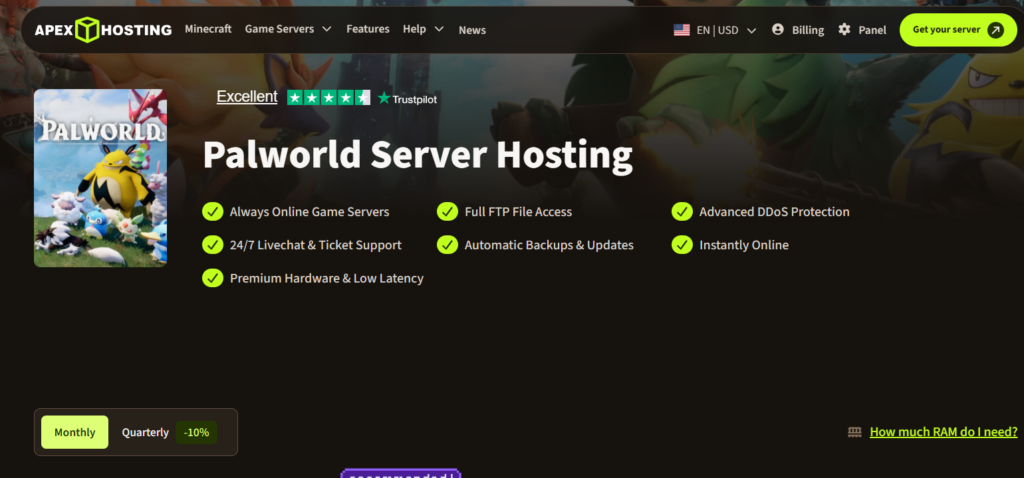
Apex Hosting is built for players who are planning to run larger or long-term Palworld servers. It focuses more on raw performance and stability under heavy load. As your world becomes more complex with automation and multiple players, it generally handles the load better than basic, entry-level hosts. It also gives you more control over things like server settings, file access, and configuration, which is a huge plus for experienced users.
Price:
- Starts around $22.49/month (6GB RAM)
- Goes up to $71.99/month for higher-end plans
Pros of Apex Hosting:
- High-performance hardware
- Handles large and active servers well
- Scales well as your world gets bigger
- Customization options available
- Reliable uptime
Cons of Apex Hosting:
- Higher pricing compared to other providers
- Not ideal for small or casual servers
Even when your server gets bigger, it still runs fine. It doesn’t slow down like cheaper ones.
3. Shockbyte

Shockbyte is usually the go-to for players wanting an affordable starting point. If you’re playing casually with a small group and a basic setup, it works fine, and you won’t run into any noticeable issues early on. Plus, the control panel is straightforward, meaning you don’t need any server admin experience to get it running.
Price:
- Around $11.99/month (basic plan)
- Can go up to $19.98/month depending on slots and setup
Pros of Shockbyte:
- Affordable pricing
- Quick and simple setup
- Multiple server locations
- Works well for small groups
Cons of Shockbyte:
- Performance drops as the world gets bigger
- Not ideal for long-term or heavy servers
- Support can be slow at times
For a small group and a lighter setup, it does the job without many problems. But once your world grows, it starts to struggle.
4. BisectHosting
Price:
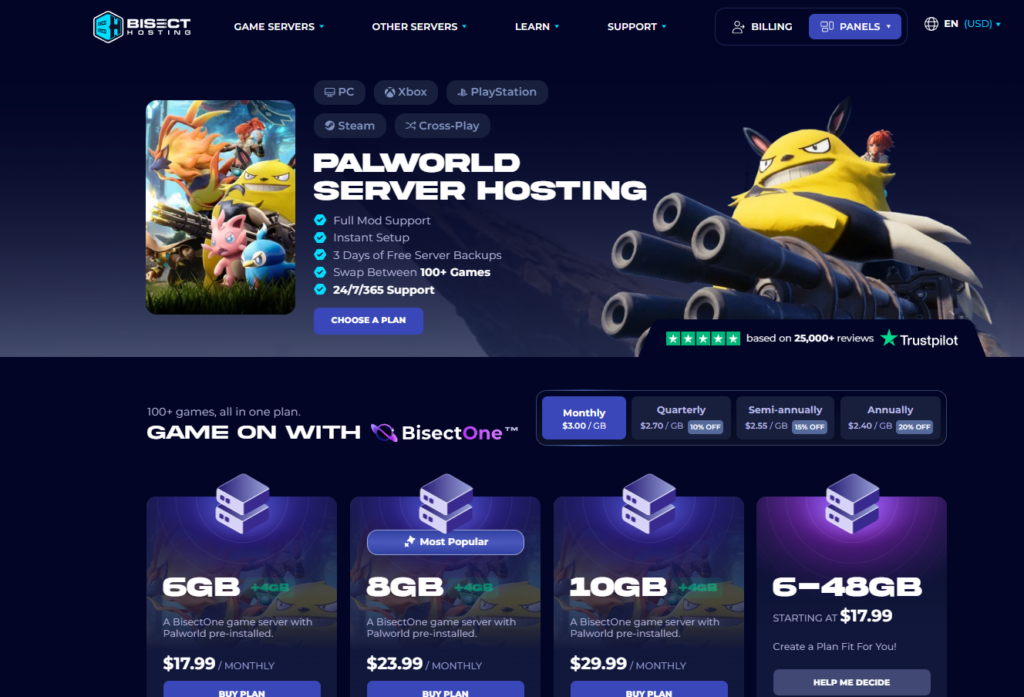
- Starts at $17.99/month (6GB RAM, 1–10 players)
- Goes up to $29.99/month for larger groups (21–32 players)
BisectHosting covers all the basics well. You get 21 worldwide server locations, DDoS protection, full mod support, and a clean panel that’s easy to navigate. Their Trustpilot reviews are strong — support responses within 5–10 minutes are a recurring highlight.
The main issue is value. At $17.99/month for a 6GB plan that handles up to 10 players, you’re paying nearly double what Cybrancee charges for a comparable setup. Backup retention is also limited to just 3 days, which isn’t great for a game where world progress matters.
Pros of BisectHosting:
- 21 worldwide server locations
- Instant setup
- DDoS protection included
- Full mod support
- 24/7/365 support
- Swap between 100+ games on one plan
Cons of BisectHosting:
- More expensive than most alternatives for the same RAM
- Only 3 days of free backups
- Very short refund window
- Pricing scales steeply for larger groups
It works fine for a small group that doesn’t want to think too hard about setup, but the price-to-performance ratio doesn’t hold up against Cybrancee.
5. HostHavoc
Price:
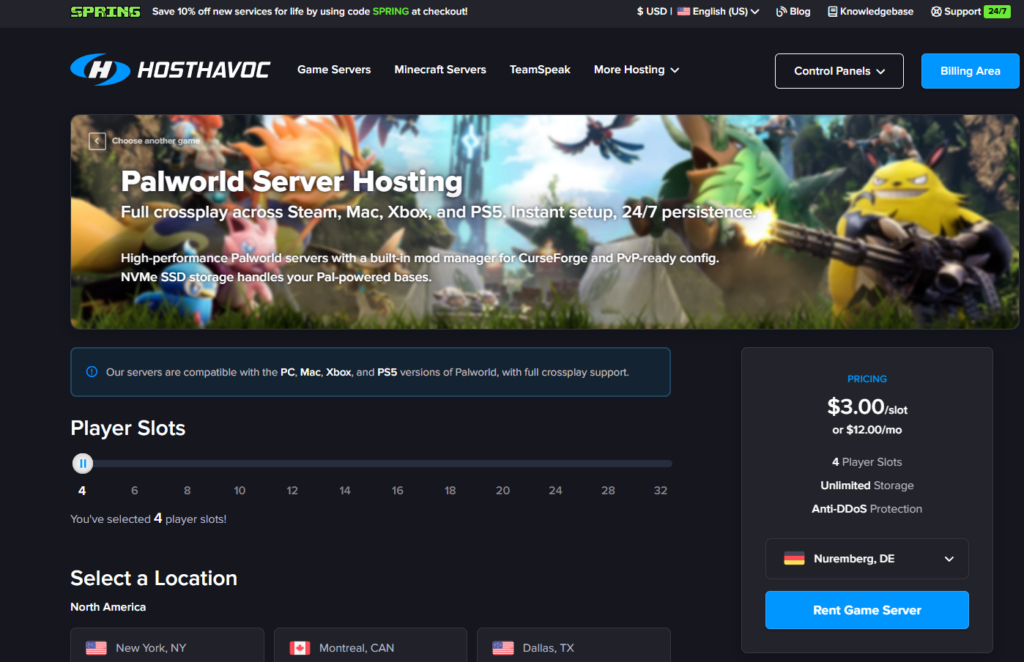
- Starts at $12.00/month (4 player slots)
- $3.00 per slot — scales up to 32 players
HostHavoc is a reliable option that runs on the latest-generation Ryzen and Xeon CPUs with NVMe SSD storage and DDR4/DDR5 memory. Their average support ticket response time of under 10 minutes is genuinely impressive. Full crossplay across Steam, Mac, Xbox, and PS5 is supported out of the box, and the built-in CurseForge mod manager makes installing mods straightforward without touching files manually.
The slot-based pricing is flexible if you know exactly how many players you need, but it means costs add up quickly for larger groups. The refund window is only 72 hours — not much time to properly evaluate the server with a full group across different schedules.
Pros of HostHavoc:
- Fast, modern hardware (Ryzen/Xeon, NVMe, DDR4/DDR5)
- Under 10-minute average support response time
- Full crossplay support (Steam, Mac, Xbox, PS5)
- Built-in CurseForge mod manager
- Unlimited storage
- DDoS protection included
- Offsite backups available
Cons of HostHavoc:
- Only a 72-hour refund window
- Slot-based pricing gets expensive for larger groups
- More expensive than Cybrancee per player
It can work for smaller or more casual setups, but the pricing transparency issues make it hard to recommend when better options exist.
Conclusion
Out of all the options, Cybrancee stands out as the best overall choice. It runs great without costing too much, and you don’t have to spend time dealing with setup or fixing issues later.
The main reason is that it stays stable as your server grows. You can start with a small group and keep playing as things get bigger without running into the usual problems like lag or crashes. It doesn’t require much effort to manage either, which makes it easier to stick with it long-term.
Other providers can still work depending on what you need. Apex is better if you’re planning a massive server from the start, and Shockbyte or GPortal can work for smaller setups. Nitrado gives more control, but it needs more effort to manage.
But overall, Cybrancee feels like the safest option. It works well in most situations and doesn’t run into performance issues later, which is what most people are looking for.