


Node.js isn’t going anywhere. Whether you’re running a Discord bot, a REST API, a Node.js app, or a real-time backend, you need a host that actually understands how Node.js works.
The difference between a good Node.js host and a bad one shows up fast. Process management, npm support, Git deployment, version control — if the host hasn’t built for it, you’ll feel it the moment you try to deploy something that isn’t a static HTML file.
Here are the top 5 best Node.js hosting providers for 2026:
What Should You Look For in a Node.js Host?
Performance Hardware: Node.js runs on a single thread, which means single-core CPU speed matters more than raw core count. Old shared hardware with a throttled CPU will stall the moment your app gets real traffic. Look for modern processors and NVMe SSD storage.
npm Support: This sounds obvious, but some budget hosts claiming “Node.js support” only let you upload pre-built apps. No npm install, no package management, no updating dependencies. Avoid those entirely.
Git Integration: Manual deployments waste time. A host with Git integration lets you push code and have it live in seconds, without FTP or SSH copy-paste sessions.
Node.js Version Control: Your app might need Node 18. Your next project might need Node 20. The host should let you switch versions from the panel — not from a support ticket.
Process Management: Node apps need to stay running. Hosts that handle this for you (via PM2 or their own tooling) are worth the premium over ones that don’t.
Uptime: 99.9% is the floor, not the selling point. Your app should be online whether you’re sleeping or not.
Support: Node.js issues aren’t always Google-able. A real human on the other end of a support chat is worth more than you think when something breaks at 2 AM.
Refund Policy: A 72-hour window isn’t enough time to test a Node.js app properly with a real workload. Look for something generous.
Pricing Comparison
| Host | Starting Price | Storage | Refund Policy |
| Cybrancee | $4.49/mo | 5 GB | 90 Days |
| Hostinger | $18.99/mo | 50 GB NVMe | 30 Days |
| Render | $0/mo (free tier)* | Varies by plan | None |
| Railway | $0/mo (free tier)** | Varies by plan | None |
| DigitalOcean | $12/mo | 25 GB SSD | None |
*paid plans from $7/month
**paid plans from $5/month
1. Cybrancee
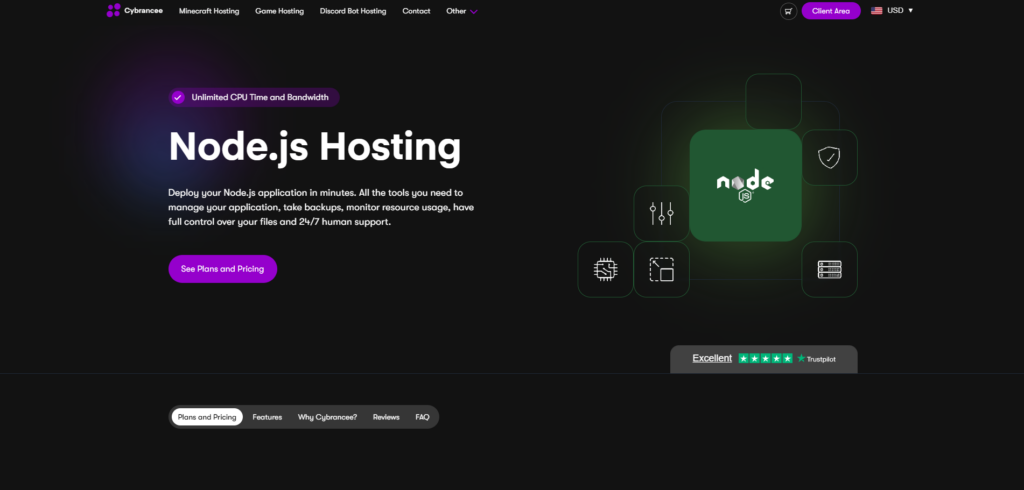
Starting at $4.49/month (5 GB Web Space)
Cybrancee is the best pick for Node.js hosting in 2026, and the price point is hard to argue with. You get Git integration that pulls code changes directly from your repo, scheduled backups so you’re never losing work, real-time metrics for CPU and memory, a version selector that lets you pick your Node.js version from the panel, and 24/7 human support that actually responds. The control panel is clean — no manual to figure out, no SSH rabbit holes just to get a deployment running.
The 90-day money-back guarantee is the most generous refund window in the space. Three months to test everything properly with real workloads, not three days.
Cybrancee also lists unlimited CPU time and unlimited bandwidth on all plans, which is the kind of thing you appreciate the first time you have a traffic spike and your host doesn’t throttle you for it.
Pros:
- Best value for money — starts at $4.49/month
- Git integration is built into the panel
- Node.js version selector
- Unlimited CPU time and bandwidth
- Scheduled automatic backups
- Real-time CPU, memory, and network monitoring
- Free SSL certificate
- DDoS protection included
- 24/7 human support
- 90-day money-back guarantee
Cons:
- No free tier (the 90-day refund policy covers this for most people)
Whether you’re hosting a single Dashboard or running multiple Node.js apps across different projects, Cybrancee handles it cleanly and costs less than most alternatives for what you get.
2. Hostinger
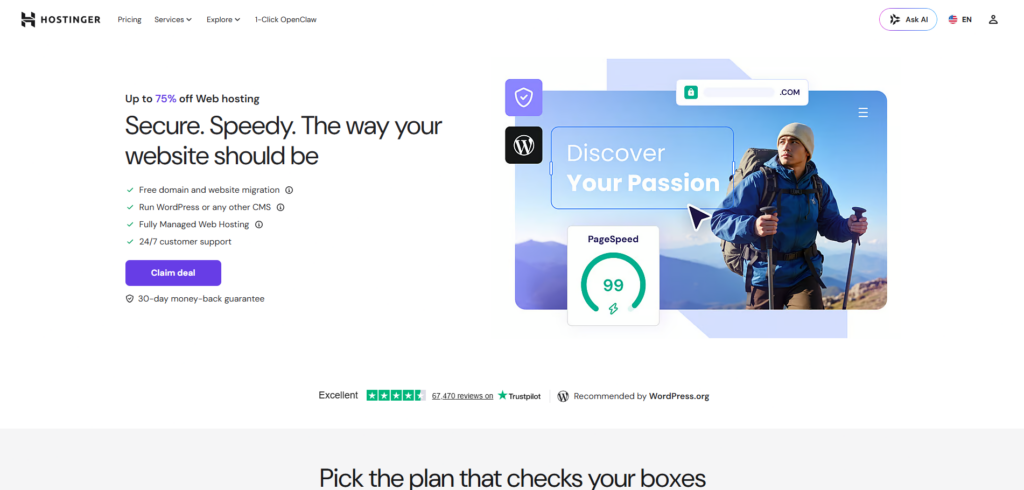
Starting at $18.99/month (Business — 5 Managed Node.js Apps, 50 GB NVMe)
This is Hostinger’s managed Node.js product, not their VPS. Worth being clear about that because the two get confused in comparisons constantly. You’re not SSH-ing into a server and configuring PM2 yourself. The platform handles deployments, backups, SSL, and the web application firewall for you. You get GitHub integration with automatic deployments, daily backups, a CDN, and up to 5 managed Node.js apps on the Business plan. Hardware is 2 CPU cores, 3 GB RAM, and 50 GB NVMe — enough for real applications without fighting for resources.
The GitHub integration is the standout feature. Push your code, it deploys. No FTP, no manual restarts. For developers who want the infrastructure handled without going full cloud-provider-DIY, this sits in a good spot.
The price is the sticking point. $18.99/month is more than four times what Cybrancee starts at. If you’re running a single project, that gap is hard to justify. Hostinger’s support is fast to respond, but the depth of technical help can vary depending on who picks up.
Pros:
- Fully managed — no server configuration required
- GitHub integration with automatic deployments
- 50 GB NVMe storage on the entry plan
- Daily and on-demand backups
- Web application firewall and free CDN included
- Unlimited bandwidth
- Managed SSL certificates
- 99.9% uptime guarantee
- 30-day money-back guarantee
Cons:
- $18.99/month is significantly more expensive than Cybrancee
- Only 5 managed Node.js apps on the Business plan
- Support quality can vary for deeper technical issues
- No free tier
Hostinger’s managed Node.js hosting works well if you want a clean deployment workflow without touching a server and have the budget for it. If price is the priority, Cybrancee gives you the same managed experience for considerably less.
3. Render
Free tier available — paid plans from $7/month
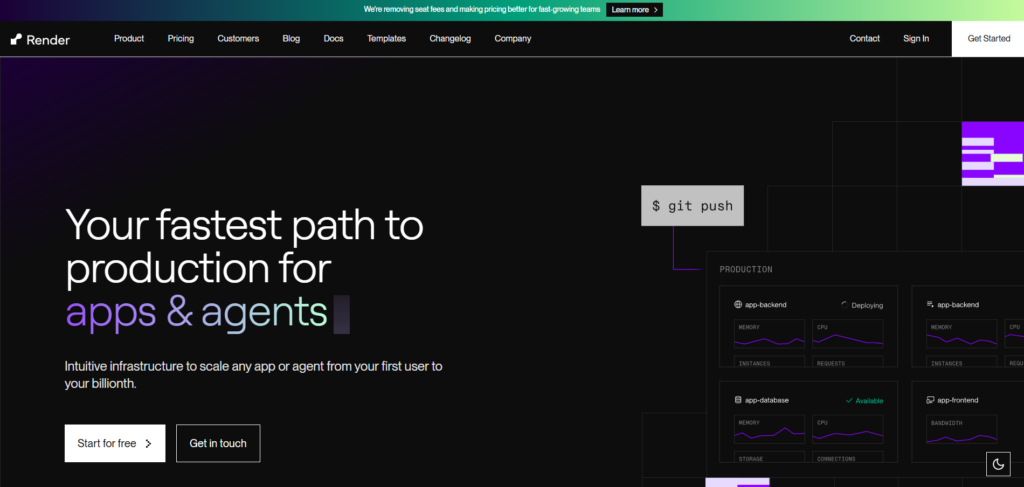
Render is a modern cloud platform built specifically for deploying apps without wrestling with servers. Git-based deployments, automatic SSL, DDoS protection, and automatic scaling are all included by default. You push code, Render handles the rest. For developers who want to ship fast and not think about infrastructure, that workflow is genuinely great.
The free tier is real and slightly usable for small projects. API endpoints, Discord bots, hobby apps — all workable on the free plan. The paid plans start at $7/month per service and are priced by compute usage, which is transparent and predictable compared to some cloud providers that will surprise you at the end of the month.
The catch with the free tier is that services spin down after 15 minutes of inactivity and take 50 seconds or more to cold-start. For anything latency-sensitive — a Discord bot responding to commands, a live API — that’s a problem. Paid plans stay always-on, but then you’re paying $7/month per individual service, which adds up fast if you’re running more than one.
Pros:
- Free tier for small projects and hobby apps
- Git-based deployment — push code, and it deploys automatically
- Automatic SSL and DDoS protection
- Auto-scaling without manual configuration
- Managed databases, cron jobs, and background workers available
- Clean, modern dashboard
Cons:
- Free tier services sleep after inactivity — cold starts can take 50+ seconds
- $7/month per service means costs stack up with multiple apps
- Less hand-holding than Cybrancee for troubleshooting
- No phone or live chat support
Render is a strong pick if you’re comfortable with cloud platforms and want fast deployments. For hobby projects or a single production app, it’s excellent. Running several Node.js services? The per-service pricing becomes a real consideration.
4. Railway
Free tier available — usage-based pricing from $5/month
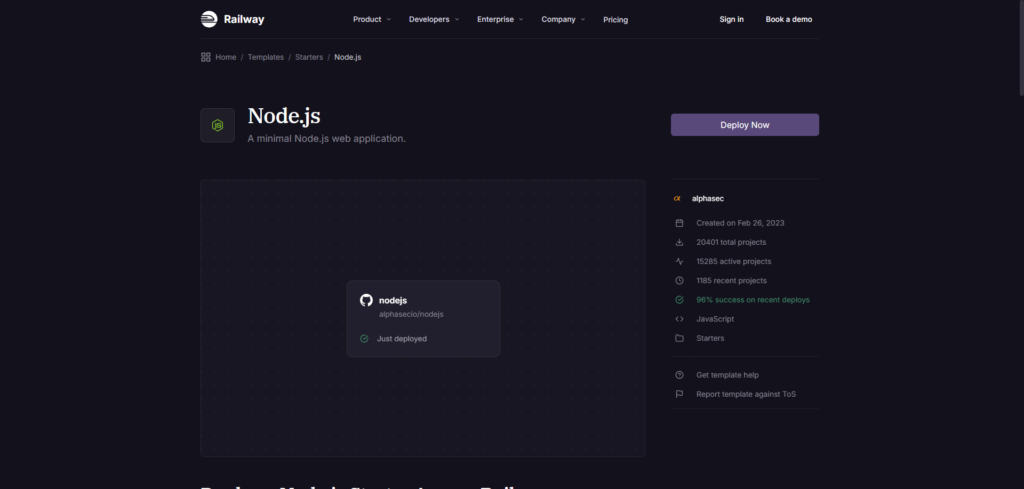
Railway is a developer-first platform where deploying a Node.js app takes about three minutes from a fresh GitHub repo. The entire workflow — environment variables, databases, deployments, logs — is in one clean interface. It’s one of those tools where you set it up once and mostly forget the infrastructure exists, which is exactly what most developers want.
The free tier comes with $5 of usage credits per month and 512 MB RAM. For a small Discord bot or a lightweight API that stretches far enough to be genuinely free. Paid plans start at $5/month with higher usage limits and resources.
The Railway’s pricing model is usage-based, which cuts both ways. Low-traffic apps cost very little. Apps with consistent traffic can rack up costs faster than a flat monthly plan would. It’s worth calculating your expected usage before committing, especially compared to Cybrancee’s flat pricing, where you know exactly what you’re paying.
Support is primarily Discord-based — the community is active, and the team is responsive there, but it’s not the same as a dedicated support ticket system with a guaranteed response time.
Pros:
- Extremely fast deployment — push from GitHub, app is live in minutes
- Clean interface — everything in one place
- Free tier with $5/month usage credits
- Usage-based pricing is transparent
- Supports databases (PostgreSQL, MySQL, Redis) alongside Node.js apps
- Active Discord community and responsive team
Cons:
- Usage-based pricing can be unpredictable for higher-traffic apps
- Free tier RAM is limited to 512 MB
- No dedicated live chat or ticket support
- Less suitable for running multiple large Node.js services on a budget
Railway is a great fit for solo developers and small teams who want minimal friction between writing code and having it live. For anything where predictable flat pricing matters, Cybrancee is the more reliable choice.
5. DigitalOcean
Droplets starting at $12/month — 1 vCPU, 1 GB RAM, 25 GB SSD
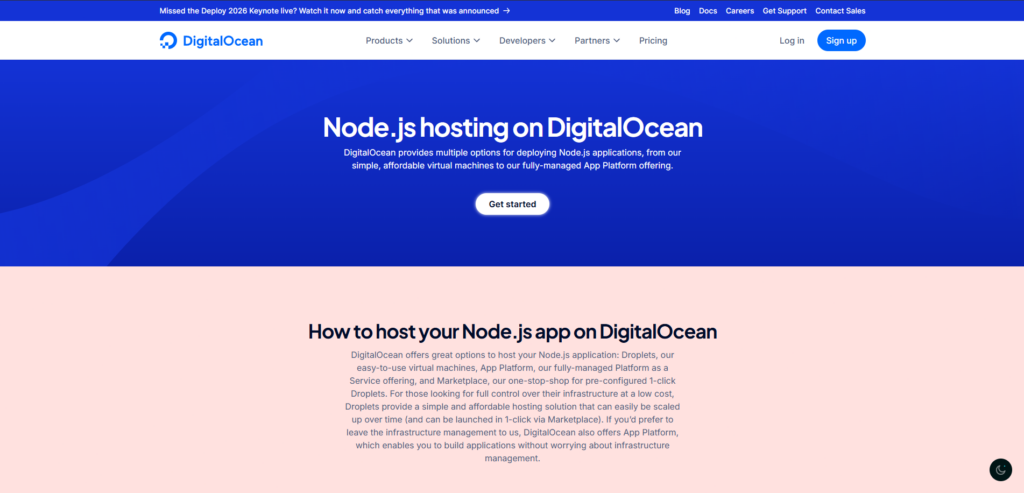
DigitalOcean is the most hands-on option on this list, and that’s exactly the point. You spin up a Droplet — their term for a cloud VM — pick an Ubuntu image, and from there you own everything. Node.js installation, PM2 for process management, Nginx as a reverse proxy, UFW for the firewall, SSL certificates via Certbot, security updates, log rotation, and monitoring setup. None of it is done for you. None of it comes pre-configured.
If that sounds like a lot, it is. DigitalOcean has solid documentation and a library of tutorials that walk through most of these setups, so it’s not like you’re flying blind. But the work is real, and if you’ve never stood up a Node.js server from scratch, expect to spend a few hours before your app is actually live and secured.
The pricing starts at $12/month for a 1 vCPU / 1 GB RAM Droplet. Step up to the $24/month tier, and you get 2 vCPUs and 2 GB RAM, which is more appropriate for anything under real load. There’s no managed Node.js offering here; this is raw infrastructure.
Where DigitalOcean earns its place is flexibility and scale. If you need to run custom background workers, specific kernel settings, your own firewall rules, or software that isn’t available on a managed platform, a Droplet gives you full control. Experienced developers who are already comfortable with Linux and don’t want platform-layer abstraction in the way will find it clean and capable.
There’s no free tier and no formal refund policy. You pay hourly, and billing starts the moment the Droplet exists — even if the app isn’t deployed yet.
Pros:
- Complete control over the server environment
- Well-documented with extensive community tutorials
- Scale up or down by resizing the Droplet
- Managed databases, load balancers, and object storage available as add-ons
- Hourly billing — only pay for what you use
- Datacenter regions across North America, Europe, and Asia
Cons:
- You configure everything: Node.js, PM2, Nginx, firewall, SSL — all of it
- No managed Node.js hosting — no automated deployments out of the box
- $12/month starting price is higher than Cybrancee for significantly more setup work
- No free tier
- No refund policy
DigitalOcean is a solid choice for developers who want raw server access and already know what to do with it. If you’re newer to hosting or want Node.js-specific tooling without the configuration overhead, Cybrancee is the better starting point at a lower price.
Conclusion
The right Node.js host depends on what you need from it. If you want a clean panel, Git integration, version control, DDoS protection, unlimited bandwidth, and a support team that actually picks up — Cybrancee at $4.49/month is the obvious starting point, and the 90-day guarantee means you can test it properly without pressure.
Hostinger gives you raw VPS resources for slightly more money if you want to manage your own server. Render and Railway both have free tiers worth exploring for small apps and hobby projects, with the caveat that usage-based pricing scales less predictably than a flat monthly plan. DigitalOcean is the choice for developers who want full Linux server control and know what to do with it — just be ready to set up everything yourself.
For most developers, especially anyone running Discord bots, small APIs, or Node.js backends, Cybrancee is the best balance of price, features, and support in 2026.
Happy deploying!