
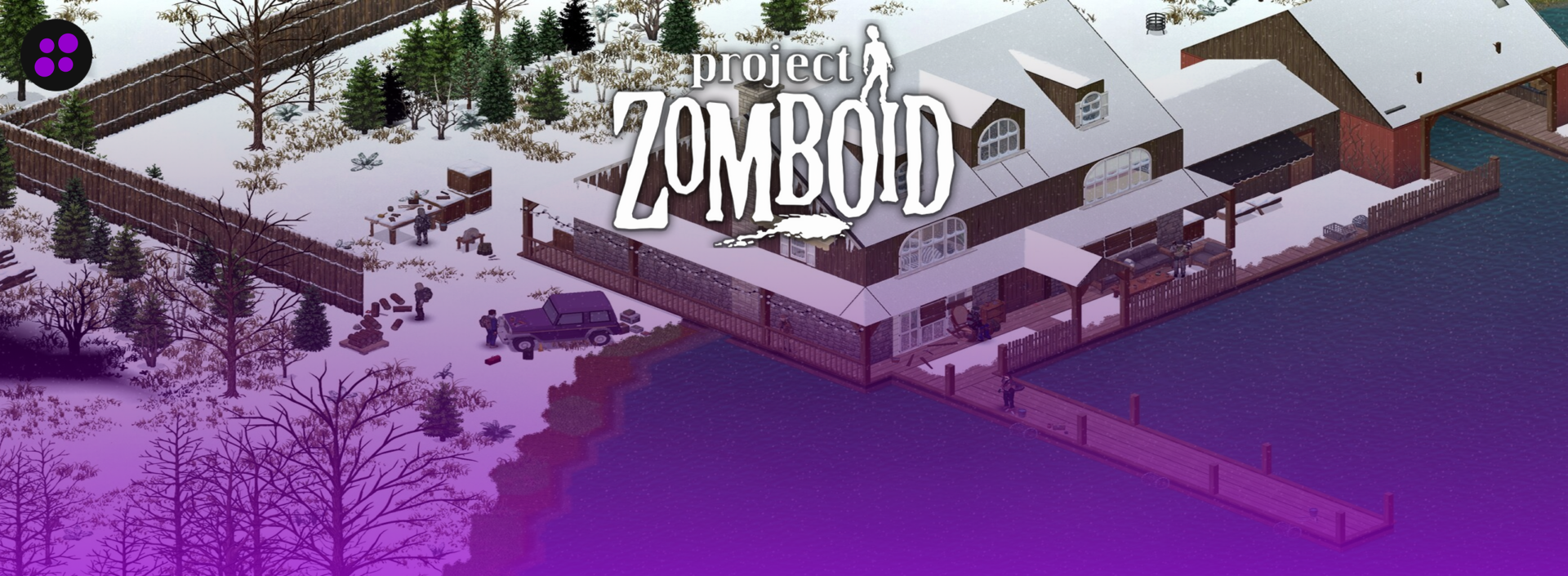

Project Zomboid doesn’t have a story mode you’re racing to finish. It has a slowly tightening noose made of hunger, infection, and your own bad decisions, and somehow that’s the appeal. Add three or four friends splitting jobs between farming, carpentry, and scouting the next town over, and a game about dying alone in Kentucky turns into one of the better co-op experiences on PC right now, especially with Build 42 finally bringing real multiplayer depth to the mix.
Running that world off someone’s gaming PC works for a weekend. Then the host has to go to bed, or their internet drops mid-raid, and everyone else gets booted along with them. A dedicated server fixes that, but Zomboid is unusually demanding about how it’s hosted. The game simulates every zombie individually rather than faking crowds, which means a host that treats it like just another slot-based shooter server will leave you fighting for RAM the moment your world fills up with a few hundred wandering corpses.
Since Zomboid isn’t a plug-and-play title the way Minecraft or Valheim are, not every host has put real effort into it. The five below have, and they’ve kept up with Build 42 as it’s moved from a distant promise to something you can run with friends.
What to Look For in a Project Zomboid Host
Zomboid hosting has a shorter checklist than some games, but a couple of items matter more here than almost anywhere else.
The must-haves:
RAM headroom, not slot promises. Because every zombie is a tracked entity rather than a background animation, Zomboid eats memory fast. A small group of two or three can get by on 4GB, but anything close to a real community needs 8 to 10GB before mods even enter the picture. A host advertising “unlimited slots” on a 2GB plan is selling you a number that will fall apart the first busy weekend.
Branch switching without a ticket. Build 41 is still the stable, heavily modded version most public servers run. Build 42 is where the game is actually headed, and its multiplayer branch has been unstable enough that Indie Stone keeps shipping breaking changes to it. You want to flip between the two from the panel, not wait on support to do it for you.
Steam Workshop support that’s actually built in. Manually FTP-ing mod folders is fine once. Doing it every time your group wants to try something new gets old fast, so look for a panel that pulls mods directly from Workshop.
Backups that restore cleanly. Early access means patches land often, and Zomboid saves aren’t always forgiving when a build changes mid-playthrough. Automatic, frequent backups matter more here than in most established games.
DDoS protection, because public Zomboid servers get targeted more than you’d expect for a niche survival title.
Nice to have:
Multiple server regions, which matters if your group isn’t all in the same country and barely at all if you are.
A support team that’s actually dealt with the Build 42 unstable branch before, since generic advice doesn’t help much when a specific patch broke your save.
Pricing Comparison
| Hosting Provider | Starting Price | RAM (Entry Tier) | Best For |
|---|---|---|---|
 | $11.99/month | 6GB and up, unlimited slots | Best overall, most generous refund window |
 | $11.99/month | 4GB and up | Groups that rotate between Zomboid and other games |
 | $11.99/month | 4GB, 6 slots | Budget entry point with room to scale |
 | $5.99/month (first month, after it’s 7.99) | 2GB and up | Fastest support response times |
 | £9.50/month (~$12) | 10 slots (~2-3GB) | UK/EU players, B41/B42 branch switching |
1. Cybrancee
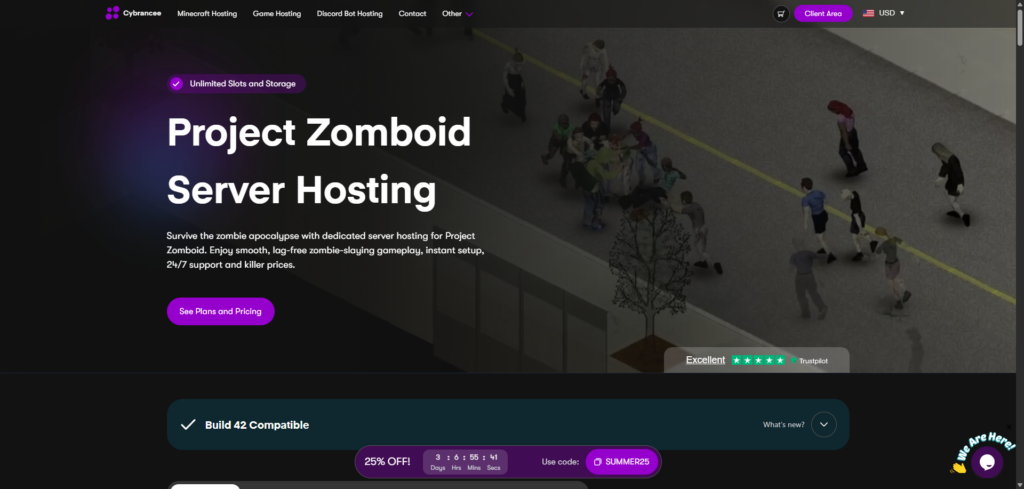
Cybrancee’s Zomboid plans start at $11.99/month for the entry “Crawler” tier, which comes with 6GB of RAM. From there it climbs through 8GB at $15.99 and 10GB at $19.99, up to a Scalable option that can stretch toward 32GB for groups running heavy modpacks. What sets it apart isn’t the entry price so much as what’s included at every tier: unlimited player slots, unlimited storage, and unlimited bandwidth, with a soft limit that support will raise on request rather than a hard wall you hit mid-game.
The hardware backing this is Ryzen CPUs clocked above 4GHz paired with NVMe SSDs, which matters a lot once a server’s zombie count climbs into the thousands. Steam Workshop mods install straight from the panel, a customized build of Pterodactyl that’s a noticeable step up from the older Multicraft interfaces some competitors still run. There’s also a RAM calculator on the site that takes the guesswork out of picking a tier, useful since Zomboid’s memory needs shift so much depending on player count and mod list.
Server locations cover North America, South America, Europe, Asia, Canada, and Australia, so latency usually isn’t the reason to look elsewhere. Setup is close to instant, and every plan comes with scheduled backups and free DDoS protection. Support runs 24/7 with a real human on the other end, backed by an AI companion for quick questions that don’t need a ticket.
The refund policy is the real standout: 90 days, compared to the 3-to-7-day windows most of the rest of this list offers. That’s long enough to run a server through a full playthrough with a real group before deciding whether it’s worth keeping.
Pros:
- Unlimited slots, storage, and bandwidth on every plan
- 90-day money-back guarantee, by far the longest on this list
- Ryzen 4GHz+ CPUs and NVMe storage
- One-click Steam Workshop installs, no manual FTP
- 24/7 human support plus an AI assistant for quick questions
- Six server regions across five continents
- Trustpilot rating in the high 4.8, with reviewers consistently praising response times
Cons:
- The soft slot limit means very large modded communities may need to contact support to raise it
- No free trial, though the 90-day window covers most of what a trial would
For a small survival group or a public server that might grow past what you originally planned for, Cybrancee is the easiest recommendation on this list. Three months is enough time to find out if a host works for you, instead of guessing off a pricing page.
2. BisectHosting
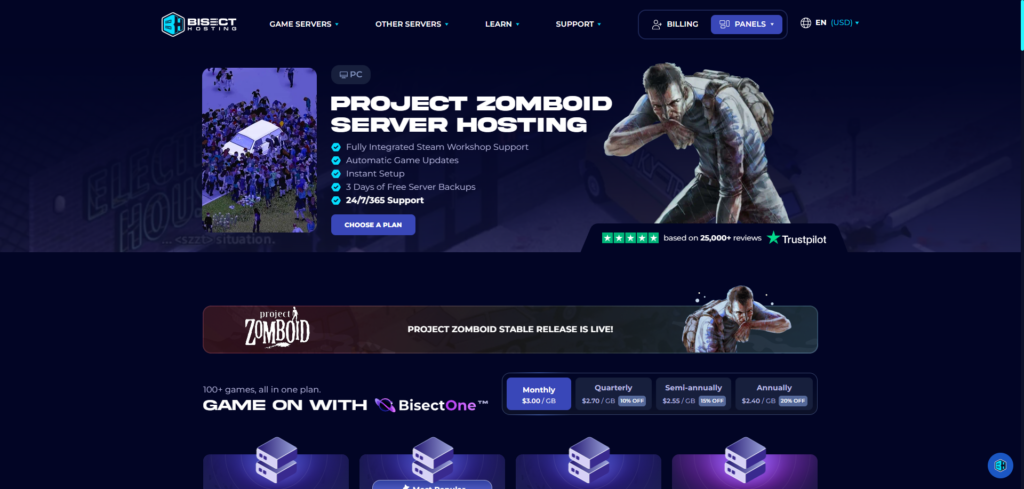
BisectHosting’s Zomboid plans start around $11.99/month for a 4GB slice, scaling up per gigabyte toward the higher tiers, up to roughly 48GB of RAM and 16 vCPUs for groups running serious modpacks. Where Bisect pulls ahead is flexibility. Servers run through BisectOne, an all-in-one plan that comes with Zomboid pre-installed but supports over 100 other games on the same account, so a group that gets bored and wants to try Palworld or Valheim for a month can switch from the panel instead of canceling and re-ordering.
The Instance Manager, part of Bisect’s custom Starbase panel, lets you keep multiple server setups running under one account, and built-in MariaDB/MySQL support is handy if your group ends up wanting a real database behind something like an economy mod. Every plan runs on NVMe SSDs, comes with free DDoS protection, and is backed by 21 server locations worldwide, which keeps ping reasonable almost anywhere.
Support is a genuine strength here. Bisect reports an average ticket response under 15 minutes, and that reputation shows up consistently in reviews. The catch is the refund window: just 3 days, a fraction of Cybrancee’s 90, and add-ons like BisectBoost for extra slots or a dedicated IP can push the total cost up faster than the base price suggests.
Pros:
- Game swapping across 100+ titles from one account
- Instance Manager for running multiple server setups at once
- 21 global server locations
- Free DDoS protection and built-in database support
- Average support response under 15 minutes
Cons:
- Only a 3-day money-back guarantee
- Per-GB pricing climbs faster than Cybrancee’s flat tiers once a server grows
- Add-ons like extra slots or a dedicated IP stack onto the base price
If your group treats games as a rotating door rather than a single long-term commitment, Bisect’s tooling genuinely earns its keep. Just decide fast, since the refund window closes well before Cybrancee’s would even start to worry you.
3. Shockbyte
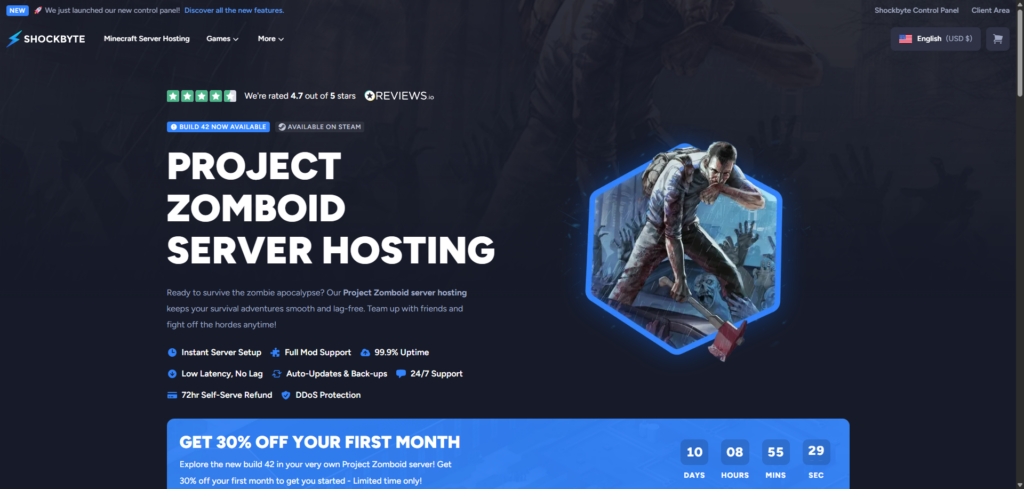
Shockbyte’s Zomboid hosting starts at $11.99/month for a 4GB, 6-slot plan, with tiers scaling up toward 8GB and 24-plus players for bigger groups. Hardware runs on modern AMD EPYC processors paired with NVMe storage, and Shockbyte backs the service with a 99.9% uptime SLA that covers network outages specifically, not just a marketing number on the page. Unlimited disk space and bandwidth come standard, and Steam Workshop mods install through Shockbyte’s newer custom control panel, a real improvement over the aging Multicraft setup it replaced.
Shockbyte has been doing this since 2013, and the Zomboid page reflects that experience: clear setup guides, an option to add a dedicated IP or bump the CPU tier for a fee, and 24/7 ticket support. First-month pricing is usually discounted around 30%, so check what the renewal price actually looks like before committing long term.
The honest weak point is billing support. Several independent reviews report billing tickets taking anywhere from five to twelve days to resolve, even though technical support tends to move faster. The refund window is only 72 hours, and it’s self-serve, which helps, but doesn’t leave much runway if you’re still deciding. Community sentiment on Trustpilot sits noticeably lower than Cybrancee or Bisect, closer to the high 3s, with the recurring complaint being support speed rather than server performance itself.
Pros:
- Long-standing, Zomboid-experienced hardware and setup guides
- Modern AMD EPYC processors and NVMe storage
- 99.9% uptime SLA covering network outages
- Unlimited disk space and bandwidth
- Newer custom control panel, a step up from the old Multicraft interface
Cons:
- Billing support has been reported taking five to twelve days on some tickets
- Only a 72-hour refund window
- Trustpilot sentiment is more mixed than the two hosts above it on this list
Shockbyte earns its spot on reputation and hardware, and for a lot of groups that’s enough. Just don’t expect billing issues to move quickly, and don’t count on the refund window if you need more than a couple of days to make up your mind.
4. Apex Hosting
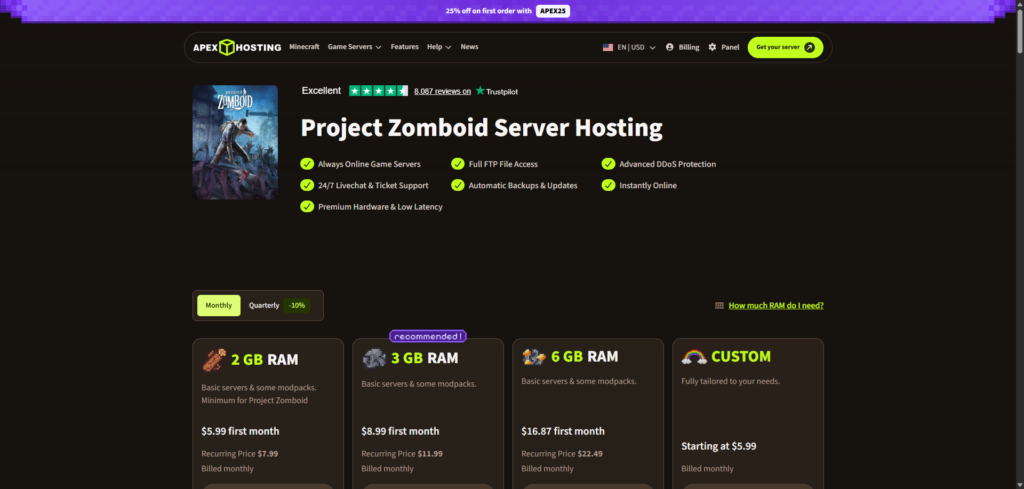
Apex Hosting’s entry Zomboid plan runs $5.99 for the first month, renewing at $7.99, for 2GB of RAM with unlimited player slots. Larger groups can step up to the EX-Series, which puts a server on dedicated Ryzen 9 5900X or 5800X cores clocked up to 4.8GHz instead of sharing CPU time with other customers on the box, a meaningful difference for a heavily modded, high-population world.
Everything runs on NVMe SSD with unlimited storage, and the panel supports one-click installs for more than 200 modpacks, which saves a genuinely annoying afternoon of manual Workshop IDs for anyone who isn’t picky about curating their own list. Apex covers a handful of regions across North America, Europe, and Asia-Pacific, along with additional coverage in Brazil and Israel for a wider spread than most budget hosts bother with.
What Apex is actually known for is support speed. Average first response times land around five minutes, aggressive even against dedicated hosting specialists, and it shows up consistently across reviews. The tradeoff is the panel itself, still built on Multicraft, which is starting to feel dated next to Cybrancee’s Pterodactyl build or Bisect’s Starbase. Pricing at the higher RAM tiers also runs ahead of budget competitors, and the refund window sits at 7 days, better than Shockbyte’s but well short of Cybrancee’s 90.
Pros:
- Fastest average support response time on this list
- Dedicated CPU cores available on EX-Series plans
- Unlimited slots and storage on NVMe SSD
- One-click installs for 200+ modpacks
- Solid regional spread including APAC and South America
Cons:
- Multicraft panel feels dated next to newer competitors
- Pricing climbs faster than budget hosts at higher RAM tiers
- Only a 7-day refund window
If getting a fast, competent answer when something breaks matters more to you than shaving a few dollars off the bill, Apex is a reasonable pick. Just go in knowing the panel isn’t the newest thing on the market.
5. GTX Gaming
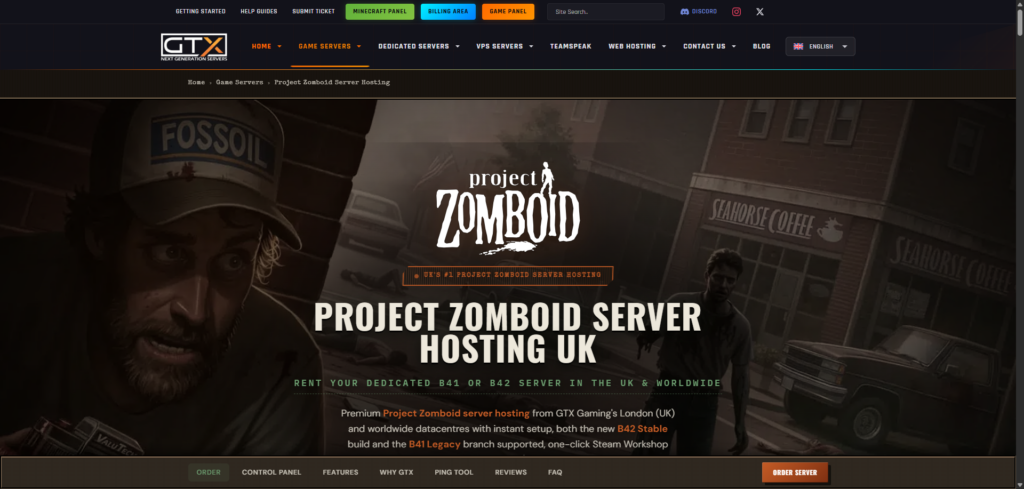
GTX Gaming’s Zomboid plans start at £9.50 a month, around $12, for 10 player slots on either the B41 or B42 branch, roughly 2 to 3GB of RAM. Every order comes with 100GB of NVMe storage included rather than sold separately, which is more generous than most hosts bundle at this price point. The panel supports one-click Steam Workshop installs and, notably, lets you switch between the B42 branch and the older B41 Legacy build without reinstalling from scratch, a genuinely useful feature given how often Build 42’s unstable branch has shifted underneath players this year.
Hardware leans premium: Intel i9-13900K and Ryzen 9 7950X and 9950X CPUs paired with DDR5 ECC RAM, backed by enterprise-grade DDoS protection rated in the multi-terabit range. GTX runs 14 data centers worldwide, including London, New York, Frankfurt, Singapore, and Sydney, which makes it a strong pick specifically for UK and European groups who’d otherwise be routed through a US server with worse ping. Trustpilot puts GTX at 4.7 out of 5 across more than 1,400 reviews, with support staff frequently called out by name in the reviews themselves.
The tradeoffs are cost and commitment window. Per slot, GTX runs more expensive than the budget end of this list, and the refund policy is only 24 hours, the tightest of any host here by a wide margin. The 10-slot base plan can also be more than a small friend group actually needs, though slots can be restricted on the server side if you’d rather not pay for headroom you won’t use.
Pros:
- Premium hardware: high-clock Intel and Ryzen CPUs with DDR5 ECC RAM
- 100GB NVMe storage included on every plan
- Direct B41/B42 branch switching from the panel
- 14 global locations, strong for UK/EU players specifically
- Trustpilot rating of 4.7 across 1,400+ reviews
Cons:
- Only a 24-hour money-back guarantee
- More expensive per slot than budget-tier hosts
- 10-slot minimum may be more than very small groups need
If most of your players are in Europe, or you specifically want to bounce between B41 and B42 without a support ticket, GTX is worth the premium. Just make your decision quickly, because there’s no long trial period to fall back on if you change your mind.
Build 41 vs. Build 42: what your host actually needs to support
Build 41 is the version most public Zomboid servers still run. It’s stable, it has years of bug fixes behind it, and the mod library built up around it is enormous. Build 42 is the bigger overhaul, adding deeper crafting, animals, and a reworked map, and its multiplayer component has only recently become playable at all.
That multiplayer branch is still labeled Unstable for a reason. Recent patch notes recommend keeping servers under 20 players while it’s stress-tested, and mods, including client-side ones, are currently discouraged because compatibility hasn’t caught up yet. Ragdoll physics are disabled in multiplayer for now, and saves made before certain unstable builds stop working once the branch updates again, so backups aren’t optional here the way they might be for a more settled game.
None of that means Build 42 isn’t worth running. It means your host needs to make switching between the two branches painless, since a lot of groups will want to test B42 on a side server while keeping their main modded world on the safer B41 branch until things settle down.
Conclusion
Cybrancee tops this list for a straightforward reason: it doesn’t make you pay extra for the things that matter. Unlimited slots and storage from the cheapest tier, a 90-day window to test the server with a real group, and hardware that holds up once your world fills with zombies puts it ahead for most people starting a Zomboid server this year.
The other four earn their spots for narrower reasons. Bisect is the pick if your group likes to rotate through different games without canceling and re-ordering each time. Shockbyte works if you want a host with over a decade of experience specifically in this space and don’t mind occasionally slow billing replies. Apex is the one to grab if a fast support response matters more than shaving a few dollars off the monthly bill. And GTX Gaming is the strongest option if your players are mostly in Europe or you want clean B41/B42 branch switching without touching a support ticket, provided you decide fast given the 24-hour refund window.
Zomboid’s multiplayer is still finding its footing on Build 42, and that means server requirements will probably keep shifting for a while yet. Whichever host you land on, check what RAM your specific group actually needs before buying rather than trusting the number on the plan page, and lean toward whoever has dealt with the unstable branch before. That experience matters more than any single spec.
Happy surviving!
If you think your business should be on our list, contact us.