



SCUM doesn’t do anything by halves. It’s a prison-island survival game where the character sheet tracks metabolism, body composition, and individual bone breaks, and where a bad decision about what to eat can matter as much as a firefight. The game hit its full 1.0 release in June 2025 after years in early access, and player counts followed. Running that kind of simulation solo is one thing. Running it with a full server of people scavenging, building bases, and occasionally shooting each other over a loot crate is a different kind of demanding.
The catch with SCUM is that it’s genuinely heavier than most survival games. The detailed simulation, metabolism tracking, clothing layers, and individual injuries add real overhead on top of the usual job of running a persistent open world. A dedicated host isn’t optional the way it might be for a lighter game. It’s closer to a requirement the moment more than a couple of people want to play regularly.
As of the 1.0 release, SCUM still doesn’t have official Steam Workshop integration, so mods get installed manually through FTP rather than a one-click Workshop browser the way some other survival games handle it. That makes host quality matter even more, since there’s no shortcut around a host that handles the manual side of things badly.
What to Look For in a SCUM Host
The must-haves:
Enough RAM, and real hardware behind it. SCUM’s own recommendation sits around 8GB minimum, and that number climbs fast once a server supports anything close to a full 64-player roster. A host advertising a SCUM plan with less than that is setting expectations that won’t survive contact with an actual server.
Strong CPU performance. SCUM’s simulation load is heavier than most survival titles, and a host running budget plans on overcrowded shared nodes will show it the moment a server fills up, regardless of how much RAM is on paper.
FTP access for manual mods. Without official Workshop support, mod installation happens by uploading files directly, so a host with a clunky or restricted file manager turns an easy task into a chore.
High player-count support. SCUM servers commonly run 64 players and up, well past what a lot of survival game hosts are built around. Check the advertised cap against what the plan can actually support before assuming “unlimited” means unlimited.
Backups that actually restore. Character data, bases, and loot states are all worth protecting, and a host with automatic backups and a real one-click restore option saves a genuinely bad day when something goes wrong.
Nice to have:
Server locations spread out, useful for a public server with a scattered player base and mostly irrelevant for a small group in the same region.
A support team that’s actually dealt with SCUM before. The game’s detailed simulation means issues aren’t always obvious, and a generic copy-paste answer doesn’t help much when something’s actually broken.
An instance manager or game-swap option, handy if the group’s interests shift to something else down the line.
Pricing Comparison
| Hosting Provider | Starting Price | RAM (Entry Tier) | Best For |
|---|---|---|---|
 | $12.99/month | 10GB, unlimited slots | Best overall, unlimited slots and storage |
 | $17.99/month | 6GB, roughly 12 to 20 players | Swapping between 110+ games, Instance Manager |
 | $18.99/month | 12-player tier | Slot-based pricing, NVMe hardware |
 | $38.99/month | 12GB | Fastest support, EX Series dedicated cores |
 | ~£10/month (~$12.50) | up to 64 slots | UK/EU players, slot-based pricing |
1. Cybrancee
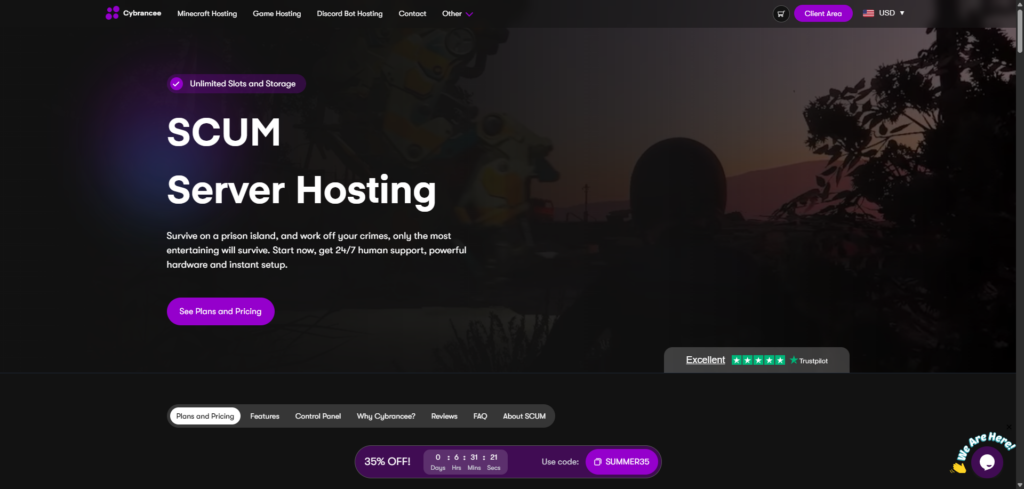
Cybrancee’s SCUM plans start at $12.99/month for the Outpost tier, 10GB of RAM with unlimited player slots and unlimited storage included from the start. Higher tiers include Compound at 14GB for $18.99, Stronghold at 18GB for $24.99, and a Scalable plan at 22GB for $29.99 that can flex up to 32GB, scaling with a growing community without ever capping slots along the way.
Hardware runs on Ryzen CPUs clocked above 4GHz paired with NVMe storage, which matters given how CPU-heavy SCUM’s simulation actually is. Automated backups with one-click restore are included, and the control panel, a customized build on Pterodactyl, handles server management without requiring a command line. 24/7 human support backs it up, with an AI assistant available for quick questions outside ticket hours.
Pros:
- Unlimited player slots and storage on every plan
- Ryzen CPUs above 4GHz, NVMe storage, a real fit for SCUM’s CPU-bound simulation
- Scheduled automatic backups with one-click restore
- Server locations across North America, South America, Europe, UK, Asia, Australia, and India
- 90-day money-back guarantee
- 24/7 human support plus an AI assistant for quick questions
Cons:
- Higher RAM tiers cost more than the entry price suggests, worth checking against expected player count before buying
- No free trial, though the 90-day refund window covers most of what a trial would anyway
For a group planning to run a full 64-player roster, or one that just wants room to grow without hitting a slot cap, Cybrancee is the easiest recommendation on this list. The 90-day window means a server can run through its early setup issues before deciding whether it was the right call.
2. BisectHosting
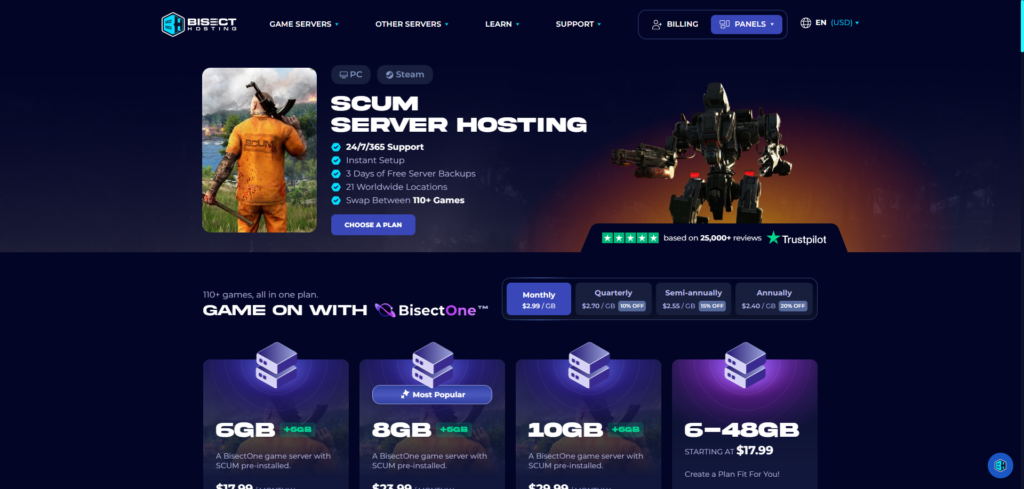
Bisect has been doing this since 2011, and SCUM runs through BisectOne, the same per-GB platform that spans its entire 100-plus game catalog. A 6GB plan, workable for a small server in the 12 to 20 player range, starts around $17.99/month, with 12GB and 24GB tiers available as a community’s player count climbs.
The standout is the Instance Manager inside Bisect’s Starbase panel, letting one account run multiple server setups and swap between any of Bisect’s 110-plus supported titles without ordering a new server. That flexibility matters if a group’s interest in SCUM ebbs and flows alongside other games. NVMe storage and free DDoS protection come standard, and support tickets average under 15 minutes to a first response across 21 global locations.
Pros:
- Instance Manager for running multiple server setups on one account
- Swap between 110+ supported games from the same panel
- NVMe storage on all plans
- Free DDoS protection
- Average support response under 15 minutes
Cons:
- Per-GB pricing climbs faster than Cybrancee’s unlimited-everything model once a server needs more RAM for a bigger roster
- Only a 3-day money-back guarantee
- Backups are retained for 3 days, a short window if a corrupted save isn’t caught quickly
If a group wants the option to run multiple server setups or bounce between games from a single account, Bisect’s tooling is worth the price. Just budget for the per-GB costs once a server needs to support a real player count, and don’t expect much runway from the refund window.
3. Shockbyte
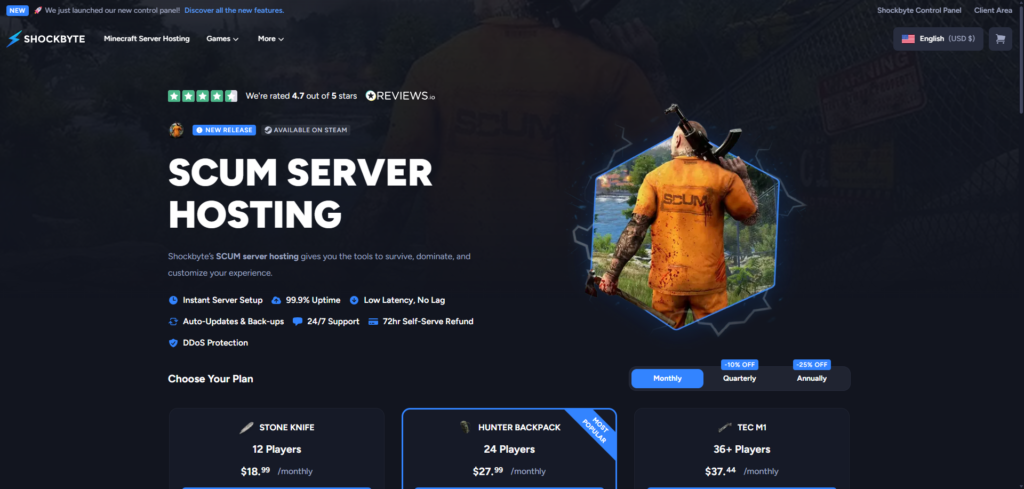
Shockbyte prices SCUM by player-slot tier rather than a flat RAM plan. The Stone Knife tier, 12 players, runs $18.99/month, with Hunter Backpack at 24 players for $27.99 and TEC M1 at 36-plus players for $37.44. Hardware runs on NVMe-optimized servers built for smooth performance under load, and the newer custom control panel replacing the old Multicraft setup organizes server management more clearly than the interface it replaced.
The honest tradeoff shows up in support speed, particularly around billing. Technical tickets tend to move at a reasonable pace, but billing issues have been reported taking anywhere from five to twelve days to resolve. The refund window sits at 3 days, and the optional hibernation feature that sleeps an idle server has been flagged by a few users as slow to wake back up when someone finally logs on.
Pros:
- Clear player-slot tiers instead of guessing at RAM needs
- NVMe-optimized hardware for smoother performance under load
- New custom control panel, a real improvement over the old Multicraft setup
- Free DDoS protection with an SLA covering network outages
Cons:
- Billing support response times are the slowest reported on this list, sometimes five to twelve days
- Only a 3-day (72-hour) refund window
- Hibernation mode can be slow waking a server back up after it’s gone idle
Shockbyte’s tier structure makes it easy to match a plan to an expected player count without doing RAM math first. Just don’t expect a fast turnaround if a billing question comes up.
4. Apex Hosting
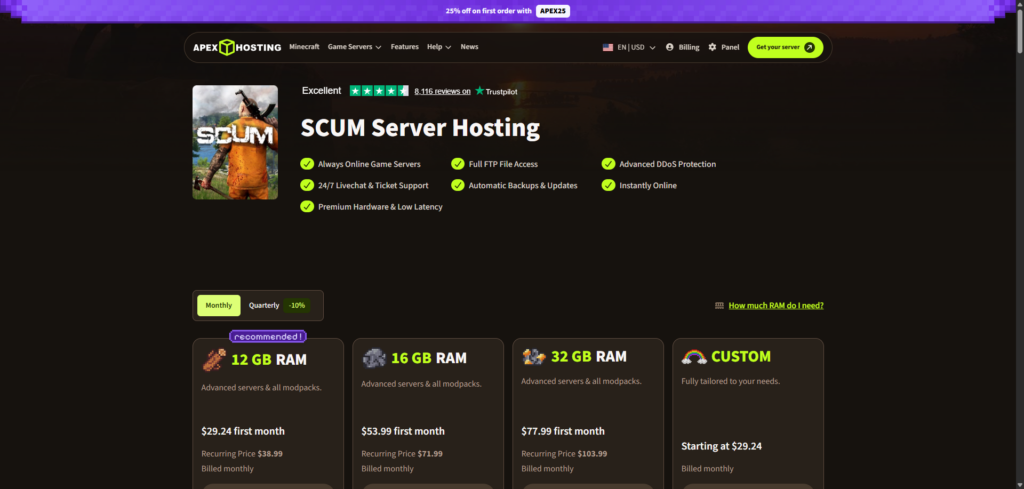
Apex’s whole pitch is speed of response, and the number backs it up: an average of around five minutes to a first ticket reply, aggressive even by industry standards. SCUM pricing starts at $38.99/month for 12GB, climbing to $71.99/month for 16GB and $103.99/month for 32GB, on the higher end of this list but backed by real hardware behind the price.
Where Apex stands out for SCUM specifically is the EX Series, a premium tier built around a Ryzen 9 5900X in the US and EU (a Ryzen 7 5800X in Asia-Pacific), 4 dedicated vCores, and clock speeds up to 4.8GHz. Given how CPU-heavy SCUM’s simulation actually is, that kind of dedicated clock speed is a real advantage for a server running a full player roster rather than a small group. The panel includes full FTP access for manual mod installs, automatic version updates, and DDoS protection, and Apex runs across 18 to 20-plus global locations.
Pros:
- Fastest average support response time on this list, around 5 minutes
- EX Series offers dedicated vCores and high clock speeds, a strong match for SCUM’s CPU load
- Full FTP access for manual mod installs
- 18 to 20-plus global server locations
- Automatic version updates and included DDoS protection
Cons:
- Entry pricing runs higher than most of this list for comparable RAM
- Only a 7-day money-back guarantee
- The Multicraft panel is functional but showing its age next to newer competitors
If fast support and dedicated CPU headroom for a full server matter more than shaving a few dollars off the monthly bill, Apex’s EX Series is worth the premium. Just don’t expect much of a trial period if it’s not the right fit.
5. GTX Gaming
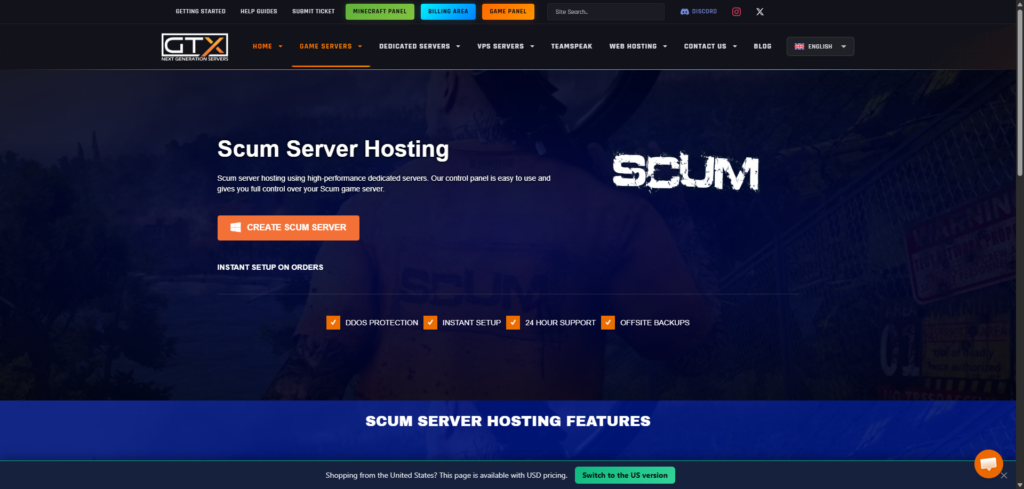
GTX Gaming has built a strong following in the UK and European market, and SCUM plans reflect that, priced in GBP starting around £10 per month (roughly $12.50), scaling with slot count up to 64 players. Hardware runs on Intel and Ryzen CPUs, and setup is essentially instant once payment goes through.
An offsite backup system is included standard, along with free DDoS protection and full FTP access for the manual mod installs SCUM still requires without Workshop support. The panel setup leans on a more layered structure than a single unified dashboard, splitting general management from game-specific controls, which takes a minute to learn but leaves full configuration access available for anyone who wants it.
The catch is the refund window. It’s 24 hours, the tightest on this list by a wide margin, which doesn’t leave much time to properly test a server with a real player count before deciding whether GTX is the right fit.
Pros:
- Slot-based pricing scaling up to 64 players
- Offsite backup system included standard
- Free DDoS protection and full FTP access
- Global server locations across the US, Europe, and Asia
- Strong Trustpilot reputation around 4.6 out of 5
Cons:
- Just a 24-hour money-back guarantee, the shortest window on this list
- Pricing in GBP is a minor hassle for non-UK/EU customers tracking costs elsewhere
- Panel setup spans multiple tools rather than one unified interface
If the player base is mostly European, or slot-based pricing is easier to plan around than a straight RAM tier, GTX Gaming covers ground the rest of this list doesn’t. Just decide quickly, since there’s no long refund window to fall back on.
Why SCUM Needs More Hardware Than Most Survival Games
SCUM’s detailed simulation is the whole reason it needs more from a host than a lot of other survival titles. Every player’s metabolism, individual body parts, clothing layers, and injury states get tracked continuously, not just when something happens to them, and that adds real, constant overhead on top of the usual work of running a persistent open world with 64 or more players moving through it at once.
That overhead leans hard on CPU rather than RAM alone. A host that’s honest about needing real hardware behind a SCUM plan, rather than treating it like just another game server SKU, tends to be the one whose servers stay stable once a roster actually fills up.
Mod support is also a different story here than it is for most other games on this kind of list. SCUM still doesn’t have official Steam Workshop integration as of its 1.0 release, so anything beyond the base game gets installed manually through FTP. That makes a host’s file manager and FTP tooling worth checking directly, since there’s no one-click shortcut to fall back on if it’s clunky.
Conclusion
Cybrancee tops this list because it doesn’t cap player slots or storage the way some competitors do, and the 90-day refund window means a server can actually run through a busy weekend or two before deciding whether it’s the right fit. Unlimited slots from the $12.99 entry tier and hardware built around SCUM’s CPU load put it ahead for most people setting up a server.
The other four earn their spots for narrower reasons. Bisect is worth it if a group wants to run multiple server setups or bounce between games from one account. Shockbyte’s slot-based tiers make it easy to size a plan without doing RAM math first. Apex makes sense if fast support and dedicated CPU headroom for a full roster matter more than saving a few dollars a month. GTX Gaming is the strongest option for European players who want slot-based pricing, as long as the 24-hour refund window doesn’t get in the way of deciding.
SCUM’s simulation is genuinely heavier than most survival games on the market, and the gap between a host that treats that seriously and one that doesn’t shows up fast once a server fills up. Check what player count a specific plan can actually support before buying, not just what the pricing page claims.
Happy surviving!
If you think your business should be on our list, contact us.