
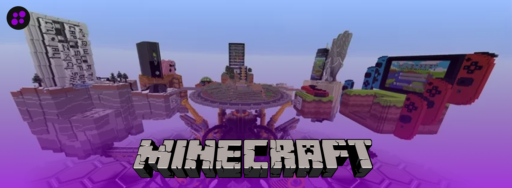

One of the biggest reasons Minecraft became extremely popular was the number of devices it supports.
However, not all devices offer the same experience. Some devices include unique features that other devices don’t have, while some devices only run certain editions of Minecraft. In this blog, we will break down every device you can play Minecraft on and go over the differences between Java and Bedrock Editions.
Let’s start by breaking down the two Minecraft editions.
Java Edition
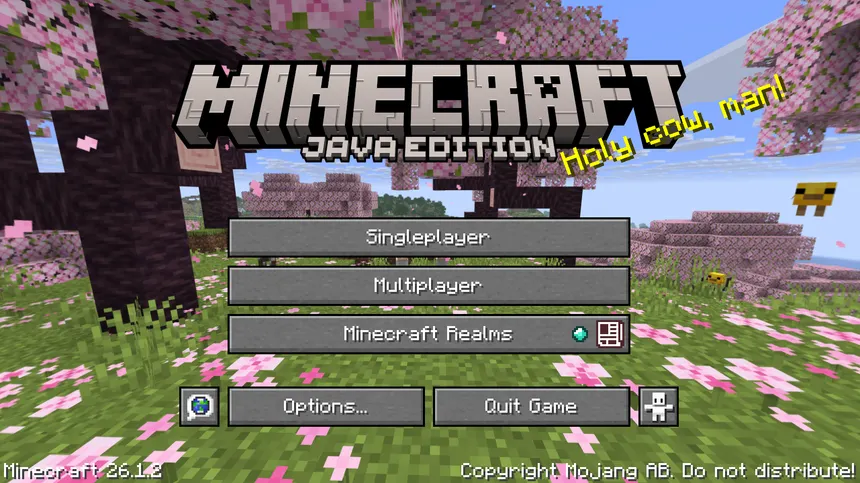
Java Edition is the original version of Minecraft. It is the best choice for players who want the most customizable version of the game.
The modding community is a big reason why many players stick with the Java edition. You can download thousands of mods that add new items, features, and dimensions to the game.
Some modders go a step further by creating their own launchers. Launchers such as Modrinth and CurseForge make it really easy to launch Minecraft with the mods you want installed. Instead of navigating your file explorer to add mods manually, you just click an install button in the launcher, and they are automatically installed and ready to go when you launch Minecraft.
It also has one of the largest server communities of any game.
The biggest Java Minecraft server is currently Hypixel. Hypixel hosts many minigames across its network, including Skyblock and Bedwars. Skyblock is like an MMORPG-lite experience with an economy and skill progression. Bedwars is a game where you need to destroy other teams’ beds to prevent them from respawning and eliminate them.
Similarly, the server 2B2T is the longest-running survival anarchy server. There are no rules against combat or griefing, and the world has never reset.
There are many servers to discover and join in Minecraft Java Edition.
Java Edition also gets snapshot updates regularly. Mojang releases early preview builds of upcoming features so players can test out new content before it’s officially released.
Bedrock Edition
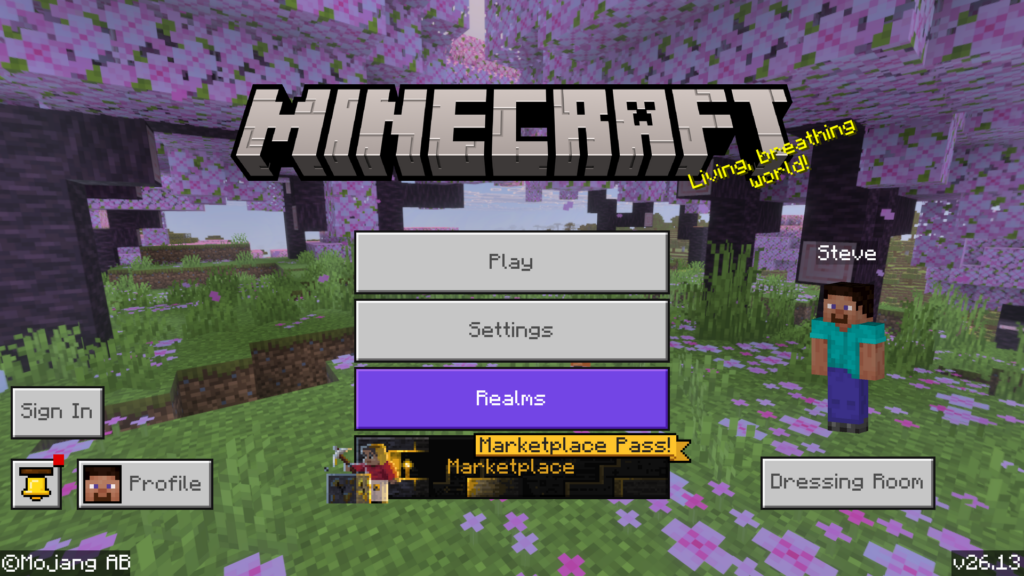
Minecraft Bedrock Edition is the “modern” version of Minecraft that runs across almost every device available today.
Unlike Java Edition, where you’re limited to PC players only, Bedrock Edition allows players across completely different devices to join each other. A player on Xbox can join the same world as someone on a Nintendo Switch or an iPad if they are on the same WiFi network. This edition is perfect for friend groups who use completely different devices.
Bedrock Edition is also perfect for local multiplayer. If you have friends or family together, they can each play Minecraft on a split screen. This eliminates the need to have multiple devices.
Instead of community mods, Bedrock uses a marketplace system. Players can purchase skins, texture packs, worlds, and more created by approved developers. Some items in the marketplace are free, but in most cases, they cost Minecoins. Minecoins are the currency used in the marketplace to purchase content, and can only be obtained by paying money. It is a lot simpler than setting up a mod.
For servers, Minecraft offers seven officially partnered servers. These servers include The Hive, CubeCraft, Lifeboat, Mineville, Galaxite, Enchanted Dragons, and SoulSteel. They offer similar minigames and experiences to some Java servers like Hypixel.
Bedrock also runs more efficiently on older consoles and mobile devices, which is why it can run on more devices.
Realms on Java and Bedrock Edition
Minecraft Realms is a server hosting service that is available on both editions of Minecraft. A Realm is a private Minecraft world that stays online 24/7, so anyone you invite can join at any time, even when you’re not playing.
There are separate plans for both editions. Java Edition costs $7.99 USD a month. Bedrock Edition costs $3.99 USD per month, or $7.99 USD per month for the Plus version. Java Edition does not have a plus version of Minecraft Realms. If you are a first-time subscriber, you can enroll in a 30-day free trial.
Purchasing the Minecraft Realms Plus plan includes free marketplace content, including skins, add-ons, texture packs, maps, and more. The people you invite do not need to purchase the marketplace content to join the Realm.
However, there are important limitations. There is a strict limit on how many people can be on the server at once. Although you can invite up to 10,000 people, only you and 10 other players can play simultaneously. If you purchase the non-plus version of Minecraft Realms on Bedrock Edition, only you and 2 other players can play simultaneously. If you purchase a realm on the Java edition, mod support is not included, and marketplace content is also not included. The world is strictly vanilla.
If you want more control over your server, consider choosing a hosting provider such as Cybrancee, as you can add mods/plugins or increase how many players can play at once.
Comparing Java and Bedrock Edition
| Feature | Java Edition | Bedrock Edition |
| Platforms | Windows, macOS, Linux | PC, Xbox, PS, Switch, iOS, Android |
| Cross-play | PC Only | All platforms |
| Mod support | Full (community mods) | Add-ons & Marketplace |
| Server Community | Large | Small |
| Realms Support | Yes | Yes |
| Marketplace | No | Yes |
| Best For | Modders and PC Players | Cross-play, console, mobile, and families |
Devices on which Minecraft can be played
Consoles (Bedrock Edition)
Minecraft is fully supported on modern gaming consoles for players who prefer playing on a TV. Supported consoles include Xbox One, Xbox Series X|S, PlayStation 4, PlayStation 5, and Nintendo Switch. PS3 and Xbox 360 also support Minecraft, but only on the legacy versions.
All console versions run on Bedrock Edition, which supports cross-play with other Bedrock devices, such as mobile and PC. However, you must have a Microsoft account linked to the game, and a valid subscription to Xbox Game Pass, PlayStation Plus, or Nintendo Switch Online (depending on what console you’re playing on). If you are playing multiplayer locally, a Microsoft account and a subscription are not required.
However, console versions restrict which servers you can join to those that Minecraft officially supports. You won’t be able to join another Minecraft server, such as a friend’s server, from console versions of Minecraft. There are unofficial workarounds, such as adjusting the console’s connection settings, but it is not officially supported. Even with that restriction, consoles are perfect for local multiplayer when you are playing with people in the same room.
Mobile (Bedrock Edition)
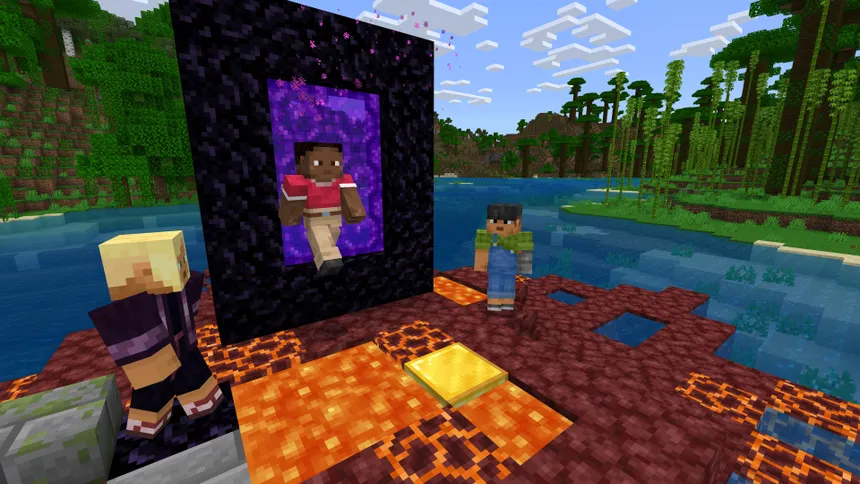
Minecraft on mobile runs on both iOS and Android, and is one of the most popular ways to play. Mobile versions of Minecraft are portable and accessible, so you can play offline single-player easily, or if you have internet, play online.
It runs on Bedrock Edition (formerly known as Pocket Edition) and has most of the same features as the console version. This version also includes touch controls. You can adjust the size, opacity, and position of these controls to whatever fits your needs.
Unlike the console versions, you can join other servers that Minecraft doesn’t officially feature. You just need the server’s IP address and port. Most servers use port 19132, but some use a different port.
Also, you don’t need an Xbox Game Pass subscription to play online on mobile versions of Minecraft. All you need is internet access. However, a Microsoft account is required to play online. Local multiplayer does not require a Microsoft account.
PC (Java & Bedrock Edition)
Windows is the only platform where you can choose between the Java and Bedrock Editions, making it the most flexible option. macOS and Linux only include Java Edition; Bedrock Edition is not supported. It’s also possible to run Bedrock Edition on a Chromebook through the Google Play Store.
Unlike Bedrock Edition, there is no built-in marketplace. If you want to play on adventure maps, mods, or resource packs, you need to do research and download them yourself manually. Also, you can upload your own skin to Minecraft. There are plenty of skin downloads available, but you can also design your own skin using tools and download the file to set it as your own skin.
PC versions of Minecraft give you the most control over how the game performs. For example, you can tweak video settings, install performance mods, or even add shader packs to make Minecraft feel more realistic.
How Much Does Minecraft Cost?
The price depends on which device you want to play on.
On PC, Minecraft is available for $29.99 USD. Purchasing on PC includes both Java and Bedrock Edition; you won’t need to purchase them separately. If you are subscribed to PC Game Pass, Minecraft is included at no additional cost as long as you continue to stay subscribed to PC Game Pass. However, you can also purchase the deluxe or ultimate collections for $39.99 USD and $49.99 USD, respectively. Depending on what collection you get, you get add-ons included and Minecoins.
On consoles, Minecraft is available through each console’s respective store, costing around $19.99 USD. If you have Xbox Game Pass, Minecraft is also included at no additional cost as long as you continue to stay subscribed to Xbox Game Pass. In some cases, Minecraft is offered at a discount depending on the time of year, usually around the holidays. Discounts range from 15% to 50% off.
On mobile, Minecraft is available on the Apple App Store and Google Play Store for $6.99 USD. This is one of the cheapest ways to purchase Minecraft.
Could Java and Bedrock Players Play Together?
The two editions aren’t natively compatible; however, there is a solution for server owners who want to open their servers for both versions.
Server owners can install the GeyserMC Plugin. The GeyserMC plugin acts as a bridge between Java and Bedrock. Bedrock players can connect to a Java Edition server without installing anything themselves. Only the server owner needs to set up the plugin. If you are a server owner and want to set up your server to be cross-platform compatible, check out this guide to install the GeyserMC plugin.
What’s the Best Device to Play Minecraft On?
The best device depends on your needs and the features you want.
If you want to add mods or play on the big Minecraft servers, consider playing on PC with Java Edition. If you want to play online with friends who are far apart, consider picking either the mobile versions or the PC with Bedrock Edition, depending on what you’re more comfortable with. However, if you are playing together in the same room, the best option is to play on the console versions of Minecraft. You can also play together in the same room on different devices if you are playing on Bedrock Editions of Minecraft.
Conclusion
Minecraft runs on almost anything, which is a big reason why it’s popular today.
There are two editions of Minecraft: Java and Bedrock editions. Java edition allows modding, has a large server community, and is the most customizable edition of the game. Bedrock edition has the Minecraft Marketplace and is easy to play with friends since it’s cross-platform compatible. If you’re unsure which device or edition is right for you, consider choosing the edition that your friends play on and the device that you are most comfortable with.
Bedrock Edition supports PS5, Xbox, Windows, Nintendo Switch, and mobile devices. Java Edition supports Windows, macOS, and Linux. The price of Minecraft ranges from $6.99 to $29.99, depending on what device you purchase it from.
Even though the versions are not natively compatible, Java and Bedrock editions could play together by adding the GeyserMC Plugin to the server. You can optionally add the Floodgate plugin to let Bedrock players join without purchasing the Java Edition.
If you’re looking to host a Minecraft server to play together with your friends, explore Cybrancee’s Minecraft Server Hosting. Cybrancee provides high-quality hosting solutions backed by a reliable 90-day money-back guarantee.
Happy Gaming!