

DayZ has never really been about combat or loot on their own. Ask anyone who’s put 400 hours into Chernarus, and they’ll tell you it’s the tension: the moment you spot movement across a field and don’t yet know if it’s a zombie or a player with a rifle. Scarcity, permadeath, and that constant low-grade dread are why the game has outlived most of its Early Access era, and why the modding community around it has stayed active for the better part of a decade.
Official mod support didn’t show up until late 2018, years after the standalone game launched, but once Bohemia Interactive opened up DayZ Tools and Steam Workshop integration, the community didn’t waste much time. Base-building overhauls, weapon packs, vehicle mods, entire trader economies, all of it built on a handful of shared frameworks that most modded servers now treat as standard equipment.
Picking the wrong combination of mods is an easy way to sink a server before it gets off the ground: broken dependencies, bloated RAM usage, a loot economy nobody can make sense of. The five mods below, plus one bonus pick, are the ones that keep showing up on modded servers people actually stick with, and together they cover most of what a server owner needs, whether the goal is PvP chaos, a slower PvE trading economy, or something closer to roleplay.
When Did DayZ Get Mod Support?
DayZ started life in 2012 as an Arma 2 mod, with an official release on February 21, 2013. The standalone version entered Early Access on December 16, 2013, and for years after that there was no official way to mod it. That changed in November 2018: Bohemia released the DayZ Tools modding suite on November 7, followed the next day by the Beta update that added private servers, mod tools, and Steam Workshop integration. DayZ hit its 1.0 release on December 13, 2018, and pretty much every major mod on this list has been built on top of the Workshop and community frameworks that took shape after that.
That history matters for one practical reason. It’s why so many mods share the same handful of dependencies, and why Community Framework in particular has been around since the Tools launch and has become close to mandatory, which is the first thing worth understanding before installing anything else.
What to Look For in a DayZ Mod
Not everything on the Workshop is worth putting on a live server. A few things separate the mods that hold up from the ones that break the first time DayZ pushes an update.
The must-haves:
Compatibility with your current DayZ version. A mod that’s fallen behind a patch or two will either fail to load or corrupt your server on the first restart. Check the Workshop change notes before subscribing. A mod that hasn’t been touched in over a year is a warning sign, not a coincidence.
Clean dependencies. Most serious mods build on Community Framework, and some, like DayZ Expansion, also need Dabs Framework. Skipping a dependency doesn’t give you a stripped-down version of a mod; it just doesn’t load at all. Always check what a mod requires before adding it to your list.
Manageable performance impact. A small script mod like Code Lock barely registers. A full suite like DayZ Expansion can add several gigabytes of RAM usage on its own. Know what you’re adding to the server before stacking several heavy mods together and wondering why it’s lagging.
Straightforward installation. Some mods are close to plug-and-play through the Workshop. Others need you to manually merge types.xml entries or copy a .bikey file into your Keys folder. Neither is inherently bad, but a mod with no install instructions at all is one you’ll be troubleshooting blind.
Active updates and real support. DayZ patches regularly, and a mod that isn’t kept current will eventually break. A maintained changelog, a live Discord, or an author who’s still active on the Workshop page all matter more the moment something actually goes wrong.
Nice to have:
A large subscriber count. It’s not a guarantee of quality, but a mod with millions of subscribers has survived a lot of DayZ patches without falling apart, and that tells you something the description page won’t.
No BattlEye conflicts. DayZ runs on BattlEye anti-cheat, and mods that try to work around it or trip false flags are more trouble than they’re worth. Sticking to well-known Workshop mods avoids this almost entirely.
Top DayZ Mods at a Glance
| Mod | Compatibility | Performance Impact | Dependencies | Best For |
|---|---|---|---|---|
| Community Framework | Always current, no conflicts | Low | None, it’s the foundation | Every modded server |
| DayZ Expansion | Updated for the latest patches | High, 2 to 4 GB extra RAM | CF, Dabs, Expansion-Licensed | PvE and trading servers |
| BaseBuildingPlus | Matches latest DayZ release | Moderate | CF | Servers focused on base-building |
| Morty’s Weapons | Updated for current patches | High, 2.2 GB download | None | PvP and weapon-variety servers |
| Code Lock | Broad, long-standing support | Low | None | Any server with base-building |
| DayZ-Dog (bonus) | Recent DayZ versions | Moderate | CF | PvE and roleplay servers |
1. Community Framework (CF)
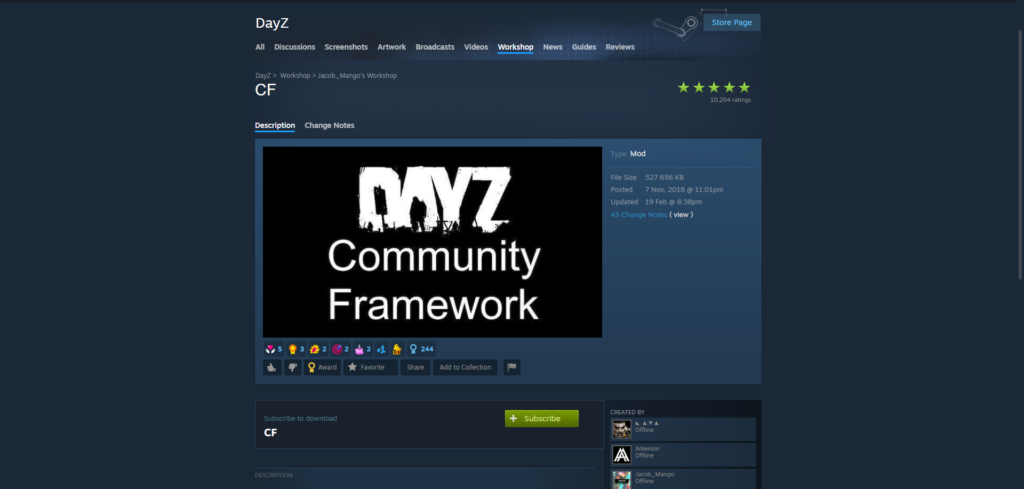
CF isn’t a mod in the sense of adding new items or mechanics. It’s the shared library that almost every other serious DayZ mod is built on, handling shared UI components, RPC handling, and the ID conflicts that used to break servers the moment they ran more than one or two mods at once. It’s been around since it first went up alongside the original DayZ Tools release in November 2018, and it’s had years to become the de facto standard.
Installing it is simple: subscribe on the Workshop, add @CF to your server’s launch parameters ahead of everything else, and wipe your server the first time you add it, as the mod’s own instructions require. From there, it mostly disappears into the background. You won’t notice CF running day to day. You’ll notice the moment you try running a mod that depends on it without installing CF first, because that mod simply won’t load.
Pros:
- Required by nearly every other significant DayZ mod, including Expansion, BaseBuildingPlus, and DayZ-Dog
- Resolves mod ID conflicts that used to be a constant headache on multi-mod servers
- Minimal performance overhead
- Actively maintained and kept current with new DayZ builds
- Over 4.8 million Workshop subscribers, about as close to a standard as DayZ modding gets
Cons:
- Requires a server wipe on first install
- Falling behind on updates can cause errors in whatever mods depend on it, so it needs to stay current
If you’re planning to run any other mod on this list, CF isn’t really optional. Install it first and build everything else on top of it.
2. DayZ Expansion
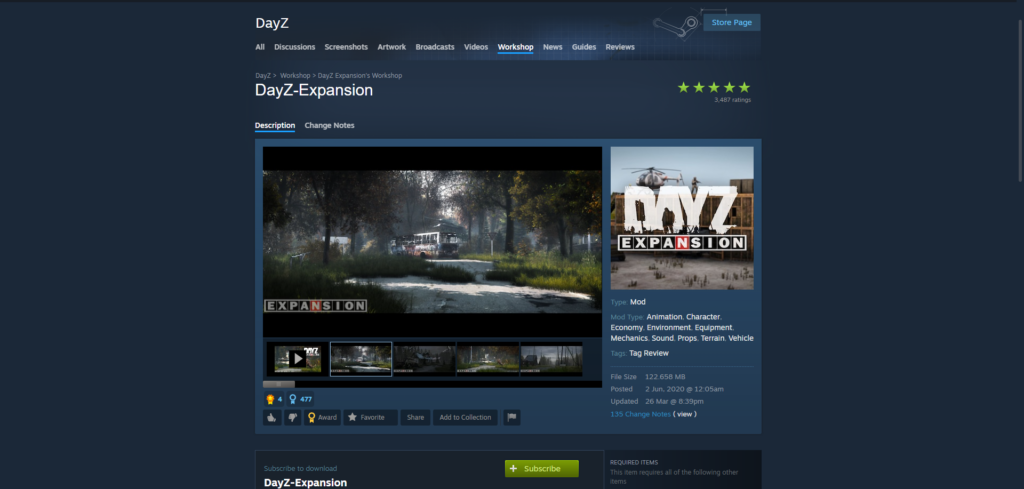
If CF is the foundation, DayZ Expansion is closer to a second game layered on top of the base one. The mod suite adds flyable and drivable vehicles, NPC traders with a working economy, AI patrols, dynamic PvE missions, and a deeper base-building system with wall snapping and new pieces, plus quality-of-life tools like GPS and an in-game party system. Most servers run it through the DayZ-Expansion-Bundle on the Workshop rather than installing each module separately.
It’s also the heaviest mod on this list to run. Expect it to add somewhere in the range of 2 to 4 GB of RAM on top of a vanilla server, along with extra CPU load from AI and mission logic, so it’s worth checking your hosting plan can actually handle it before subscribing. It also needs both CF and Dabs Framework installed first, plus the separate Expansion-Licensed item, and you’ll need to merge its types.xml entries into your server’s loot tables by hand.
Pros:
- Adds vehicles, NPC traders, AI patrols, and dynamic missions, essentially a full economy layer on top of vanilla
- Expanded base-building options beyond what vanilla DayZ offers
- Active development team with a public wiki and Discord
- Over 2.3 million subscribers on the core module alone
Cons:
- Significant RAM and CPU overhead; expect to need stronger hardware
- Requires CF, Dabs Framework, and the separate Licensed module just to work
- New players can find the expanded loot pool overwhelming at first
- Trader and mission configuration takes real setup time; it’s not plug-and-play
Expansion is the right call for PvE or trading-focused servers, or a PvP server that specifically wants helicopters and deeper base defense. If you want something lean, this isn’t it.
3. BaseBuildingPlus (BBP)
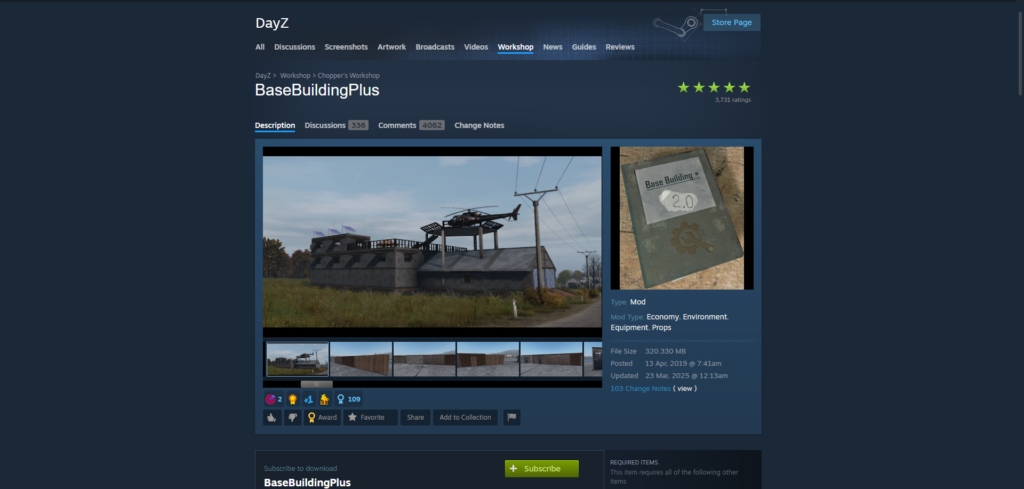
BBP takes DayZ’s fairly basic vanilla base-building and gives it real depth: new wall types, elevated platforms, armored doors, watchtowers, and a run of decorative pieces like carpets and wallpaper that mostly exist to make a base feel lived-in rather than just functional. The 2.0 update reworked more than thirty building parts, and it’s kept getting supported updates since, most recently in March 2025.
Setup takes a few manual steps: subscribe, copy the @BaseBuildingPlus folder into your server root, copy the provided .bikey into your Keys folder, add the mod to your launch parameters, and merge BBP’s types.xml entries into your own so the new items actually spawn. It’s built to be server-friendly, and the download itself is a modest 320 MB, nowhere near the overhead that Expansion carries.
Pros:
- Dozens of new building pieces well beyond vanilla’s limited options
- Only requires CF, no other dependencies
- Optimized for server performance, a relatively light footprint for what it adds
- Over 2.4 million subscribers and consistently updated for new DayZ releases
Cons:
- The types.xml merge step is easy to get wrong the first time
- Missing or incomplete merges can cause item despawn issues players will notice
If base-building is the heart of what your server offers, whether that’s a PvE clan compound or a PvP fortress, BBP is close to essential.
4. Morty’s Weapons
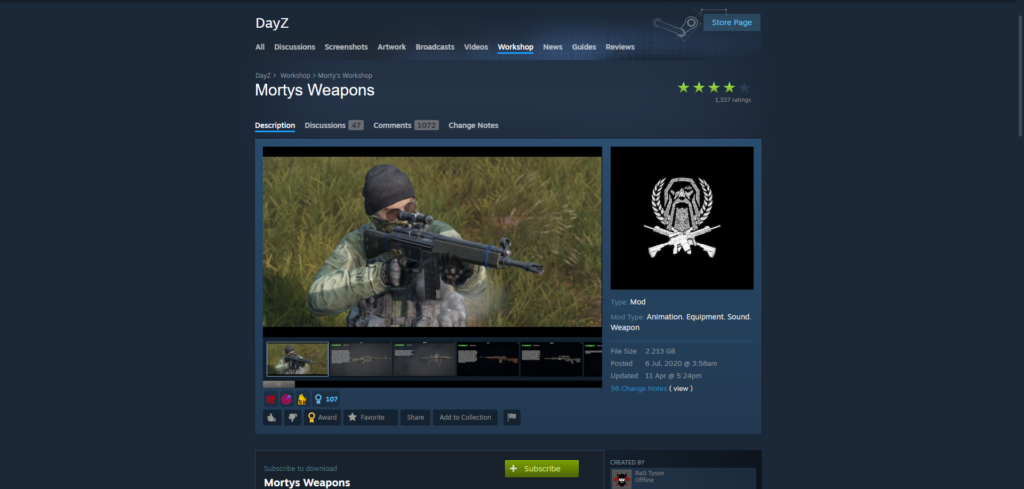
This is a straightforward weapon pack, but a large one: dozens of real-world firearms with their own models, sounds, and stats, mostly built to slot into DayZ’s existing attachment and ammo system rather than replace it. It went up in July 2020 and has kept getting periodic updates since, the most recent major one landing in March 2023.
It’s a heavy download at 2.2 GB, almost entirely because of the model and texture work, and adding that many new weapons will noticeably expand your loot pool. Players generally credit it for not cluttering the economy despite the size, though there’s one quirk worth knowing going in: remove all attachments before disassembling a weapon, or you’ll run into issues.
Pros:
- Large weapon variety with detailed models and sound work
- No dependencies; it runs standalone
- Praised for integrating cleanly with vanilla’s ammo and attachment systems rather than fighting them
- Over 1.1 million subscribers
Cons:
- Large download size at 2.2 GB
- Expands the loot pool significantly, which can crowd out other weapon mods if you’re running more than one
- A few known quirks around attachment removal before disassembly
One weapon pack is usually enough for a server. If yours needs one, Morty’s is the safer pick over stacking several smaller ones.
5. Code Lock
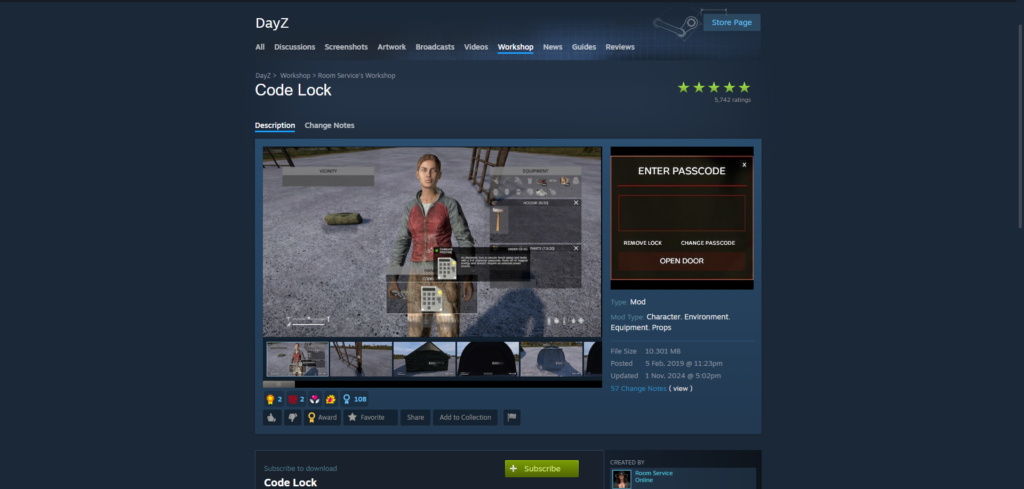
A small mod that solves a real annoyance: DayZ’s vanilla padlocks rely on physical keys, which get lost, duplicated, or turn into a hassle to manage across a group. Code Lock swaps them for 4-digit combination keypads a group can just share by voice or over Discord. It also gives admins real configuration options, including raid windows, attempt logging, and rate limits on guesses.
It first went up in February 2019 and has stayed near-constantly updated since, with the most recent update landing in late 2024. Installation is about as simple as this list gets: subscribe, copy the .bikey to your Keys folder, add @CodeLock to your launch parameters, done.
Pros:
- Solves a genuine vanilla annoyance around lost or duplicated keys
- No dependencies and a minimal 10 MB footprint
- Server-side configuration for raid windows and attempt logging
- Over 4.2 million subscribers, one of the most widely run mods on this list
Cons:
- Codes traded outside the game, over voice chat or Discord, are inherently a bit less secure than a physical key that has to be looted
- The author’s license restricts bundling it into repacked mod packs without permission
Nearly every server with any base-building at all runs some version of Code Lock. It’s cheap to add and hard to find a real downside to.
Bonus: DayZ-Dog
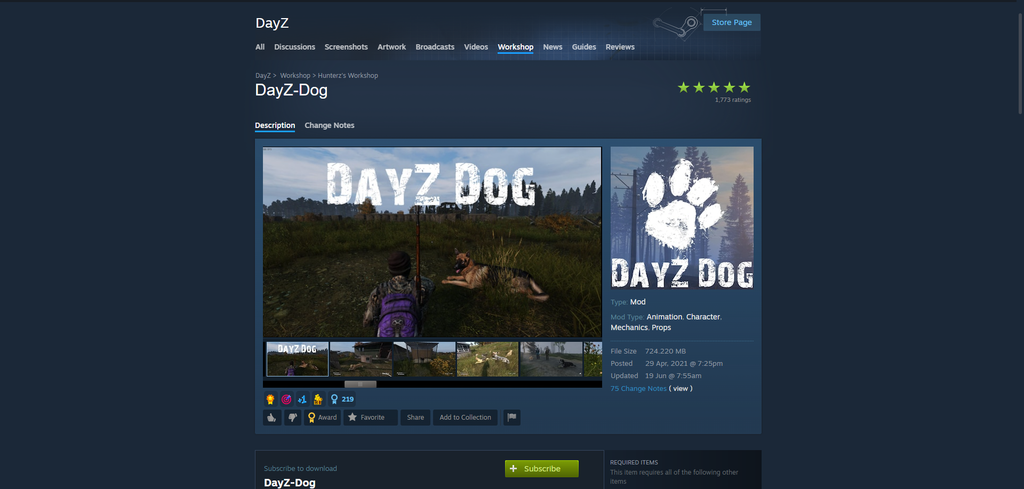
DayZ-Dog gives each player a tameable companion, either raised from a doghouse using a bone item or tamed in the wild by feeding a stray. Once you have one, it’ll follow you, attack on command, hold a patrol area, or stay put, and there’s a decent range of breeds to pick from. It’s less about mechanical advantage and more the kind of thing that makes a long PvE or roleplay session feel a little less lonely.
It went up in April 2021 and was still getting updates as of mid-2024. It requires CF and a moderate 724 MB download for the dog models and animations. The mod’s own page is upfront about a few known quirks, mostly around AI behavior and syncing, but nothing that’s kept it from being one of the more popular companion mods on the Workshop.
Pros:
- Genuinely adds atmosphere and a sense of companionship to long survival sessions
- Multiple breeds and a decent range of commands
- Actively maintained with regular updates
- Nearly half a million subscribers
Cons:
- Some reported AI and syncing quirks
- If your character dies, so does the dog
- Requires admins to set up dog houses or defined territories ahead of time
It’s not a priority for a hardcore PvP server, but for PvE or roleplay servers looking for something with a bit more warmth, DayZ-Dog is worth the modest overhead.
Building a Mod List by Server Type
Not every server needs all five mods, and stacking everything at once is usually a mistake. Here’s roughly how the loadout should change depending on what you’re building.
PvP-focused servers do best staying lean. CF is mandatory, Code Lock keeps bases secure without extra hassle, and Morty’s Weapons adds arsenal variety without dragging in a full economy layer. Skip Expansion unless you specifically want vehicles, since extra systems mostly just mean extra lag on a server built around fast fights.
PvE and trading servers get the most out of DayZ Expansion, since the NPC traders, missions, and vehicles are exactly what that slower, cooperative playstyle wants. Pair it with CF, BaseBuildingPlus for long-term base construction, Code Lock, and DayZ-Dog if you want a friendlier, more social server.
Roleplay servers lean on the same base-building and companion mods as PvE, since immersion tends to matter more than raw combat systems. CF, BaseBuildingPlus, Code Lock, and DayZ-Dog cover most of it. A weapon pack like Morty’s can still fit if the roleplay leans toward realistic combat, but it’s worth going easy on anything that feels arcade-y.
Realism-heavy servers want to keep the mod list tight and avoid anything cartoonish. Morty’s Weapons for authentic firearms and Code Lock for a modern but believable security system cover the essentials, on top of CF. Stick to one weapon pack rather than stacking a few, since overlapping guns is one of the fastest ways to throw off a loot economy’s balance.
Beginner-friendly servers should start small: CF and Code Lock, plus maybe one gentle addition like DayZ-Dog. Bigger systems like Expansion are easier to introduce once your players already understand the vanilla game.
A Few Things Worth Knowing Before You Install Anything
DayZ content falls under Bohemia’s DayZ Public License, which means mods are meant to stay non-commercial and DayZ-only. Most Workshop mods are free to use, but individual authors can still set their own terms. Code Lock’s author, for instance, doesn’t allow repacking or monetizing it without permission. Read the license notes on a mod’s Workshop page before building it into anything you plan to charge players for.
It’s also worth sticking to Workshop mods that don’t try to work around BattlEye. DayZ’s anti-cheat doesn’t play well with mods that mess with its detection, and using well-established, widely-subscribed mods is the easiest way to avoid tripping it by accident.
And when you’re actually installing: add mods in small batches rather than all at once, and validate your types.xml after every merge. It’s a lot easier to track down what broke your loot economy when you’ve only changed one thing at a time.
Conclusion
Community Framework tops this list because, realistically, it isn’t optional. Nearly everything else here, and most of the DayZ Workshop beyond it, is built assuming CF is already running. Start there, then build outward based on what kind of server you’re actually running.
The rest earn their spots for narrower reasons. DayZ Expansion is worth the overhead if you want a full PvE economy with traders and vehicles. BaseBuildingPlus is close to mandatory if base construction is a selling point for your server. Morty’s Weapons covers PvP variety without the bloat of a full overhaul mod. Code Lock is close to a universal yes for any server with base-building at all. And DayZ-Dog, while optional, adds a kind of warmth that PvE and roleplay communities tend to appreciate.
None of this replaces testing. Load mods in small batches, back up your mission files before every change, and give your community a heads-up before flipping the switch on a live server. The mods on this list have survived years of DayZ patches for a reason, but that track record only holds if you set them up properly.
If you’re looking to run a DayZ server, either for friends or for the public, choose Cybrancee’s DayZ Server Hosting. Cybrancee offers exceptional hosting with a generous 90-day money-back guarantee.
Happy modding!