

Factorio is the type of game that was made for single-player but gets better with friends. You start the server with simple tools, and then in a few weeks you have four friends, all building all kinds of structures and farms. While it supports multiplayer by default, it cannot handle four people building in all four directions at once.
Mods can fix that, but there’s one catch. Factorio is stricter about mods than most other games. Each individual player needs to install every single mod, so if someone doesn’t download the whole mod list, then they will have to wait in the lobby. Be sure to have a prepared list so every launch won’t be a troubleshooting session instead.
We prepared a list for you. Five mods plus one bonus, so the next session will be a well-organized one. We checked every mod against the Factorio Mod Portal, and all of them say that they support 2.1, which is the new stable version that came out on October 23, 2026.
What to Look For in a Factorio Multiplayer Mod
A mod that works fine on single-player might not work the same on a server. Here’s what to look for in a mod:
The must-haves:
A version range that includes your server’s. When 2.1 became the stable version, many mods were in the experimental stage, but some might not be ready yet. Be sure to check the mod’s version on the portal page to be sure it supports your server version. A mod that says 2.0 can easily fail on 2.1.
Low UPS cost. In Factorio, each machine simulates the whole world. Only player actions are transferred over the network. Like many other games, Factorio leans on single-core CPU speed, so having a mod that constantly runs scripts can slow everyone at the same time. Lean on mods that have no runtime scripting, like Bottleneck Lite.
Safe to add to a running save. Planners and calculators can go onto an existing world without touching anything in it. Mods that add new entities are different, because pulling them out later leaves gaps in the map.
Nice to have:
Open source. Every mod here publishes its code under an MIT or LGPL license. When something breaks, you can read why, and report it where the author actually looks.
Per-player settings. On a shared server, one person’s preferences shouldn’t change everyone’s screen. Multiplayer UI lets each player set up their own view.
Top Factorio Mods at a Glance
| Mod | Factorio Versions | Downloads | Best For |
|---|---|---|---|
| Todo List | 0.16 – 2.1 | 284K | Splitting up jobs across the group |
| Even Distribution | 0.15 – 2.1 | 533K | Feeding many machines at once |
| Rate Calculator | 0.18 – 2.1 | 457K | Checking what a build actually produces |
| Factory Planner | 0.17 – 2.1 | 345K | Planning ratios before building |
| Bottleneck Lite | 1.1 – 2.1 | 237K | Spotting stalled machines at a glance |
| Bonus: Multiplayer UI | 2.0 – 2.1 | 1.8K | Community servers with a rotating cast |
1. Todo List
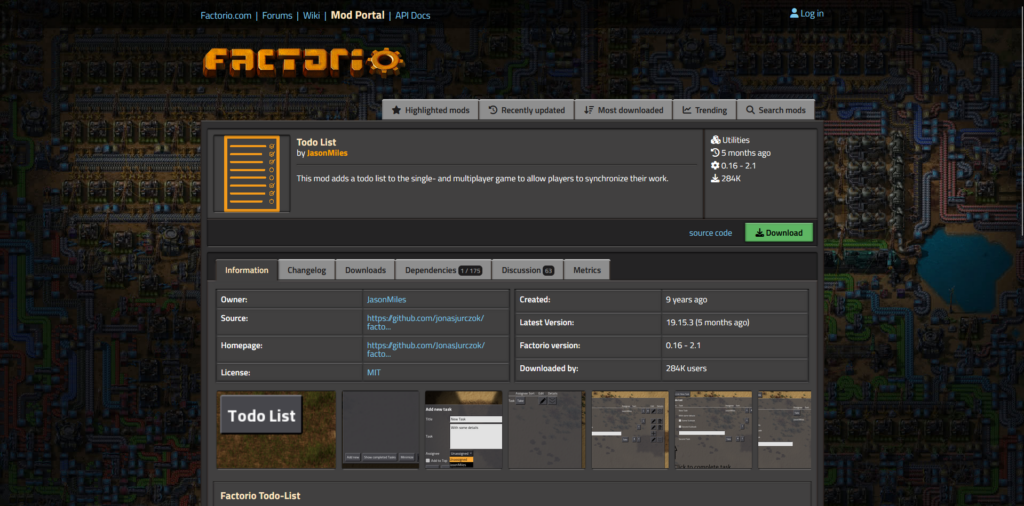
JasonMiles made one of the most useful mods to ever exist. Todo List exists simply because of multiplayer. The mod gives you task windows where players can add jobs, assign them to others, split tasks into subtasks, and also mark them off as completed. Its authors say they built it after their desk filled up with paper notes during long sessions, which is roughly how a shared base feels after a month.
It’s nine years old and still maintained to this day. A Ctrl+F search filter landed in May 2026, a multiplayer race-condition fix followed the same month, and a June release bumped it to 2.1.8.
Pros:
- Tasks live in the save and sync across every connected player
- Jobs can be assigned to specific players
- Search and filter added in 2026
- 282K downloads and an MIT license
- Recent multiplayer bug fixes
Cons:
- A to-do list only helps if the group actually uses it
- The portal’s discussion tab isn’t actively monitored, so bugs go through GitHub
If you only add one mod to a shared server, make it this one. It settles “who’s working on what” before it becomes an argument.
2. Even Distribution
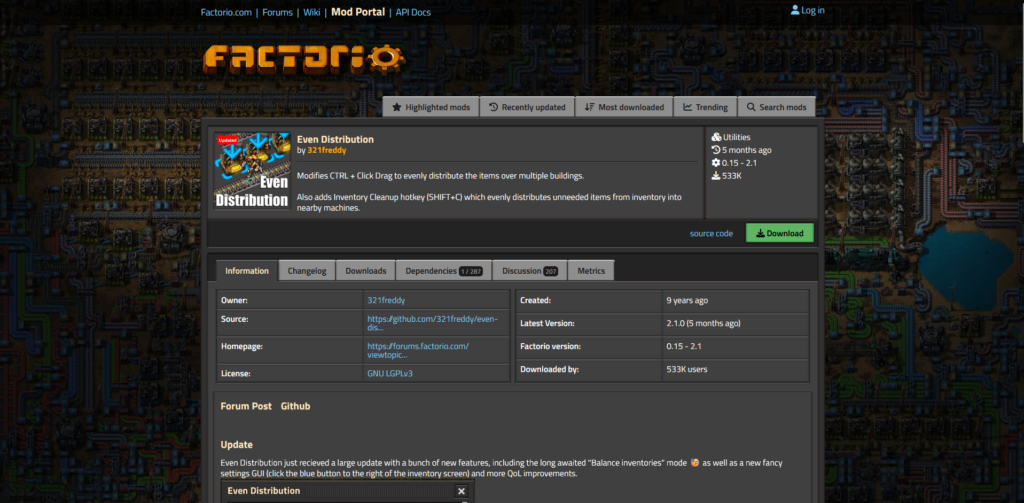
Even Distribution does one small thing you’ll use all day. Pick up a stack of coal, hold CTRL and drag across twelve boilers, and each one gets an equal share. On a shared server, that prevents a specific kind of outage: somebody filled the first four furnaces, forgot the rest, and everyone spends ten minutes working out why the plates stopped.
A Shift+C hotkey also spreads unneeded items from your inventory into nearby machines and chests, so ore and science packs stop clogging your slots. A large update added a “Balance inventories” mode and a settings window. With 533K downloads, it’s the most popular mod on this list.
Pros:
- Fuel and ammo limits, so early-game supplies don’t vanish into the first machine
- Can swap in better fuel or ammo while distributing
- Item groups for Krastorio 2, Space Exploration, and several other big mods work out of the box
- Open source under LGPLv3
Cons:
- The drag has to start while your cursor isn’t over a building, which is easy to forget
- Customizing Shift+C means editing your personal logistic slots
3. Rate Calculator
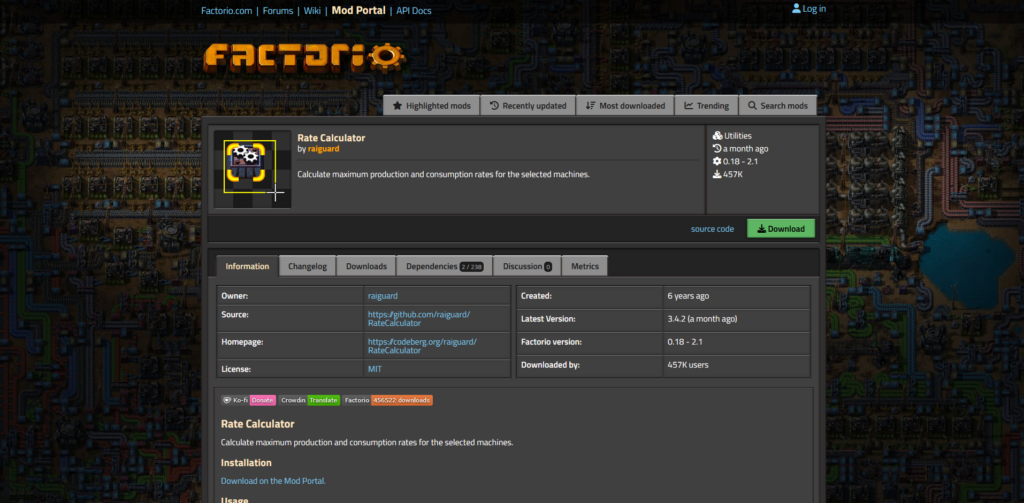
Select a group of machines with the selection tool (Alt + X, or the shortcut bar), and Rate Calculator shows what that group can produce and consume per second. It splits the results into ingredients, products, and intermediates, and the net rate on each intermediate turns green or white when the setup balances. You can scale the numbers against a belt, an inserter or a chest, so “does this fit on one belt?” gets a real answer.
raiguard’s mod has 457K downloads, an MIT license, and a 3.4.2 release. It tells you what you built, which is useful on a server where you didn’t build most of it.
Pros:
- Shows how many machines too few or too many a setup has
- Compares output against belt or inserter throughput
- Keeps your last ten selections
Cons:
- It reports maximum rates, not what the machines actually did
- Power input rates stay hidden until you switch them on in the settings
4. Factory Planner
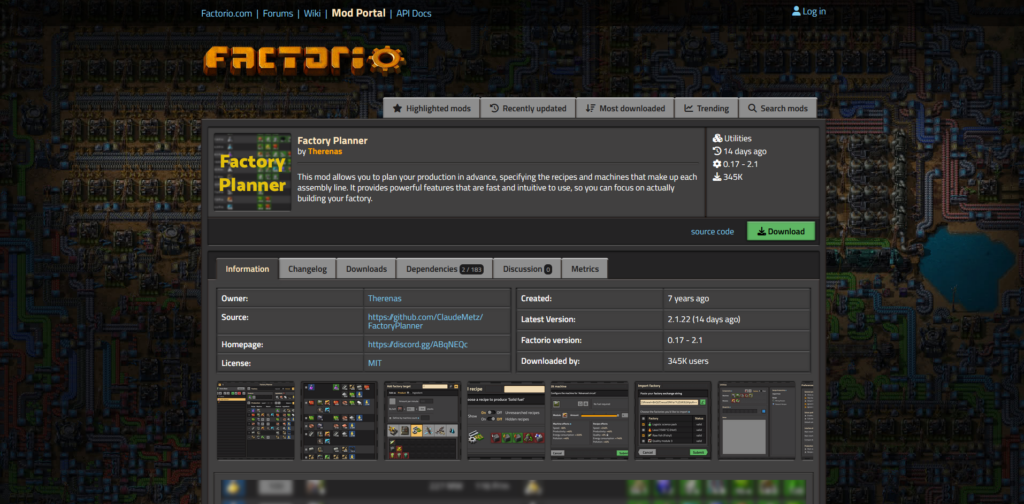
Rate Calculator tells you what you built. Factory Planner tells you what to build. Give it a product and a rate, pick the recipes, machines, and modules, and it works out the rest. It handles mining productivity, offers an optional matrix solver for harder setups, and lets you nest plans in subfloors for big projects. Because it reads your actual mod set, it stays accurate with content mods, unlike the online calculators its author compares it to, which need exported mod data.
It adjusts its interface when Space Age is enabled. Therenas has 345K downloads, an MIT license, and a recent 2.1.22 release.
Pros:
- Plans around the exact mods you run
- Adapts its interface to Space Age automatically
- Can be added to a save at any time
- Bugs and suggestions go to a GitHub tracker
Cons:
- Overkill for a small early base
- Subfloors and the solver take some getting used to
Pick this one if your group tends to argue about ratios after the concrete is already poured.
5. Bottleneck Lite
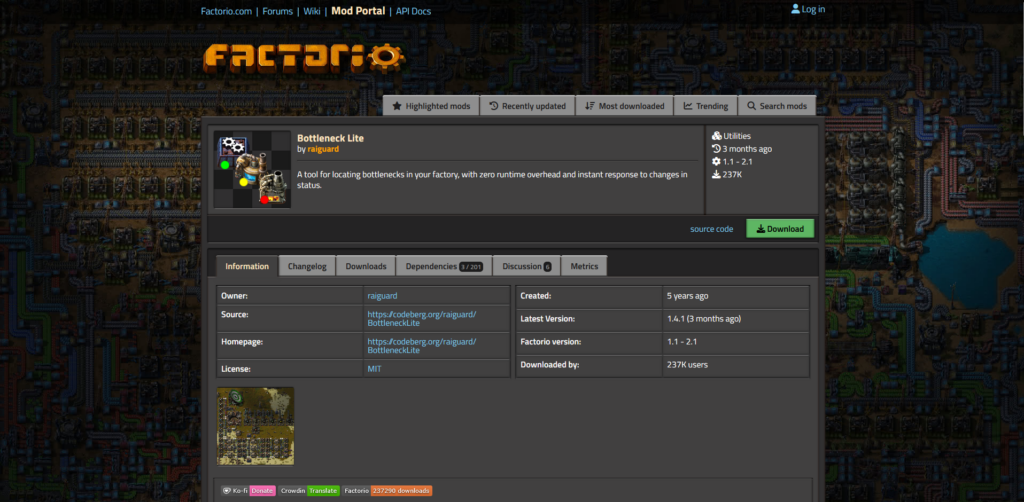
A small colored light on every crafting machine and mining drill. Green means working. Yellow means the output is full or power is low. Red covers disabled, idle, starved of input, out of resources, and no power. With four people building in four directions, it’s the quickest way to see whose section has stalled without asking anyone.
What it costs is why it belongs on a multiplayer list. Bottleneck Lite has no runtime scripting at all. The indicators are drawn into the entity sprites and react to status changes instantly, so the load doesn’t grow with the base. raiguard built it as a lighter take on the original Bottleneck mod. It has 237K downloads and an MIT license.
Pros:
- Zero runtime overhead, however big the base gets
- Instant response to status changes
- Colors, indicator size, and glow are adjustable
Cons:
- Every settings change needs a restart
- No toggle hotkey, and no indicators on labs
Bonus: Multiplayer UI
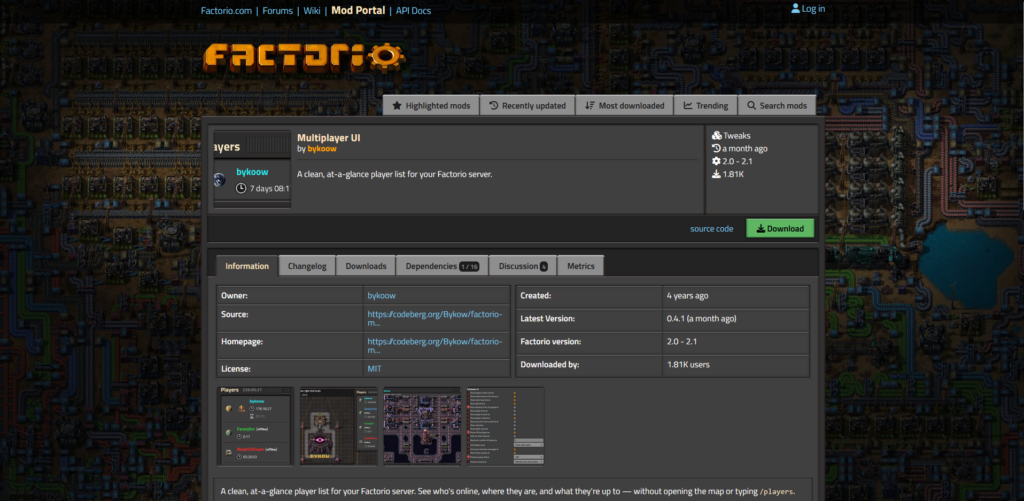
Multiplayer UI is the small one. bykoow’s mod puts a player list in the corner of your screen with each player’s distance, online and idle time, force, current planet or platform, and a death counter that records what killed them last. Hover over a name for a live camera view of that player’s location, or right-click to pin a preview window.
It started as a fork of the unmaintained ChlewUI and was rebuilt for 2.0 and 2.1. Only about 1.8K people have downloaded it, so treat it as a young mod. Its page says all per-player state is kept in the save’s storage, which is what you want from anything that touches multiplayer.
Pros:
- Shows who’s online, how far away they are, and what they’re doing
- Hover previews and pinned preview windows
- Each player configures their own list, and it can auto-hide when you’re alone
Cons:
- A small user base means fewer people have tested it
- Death counts only start from the moment you add the mod to a save
- Two release lines: 2.1 needs 0.3.7 or newer, and 0.3.6 is the last for 2.0 (the portal picks the right one)
On four friends with a voice call, it’s unnecessary. On a community server where you don’t know everyone, it earns its spot.
Building a Mod List by Group Type
You don’t need all six. A shorter list is easier to keep in sync.
A small friend group of two to four does well with Todo List, Even Distribution and Rate Calculator. Add Bottleneck Lite once the base is too big for anyone to remember.
A community server with players coming and going gets more from Multiplayer UI and Todo List, plus Factory Search. Factory Search has 121K downloads and lets you look for an item, machine or circuit signal anywhere in the factory, then jump to it on the map. It supports multiplayer and searches in the background by default there. It also covers every planet at once, while Factorio 2.0’s built-in search only covers the one you’re standing on, so it suits Space Age groups too.
A long-running world is a good home for Milestones (348K downloads), which timestamps each landmark your group reaches. It works on existing saves and estimates times for milestones you already passed from your production statistics.
A Few Things Worth Knowing Before You Install Anything
The Factorio wiki is blunt: all game instances need exactly the same game version and mods. The game compares mod checksums when someone joins, and one mismatched version is enough to turn a player away. The client offers to download the right versions for you, though startup settings sometimes need a second connection attempt before they stick.
Back up before you move to 2.1. Saves from 2.0 load in 2.1, but Wube warns that changes like the new circuit input and output split can break existing designs, and a save or blueprint opened in 2.1 can’t go back to 2.0.
Old guides still recommend the original Squeak Through, which hasn’t had a release in five years and only supports up to 1.1. Squeak Through 2 by _CodeGreen is the maintained version, with 296K downloads and support through 2.1.
On a hosted server, download each mod’s .zip from the portal, drop it into the mods folder without extracting it, and check that mod-list.json has it enabled. Restart after every change, and add mods in small batches so you know which zip broke the boot. A headless server also pauses while nobody is connected, unless you turn on the no-auto-pause option, so change that if you want machines running overnight.
Conclusion
Todo List tops this list because it’s the only mod here built around the actual problem of several people sharing one factory. Even Distribution and Rate Calculator are the two almost any group will use every session. Factory Planner suits groups that plan before they build, Bottleneck Lite is the cheap way to see what has stalled as a base grows, and Multiplayer UI is a good extra for servers with people you don’t see every day.
None of this replaces good habits. Agree on the list as a group, add mods in small batches, and back up the world before every change. Factorio makes everyone match the server, so every change you make is a change for all of them.
If you’re looking to run a Factorio server with your friends or your community, choose Cybrancee’s Factorio Server Hosting. Cybrancee offers exceptional hosting with a generous 90-day money-back guarantee.
Happy automating!