


Every “I want to build a Discord bot” post gets the same reply within about three comments: pick discord.py or pick discord.js. It’s one of the first real forks in the road for a lot of people just getting into programming, since a Discord bot is one of the rare beginner projects that does something you and your friends can actually see and use right away. No abstract to-do app, no calculator nobody asked for. You type a command in a server, and the bot answers back.
The problem is that “just pick one” undersells how differently the two ecosystems feel day to day, and how much history sits behind each library. Both started in 2015 as side projects built by people who were just trying to learn something. Both went through a real maintainer scare a few years back. Both are, as of 2026, actively developed and fully capable of building anything from a basic moderation bot to a full economy system with its own web dashboard. Neither is going anywhere, so this isn’t really a bet on survival. It’s about which one gets you writing bots faster and with less frustration.
| discord.py | discord.js | |
| Language | Python 3.8+ | JavaScript / TypeScript (Node.js 18+) |
| Created | August 2015, by Danny (“Rapptz”) | August 2015, by Amish Shah (“hydrabolt”) |
| Current maintainer | Rapptz, active again since 2022 | The discordjs org, led by Crawl |
| Latest version | 2.7.1 | 14.27.0 |
| GitHub stars/forks | 16.1K / 3.9K | 26.8K / 4.0K |
| Weekly package installs | not centrally published on PyPI | roughly 950K/week on npm |
What is discord.py
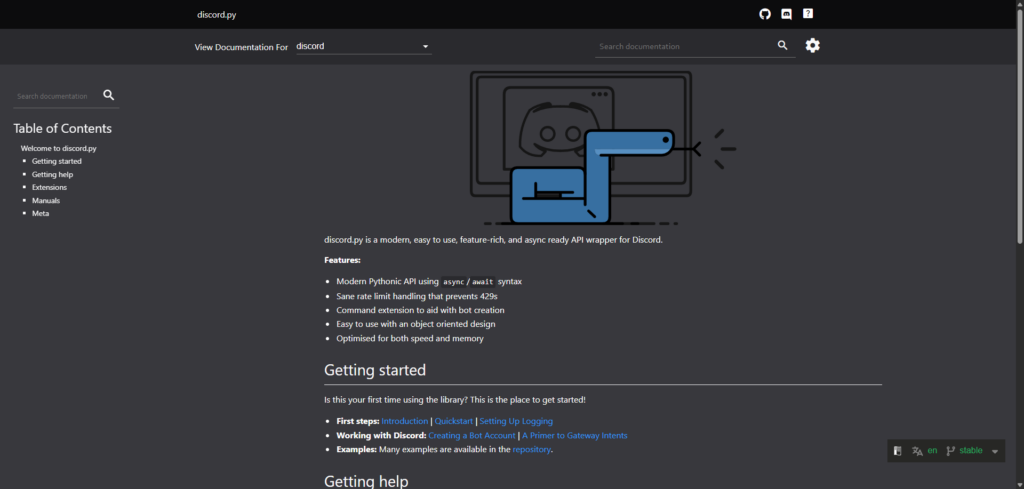
Website: https://discordpy.readthedocs.io/en/stable/
discord.py is a Python wrapper around the Discord API, built on Python’s asyncio. Danny, who goes by Rapptz, started it as a hobby project in August 2015, and it grew into the default way to write a Discord bot in Python.
The library went through a real scare in March 2021, when Rapptz announced he was stepping away from it entirely. The community’s response was to fork it. Pycord and Nextcord both picked up where discord.py left off, adding slash commands and other newer Discord features while the original repository sat archived. Then, in March 2022, Rapptz came back. By August 2022, he had shipped discord.py 2.0, adding native slash command and UI component support and bringing the library back in line with what Discord’s API actually looked like by then.
Development hasn’t slowed down since. The library is currently on version 2.7.1 and supports Discord API v10 in full: slash commands through the discord.app_commands module buttons and other components through discord.ui threads, and voice through a built-in VoiceClient. Rate limiting and sharding are handled internally, so a new developer doesn’t have to think about either one until a bot actually needs it.
On GitHub, discord.py sits at 16.1K stars and 3.9K forks, a solid community even if discord.js pulls in more. Where discord.py earns its keep isn’t really the Discord-specific tooling, though. It’s that a Python bot can pull in anything else in Python’s ecosystem without much friction. Hooking a bot up to a spreadsheet, a small machine learning model, or a scraping script is a much shorter trip in Python than in most other languages, and that shows up in how people actually use the library.
What is discord.js
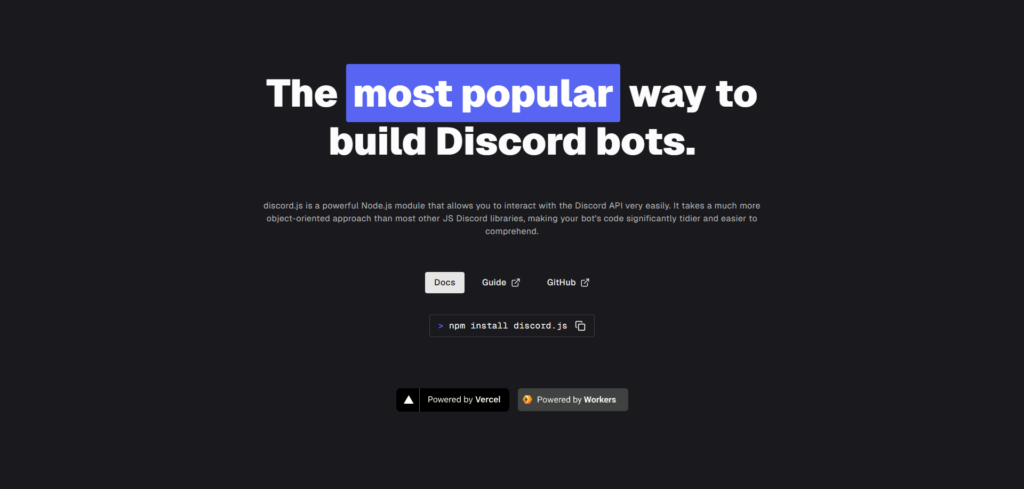
Website: https://discord.js.org/
discord.js is the JavaScript and TypeScript equivalent, built for Node.js. Amish Shah, who goes by hydrabolt, built it as a learning project in August 2015 while he was still in school, and it outgrew what he could keep maintaining solo. In October 2021, he stepped down as owner, handing the project to a maintainer known as Crawl and a wider community team under the discordjs GitHub organization.
The library has been through four major rewrites. Version 12 dropped some legacy flags and required Node 12. Version 13, out in the summer of 2021, added support for the newer slash command features Discord was rolling out at the time. Version 14, released in September 2022, moved fully onto Discord API v10, with stricter intents and new builder classes for things like embeds and buttons. The current line is still v14, now up to release 14.27.0, and it requires Node.js 18 or newer to run.
discord.js leans hard into how Node.js works: an EventEmitter for gateway events, promise-based methods for calling the API, and native TypeScript type definitions so autocomplete and type checking work without extra setup. Voice support lives in its own @discordjs/voice package, and building a slash command is mostly a matter of chaining methods on a SlashCommandBuilder.
The numbers back up its reputation as the bigger of the two libraries. It sits at 26.8K stars and 4.0K forks on GitHub, and the npm package sees roughly 950,000 downloads a week, a real signal of how many bots out there are running on it. New Discord features also tend to land in discord.js first, partly because a lot of Discord’s own example code lives in the JavaScript ecosystem.
Pros and Cons of discord.py
Pros:
- Clean, readable syntax that a total beginner can generally follow without much friction
- Full support for slash commands, buttons, and other UI components since version 2.0
- Handles rate limiting and sharding internally, without extra setup
- Easy to bring in Python’s wider ecosystem for data work, scraping, or lightweight machine learning
- Idle bots tend to use somewhat less memory than comparable discord.js bots
Cons:
- The 2021 to 2022 pause still causes confusion, since a fair number of tutorials point to forks like Pycord or Nextcord instead of the current official library
- Node’s event loop has a real edge for bots juggling a lot of simultaneous events at large scale
- Type hints exist, but Python still isn’t statically typed the way TypeScript is
- Fewer video courses and community tutorials than the JavaScript side
- Async/await and Python’s concurrency model are still things a beginner has to learn before much of this clicks
Pros and Cons of discord.js
Pros:
- The larger community of the two, with the most tutorials, templates, and answered questions.
- Usually first to support new Discord API features.
- Native TypeScript support, with real autocomplete and compile-time checking
- npm’s ecosystem means almost any utility you’d want already exists as a package
- Handles a large number of simultaneous guild events well
Cons:
- JavaScript’s async patterns and Node’s tooling take longer to click for someone brand new to programming
- Idle memory use tends to run a bit higher than a comparable discord.py bot
- Moving from v12 to v13 to v14 involved real breaking changes, and old code needs genuine rework to catch up
- Now requires Node.js 18 or newer, so an old install can quietly stop working
- Four major rewrites mean some tutorials and Stack Overflow answers point toward outdated patterns
Which Should New Developers Learn?
There isn’t really a wrong answer here so much as a better fit depending on what you already know and what you’re trying to build.
Never coded before: Python has the gentler curve. Its syntax reads close to plain English, and discord.py’s design keeps most of the Discord-specific complexity out of the way while you’re still picking up basic programming concepts. A lot of the friction in discord.js, callback patterns, Node tooling, npm quirks, comes from things that have nothing to do with Discord at all, and that extra layer isn’t what a total beginner needs on day one.
Already know some JavaScript, or heading toward web development anyway: discord.js is the more useful skill to build. It plugs directly into the same language you’d use for a frontend or a backend API, and if the bot ever needs a companion web dashboard, there’s no language switch involved. TypeScript support also means fewer silent bugs once a project grows past a weekend hack.
Want the bot to do more than respond to commands: if there’s data processing, a recommendation system, or anything leaning on machine learning in the plan, Python’s library ecosystem makes discord.py the easier path. Pulling in a data science library is a much shorter trip than trying to replicate the same tooling in JavaScript.
Want the biggest community and the fastest access to new features: that’s discord.js. It has more contributors, more downloads, and tends to get new API support first, which matters if you’re chasing the newest UI components or interaction types the moment Discord ships them.
Performance rarely decides this for a small or mid-sized bot. Both libraries handle a few hundred servers without breaking a sweat. It mostly starts to matter at real scale, thousands of guilds with heavy traffic, where Node’s event loop gives discord.js a theoretical edge, or with computation-heavy tasks, where Python’s C-backed libraries can pull ahead. Job prospects for either skill set stay strong; the deciding factor is usually which ecosystem you’re already halfway into, not which one pays better.
Summary
discord.py and discord.js are both mature, actively maintained libraries in 2026, each with a real community behind it. discord.py sits at 16.1K GitHub stars and has been back under active development since Rapptz returned in 2022 after stepping away the year before. discord.js sits at 26.8K stars, sees roughly 950,000 weekly npm downloads, and has been maintained by a full community team since Amish Shah stepped back as owner in October 2021.
discord.py favors readability and a gentler learning curve, plus an easy path into Python’s wider ecosystem. discord.js favors a bigger community, faster feature support, and native TypeScript, at the cost of a steeper initial climb around Node and async JavaScript.
For a complete beginner, Python is usually the easier on-ramp. For anyone already leaning toward JavaScript or web development, discord.js is the more directly useful skill to pick up. Either one is a legitimate way to build a real bot and walk away with programming skills that carry over well beyond Discord.
Happy coding!