


Your Discord bot works perfectly fine when you test it. Then you close your laptop, and as soon as someone else tries to run a command, nothing happens. Writing working code is only half of the job: it also needs somewhere to run.
Self-hosting gives you full control of the environment your bot runs in, but you also take full responsibility for keeping it running and healthy. Managed Discord bot hosting handles more of the hosting side of things for you, so you have more time to build features and look after your community.
We recommend managed hosting for most community bots that need to stay available without you having to add server maintenance to your schedule. Self-hosting does make more sense as an option if you want to learn about DevOps or you need to set up a bot that a bot hosting plan isn’t able to accommodate. Here’s how to figure out which option fits your project best.
Self-Hosted vs Managed Discord Bot Hosting at a Glance
The biggest difference between self-hosting and managed Discord bot hosting is who looks after the environment your code is running in. Either approach can run your bot if the environment supports its requirements, but the maintenance responsibilities differ.
| What matters | Self-hosted | Managed bot hosting |
|---|---|---|
| Getting started | You prepare the machine, runtime, dependencies, and process management. | A host supplies a hosting environment and tools for quick and easy deployment. |
| Control | Full control over a machine you administer, within any provider restrictions. | Control depends on the panel, supported runtimes, and plan limits. |
| Maintenance | You maintain the operating system and hosting setup. | The host maintains the underlying platform; you maintain your application. |
| Troubleshooting | You investigate both server problems and bot problems. | You troubleshoot your application and configuration; the host handles underlying platform issues within its support scope. |
| Costs | Hardware or server rental, electricity where applicable, and your time. | A hosting subscription, plus any external services your bot needs. |
| Best fit | Infrastructure learning and unusual special requirements. | Community bots and developers who want easy hosting management. |
Self-Hosting: More Control, More Jobs
Self-hosting can be as simple as running your bot on a spare computer, a home server, or a VPS you administer. You choose the operating system and decide how everything works with each other. That flexibility is useful when your project needs custom system packages, multiple connected services, or GPU-heavy jobs. You might want the bot alongside a database and a dashboard, with control over how those services communicate.
The trade-off is maintenance. Installing Python or Node.js gets you started, but a dependable bot also needs a process manager, safe access controls, updates, logs, and backups. You need to know what happens after a reboot and how to recover when the process fails.
When a Home Computer Makes Sense
Your own computer is a good place to develop and test. You can change code quickly, inspect errors, and experiment without moving every change to a remote server.
For a community that expects the bot to be available throughout the day, a personal laptop is harder to recommend. Sleep mode, restarts, power interruptions, and home internet problems can interrupt it. Keeping a device awake solves only one of those issues.
If you’re still trying to get your first bot running, our How to Make a Simple Discord Bot guide walks through creating the application, writing a basic JavaScript command, and uploading your files for hosting.
Managed Hosting: Less Infrastructure Work, Clearer Boundaries
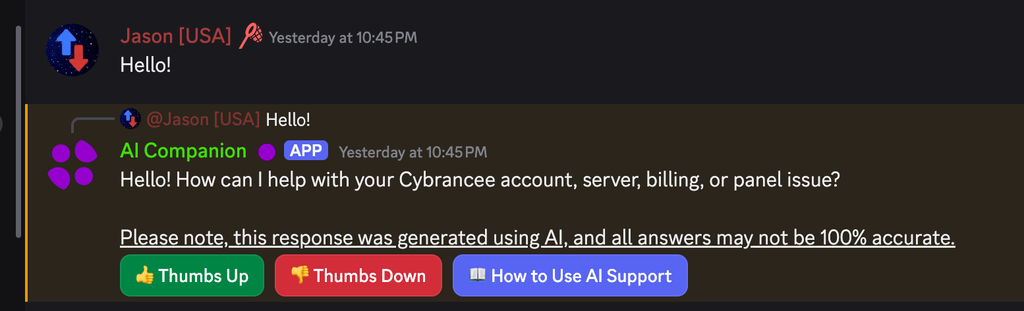
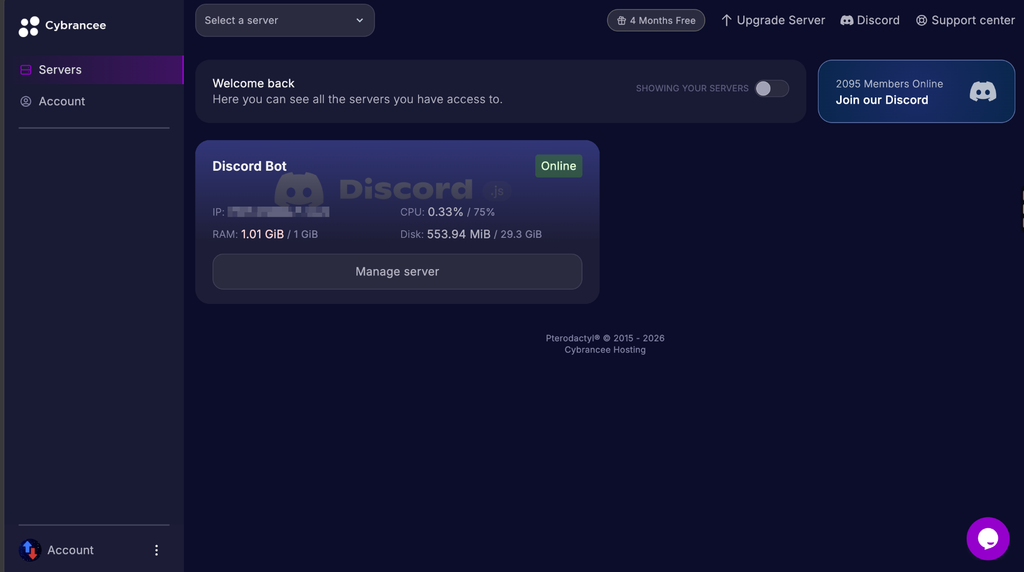
With managed Discord bot hosting, you get an environment that is made to run Discord bots. Depending on the provider, you might get advanced file management, an easy-to-use console, resource monitoring, automated backups, and deployment features like Git integration inside a panel.
This makes your job simpler. You can conveniently investigate an error or restart your bot without having to first set up your own internal tooling. For most communities, that peace of mind is why you choose to get managed hosting.
Keep in mind, though, that managed usually means an integrated panel and server maintenance for your bot, but it doesn’t usually include fixing your application. Unless a host explicitly offers it, you should assume you still have to control your own code, configuration, and Discord permissions. A syntax error can still prevent your bot from running, and a missing permission can still make your commands fail. Support from a host can help you figure out a problem, but the subscription doesn’t usually let you describe an idea for them to make from scratch.
Before choosing a plan, check its supported runtime versions, startup options, resource limits, and access to any services you need. If your project includes an HTTP endpoint or dashboard, confirm that the hosting environment accommodates it rather than assuming all bot plans do.
Compare the Full Cost, Including Your Time
Remember that running a bot on your own hardware can seem free when it’s not. Even though there are no additional hosting bills, you still pay for electricity, maintenance, and your own time. Renting a server also adds a subscription bill on top of everything else.
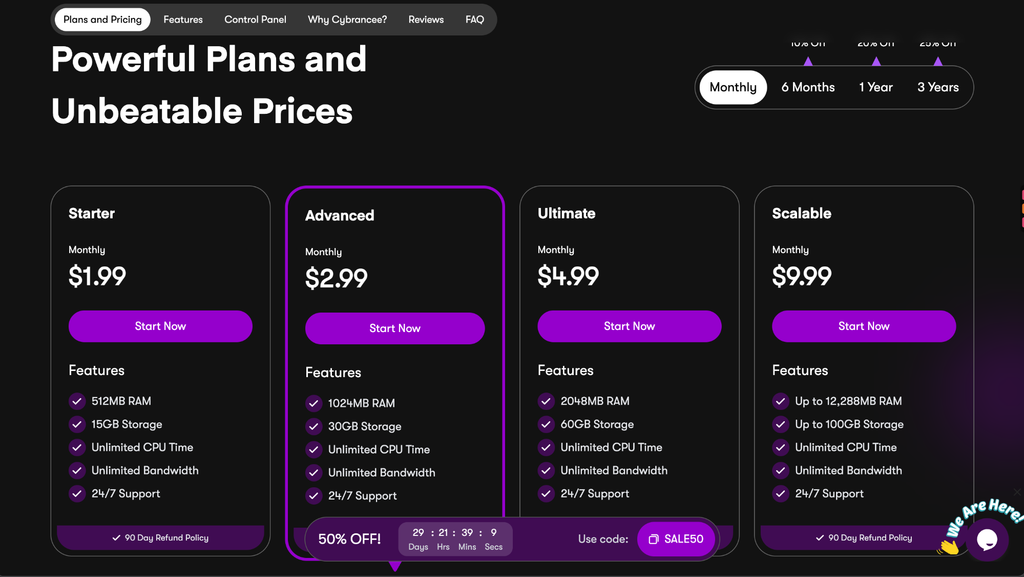
Managed hosting has a more obvious monthly cost. What you’re paying for includes the environment and whatever management tools and support the plan provides. Be sure to check the actual inclusions rather than judging by the headline price.
We will compare the cost of a setup that meets your needs, including backups and any separate database or API services. Then consider how much time you want to spend maintaining it.
If you are starting from scratch for a community bot or don’t want to manage the hassle with self-hosting, a dedicated bot hosting plan may save enough effort to justify the cost of a subscription.
Neither option includes every possible expense. Your bot may depend on a paid external API, for example, regardless of where it runs. Keep those costs separate so your hosting comparison stays useful.
Choose Resources Based on Workload
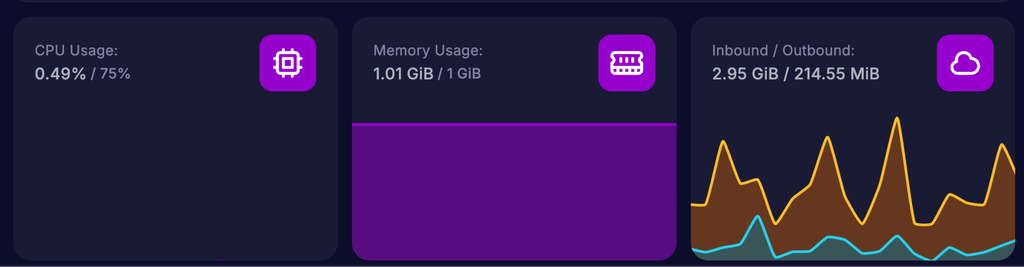
Every bot is different, and there is no one-size-fits-all for a Discord bot. For example, a small command bot and an application processing many images have different workloads, even if they serve communities of similar size.
Your runtime, libraries, caching, scheduled jobs, and command activity all influence resource use. The number of Discord servers your bot joins matters, but it is only one side of the picture.
| Bot workload | What to watch |
|---|---|
| Occasional commands and replies | Baseline memory use and response times during normal activity. |
| Moderation and event logging | Event volume, cache size, database writes, and log growth. |
| Image processing or other intensive jobs | CPU demand, memory spikes, and whether jobs delay other commands. |
| Several connected services | Resources for each service, networking needs, and deployment compatibility. |
Test your bot with the commands and tasks your community normally uses, including several people running commands at the same time. Choose a setup with some CPU and memory capacity to spare so it can handle busier periods.
More resources will not fix every slowdown. A slow database query, blocking task, or external API can delay responses even though memory is available for your bot to use. Make sure to always figure out the bottleneck before you upgrade your plan.
For a closer look at slow responses, check out our How to Improve Discord Bot Ping guide. It covers gateway intents, command code, database caching, and external API calls.
Security and Backups Still Need Your Attention
Self-hosting also puts operating system security in your hands. That includes updates, administrative access, and firewall configuration. Managed hosting reduces the infrastructure you maintain, but you still need to protect your account and application. Keep your Discord bot token out of source control, screenshots, and shared logs. Store it using environment variables or the host’s supported secret configuration, and reset it in the Discord Developer Portal if it is exposed.
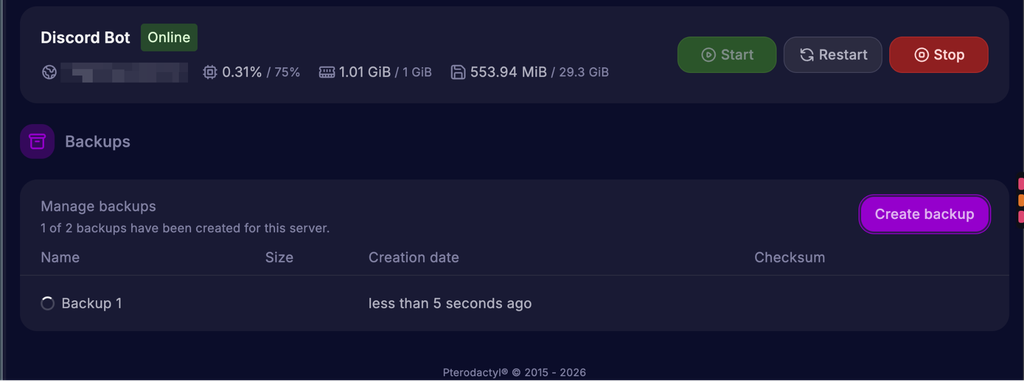
Backups also need some thought. Your GitHub repository tracks committed code, but it does not automatically back up your bot’s database, runtime files, or logs.
Make sure to figure out what your bot needs to safely recover from any issues, confirm that your backups include it, and test a restore. If you use an external database, verify its backup arrangements separately. A backup button in your bot panel does not tell you what happens to data stored elsewhere.
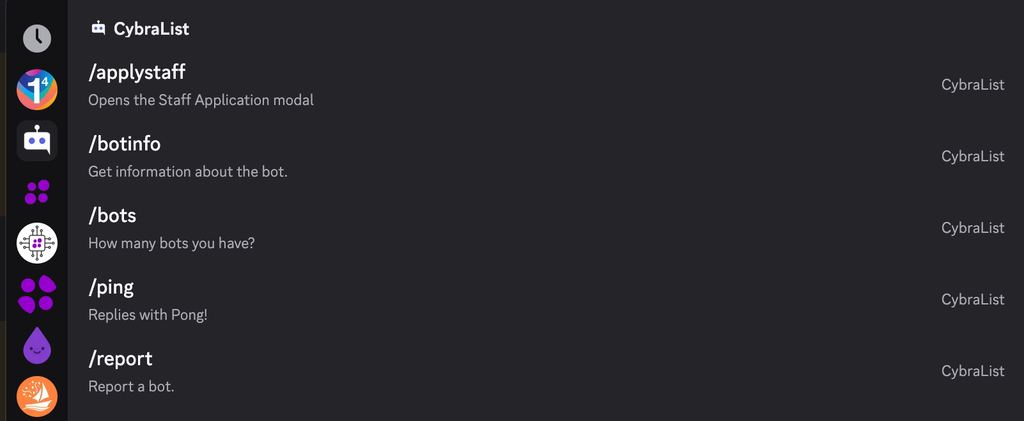
Be sure to have your permissions under control too. Give your bot only the access its features need. Our Managing Permissions in Discord guide explains roles, channel permissions, and the risks of granting Administrator access.
Which Option Fits Your Use Case?
You’re Learning to Build Bots
Your own computer is a good place to start while you learn to write code and test your commands. After that point, we recommend moving to managed Discord bot hosting once other people are dependent on your bot and its uptime. Choosing self-hosting is a good idea if server administration is what you want to learn, and managed hosting is usually the better choice if you want to reduce infrastructure maintenance.
You Run a Community Bot
We will usually choose managed hosting for moderation tools, reminders, and other community features. Convenient logs and management tools help you spend more time improving the bot. Check backup arrangements and support scope before committing.
Your Application Has Unusual Requirements
Always make sure your environment has what your bot needs. If you have special system dependencies or lots of tightly connected services, self-hosting might be more favorable. A managed environment can still work great after you confirm it suits your needs.
Your Bot Is Growing
Growing bots make analytics and deployment more important whether you decide to self-host or use managed hosting. Make sure to keep an eye on your performance and architecture. A larger hosting plan can help when resources are the constraint, but it cannot remove Discord’s API limits or fix inefficient codebases.
Keep the Bot Easy to Maintain and Move
Whichever option you choose, keep your source code in version control, document the startup process, and separate secrets from code. Save the dependency information needed to reproduce your environment in case anything goes wrong.
Test changes in a separate Discord server and environment before releasing them to your community. After deployment, check a real command and any scheduled work you rely on. Just because your bot is running, it doesn’t prove that everything works flawlessly.
When something fails, read the error first. Check credentials, permissions, intents, dependencies, and external services before assuming the host needs more RAM. Repeated restarts can hide the problem rather than solve it.
These habits also make migration easier. You can start with one hosting model and move later when your needs change. By keeping your data backed up and reproducible, you get that freedom.
Our Recommendation
For most users, if managed hosting fits your project, we recommend exploring Cybrancee’s Discord bot hosting and checking whether its supported runtimes, resource limits, backup arrangements, and support scope fit your bot.