

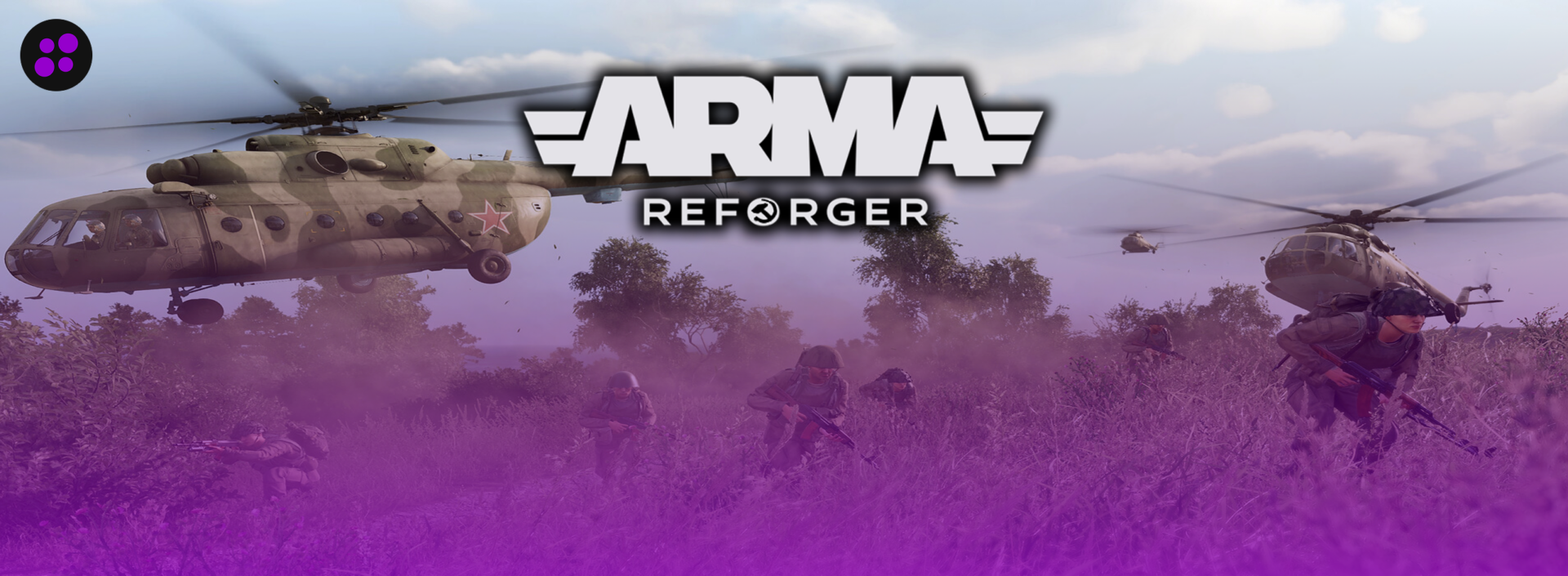

Arma Reforger doesn’t hold your hand. There’s no auto-balancing, no forgiving respawn timer, no matchmaking to smooth over a bad server. What it has instead is Conflict mode: a slow-burn, resource-driven war for the island of Everon where squads capture bases, run supply lines, and lose vehicles they can’t easily replace. Play it with randoms, and it’s fine. Play it with the same ten or twenty people every week, and it turns into something closer to a shared campaign than a shooter.
Bohemia Interactive actually ships a free dedicated server with the game, which puts Reforger ahead of a lot of newer multiplayer titles that leave hosting entirely to the community. You can grab it through SteamCMD, write your own config file, forward the right ports, and run the whole thing yourself. Plenty of people do exactly that. But the Enfusion engine leans hard on single-core CPU speed, Conflict’s AI gets expensive fast once a battle scales up, and PlayStation 5 crossplay has its own quirks around what mods can load. A dedicated host takes most of that off your plate, assuming it actually treats Reforger as a real product instead of bolting on generic support.
These five have put in the work. Here’s how they stack up.
What to Look For in an Arma Reforger Host
A few things matter more for Reforger than they would for most shooters.
The must-haves:
CPU clock speed over core count. Enfusion is CPU-bound, and Conflict battles lean on AI-driven logistics and combat that scale with player count. A host running you on an aging, overcrowded shared core will show it the moment a battle gets big, no matter how much RAM the plan lists.
RAM sized to your actual player count. Roughly 8GB comfortably covers a 32-player Conflict server, 16GB gets you to 64, and anything past that needs real headroom for persistence and mods. A host trying to sell you 32GB for a 20-person squad is upselling, not helping.
Mod support through mod.io, not Steam Workshop. Reforger uses mod.io specifically so Xbox and PS5 players can load the same content as PC. A host that lets you search and add mods from inside the panel saves a genuinely annoying afternoon of copying GUIDs by hand.
Crossplay that actually works. PC, Xbox Series X|S, and PS5 all join through the same in-game server browser, but PlayStation sessions block script mods. Only data-only content loads when a PS5 player is present. A host that flags this upfront instead of letting you find out mid-session is worth something.
Backups with a real restore button. Reforger is still patched often enough on the road to Arma 4 that a bad update or a broken mod can corrupt a save. Automatic backups that restore in one click matter more than people think until the day they need one.
Support that’s actually dealt with Reforger before. A generic “yes we support 200 games” ticket queue doesn’t help much when the problem is a mod.io sync issue or a crossplay config quirk.
Nice to have:
Multiple server locations, which matter a lot for a public mil-sim community and barely at all for four friends in the same Discord call.
An active Discord presence also helps for troubleshooting mod conflicts at odd hours, though it shouldn’t replace an actual support ticket.
Pricing Comparison
| Hosting Provider | Starting Price | RAM / Slots | Best For |
|---|---|---|---|
 | $14.99/month | 6GB, unlimited slots | Best overall, no player cap even on the cheapest plan |
 | $17.99/month | 6GB (BisectOne) | Widest game library if your squad rotates titles |
 | $17.99/month | 6GB, 12 players | Long-time budget host, plans capped by player count |
 | $20.00/month | 40 slots | Owns its own hardware, fastest support on this list |
 | £9.99/month (~$14.00) | 4GB and up | Cheapest sticker price, strongest UK/EU presence |
1. Cybrancee
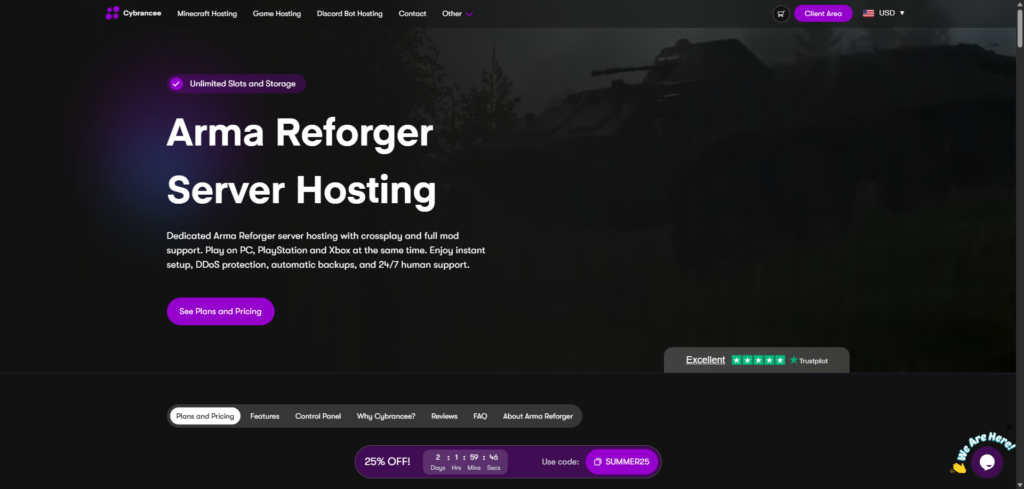
Price: Skirmish (6GB) starts at $14.99/month, going up to $24.99 for 10GB (Offensive), $34.99 for 14GB (Total War), and $49.99 on the Scalable tier up to 48GB.
Cybrancee earns the top spot the same way it does across most of the games it hosts: no artificial gate on the basics. Every plan, including the cheapest one, comes with unlimited player slots. That matters for a mil-sim community, where a “6GB plan” from another host might quietly cap you at 12 or 20 players just because the plan name sounds small. Cybrancee doesn’t play that game.
The panel is a customized build of Pterodactyl, and it handles mod.io integration cleanly without asking you to touch a config file to add a Workshop item. Servers run on Ryzen CPUs clocked over 4GHz paired with NVMe storage, which counts for more here than on most games given how CPU-bound Conflict mode gets once a battle scales up. Server locations span six continents, so a spread-out mil-sim unit isn’t stuck choosing between “fast for half the squad” and “slow for the other half.”
The 90-day money-back guarantee is the real standout, though. Most hosts give you 3 to 7 days to decide if a server works for your group, which barely covers one weekend of Conflict matches. Cybrancee gives you three months, long enough to actually run a real campaign before deciding.
Pros:
- Unlimited player slots on every plan, including the cheapest one
- 90-day money-back guarantee, the longest window on this list
- Ryzen CPUs over 4GHz, NVMe storage
- Pterodactyl-based panel with clean mod.io integration
- Server locations across six continents
- Free DDoS protection and scheduled backups
- 24/7 human support plus an AI assistant for quick questions
Cons:
- No free trial, though the 90-day refund window covers most of what a trial would
Cybrancee is the easiest pick for anyone building a Reforger community without wanting to babysit a plan that caps out the moment a sixth player wants in.
2. BisectHosting
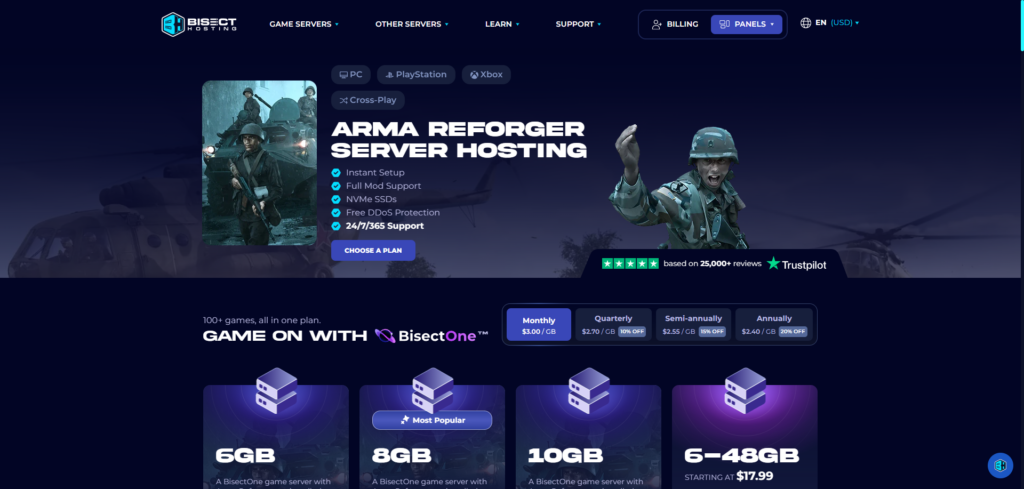
Price: BisectHosting sells Reforger hosting through its BisectOne plan, starting at $17.99/month for 6GB.
BisectHosting has been doing this since 2011, and it shows in the tooling. The standout feature for a mil-sim group is the Instance Manager, which lets you spin up copies of your server setup and swap between them from the panel. If your unit wants to test a new mod loadout before pushing it to the main server, or run a training scenario alongside the live Conflict match, you’re not juggling separate orders to do it.
Game Swapping is the other real draw. Bisect’s catalog covers 100+ titles, so if your group burns out on Everon for a month and wants to run Palworld or Valheim instead, the switch happens from the same panel, no cancellation or re-order required. That flexibility is genuinely useful for a group that doesn’t want to commit to one game forever.
Where it falls behind Cybrancee is price and patience. The 6GB entry tier costs a little bit more than what Cybrancee charges for the same RAM, and the refund window is only 3 days, a fraction of Cybrancee’s 90. Popular locations also run out of stock more often than you’d expect.
Pros:
- Instance Manager for running multiple server setups or scenarios
- Game Swapping across 100+ titles from one panel
- 21 global server locations
- Free DDoS protection and 3 days of included backups
- 24/7/365 support with an average response under 15 minutes
- Trustpilot rating of 4.8/5 across more than 25,000 reviews, the biggest track record on this list
Cons:
- $17.99/month entry price is a bit expensive for 6GB
- Only a 3-day money-back guarantee
- Popular server locations frequently show as out of stock
- Per-GB pricing climbs faster than Cybrancee’s flat tiers as you scale up
If your unit wants to bounce between games or run parallel server instances, Bisect’s tooling justifies the higher price. Just don’t expect much runway to change your mind.
3. Shockbyte
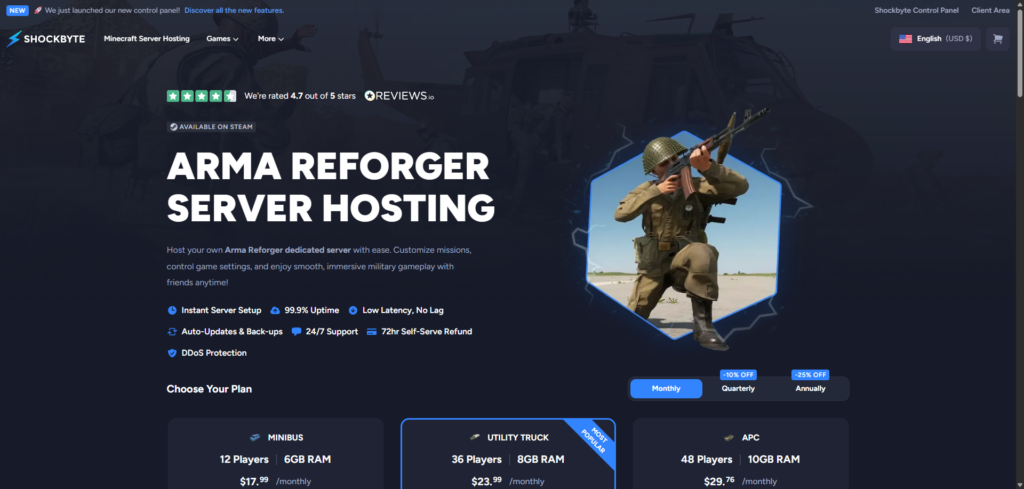
Price: Minibus (6GB, 12 players) runs $17.99/month, Utility Truck (8GB, 36 players) is $23.99/month, and APC (10GB, 48 players) runs $29.76/month.
Shockbyte has spent over a decade building a reputation as a Minecraft specialist, and its Reforger plans carry over the same structure: flat tiers, hard player caps, and a control panel that’s been visibly modernized from the old Multicraft days. AI comes pre-enabled on every compatible scenario out of the box, which saves a step for groups running Conflict matches that lean on AI-driven enemy forces.
The catch is the same one that shows up in Shockbyte’s other reviews. The Minibus tier costs exactly what Bisect charges for its uncapped 6GB plan, but Shockbyte locks you to 12 players for that price. For a mil-sim squad that regularly runs more than a dozen people, that’s a real constraint baked into the entry tier, not an edge case.
Shockbyte’s Trustpilot score sits at 3.8 out of 5 from more than 10,000 reviews. Most are positive, praising the pricing and the ease of setup, but a real chunk flag slow billing support, sometimes five to twelve days for a resolution, and occasional crashes under load. That’s a wider spread than anything else on this list.
Pros:
- Flat, predictable pricing with clear player caps per tier
- AI pre-configured on every compatible scenario
- 99.9% uptime
- Free DDoS protection
- Modernized custom panel, a real step up from the old Multicraft interface
Cons:
- Hard player caps even on paid tiers; 12 players for $17.99 is thin for a squad-based game
- Trustpilot score of 3.8/5, the lowest on this list, with real complaints about billing response times
- Only a 72-hour self-serve refund window
- Costs the same as Bisect’s uncapped entry tier while offering less
Shockbyte works fine for a small, fixed group that knows exactly how many players it needs. Anyone expecting to grow past that number fast will hit the ceiling sooner than they’d like.
4. HostHavoc
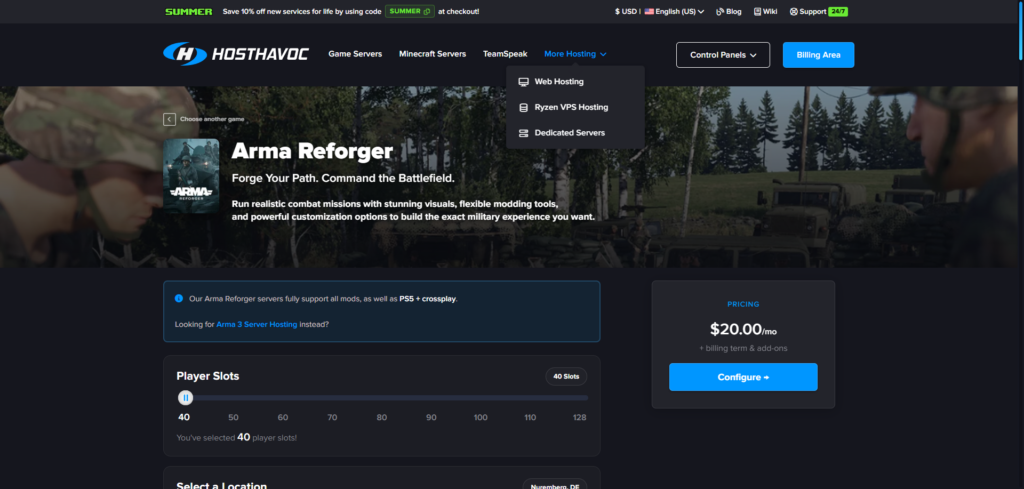
Price: Plans start at $20.00/month for 40 slots, scaling up to 128 slots.
HostHavoc’s whole pitch is that it owns and operates its own hardware instead of reselling someone else’s, and the support numbers back it up. Ticket response averages under 10 minutes, aggressive even against the other hosts on this list claiming fast turnaround. The panel runs on a modified TCAdmin v2 setup, with full FTP access for anyone who’d rather manage files directly than click through a dashboard.
The tradeoff is the entry price and the slot-based structure. Where every other host on this list sells by RAM, HostHavoc sells by player slots starting at 40, which is already more than most private mil-sim units need on day one. That makes the $20/month starting price harder to justify for a smaller group that just wants a place to run weekly Conflict matches with a dozen friends.
Location availability is also tighter than the map suggests. Miami, Atlanta, Seattle, and Singapore are all sold out at the time of writing, narrowing the practical choice down to whichever regions still have room.
Pros:
- Owns and operates its own hardware rather than reselling capacity
- Fastest average support response on this list, under 10 minutes
- Full FTP access alongside the panel
- Offsite backups with easy restores
- Free DDoS protection
Cons:
- $20/month starting price is the highest on this list
- Sold by player slots instead of RAM, starting at 40, more than most private groups need
- Several popular locations are currently sold out
- Only a 72-hour satisfaction guarantee
HostHavoc makes the most sense for a larger, established community already planning to fill 40+ slots. For a smaller private squad, it’s paying for headroom you might not use yet.
5. GTX Gaming
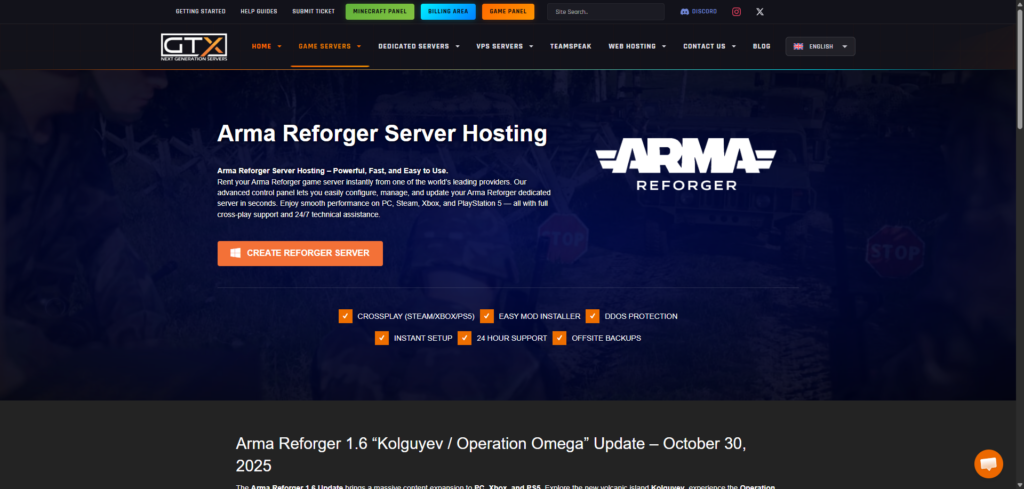
Price: Plans start around £9.99/month (roughly ~$14) for a 4GB tier, scaling up from there.
GTX Gaming has been around since 2007 and has built a strong following specifically in the UK and European market, and its Reforger hosting reflects that focus. Server locations span 28 regions across the US, Canada, Europe, Asia, and Australia, wider than anything else on this list. On paper, the starting price is the lowest of the five, undercutting even Cybrancee by a small margin once you account for the currency conversion.
The panel is where GTX starts to show its age next to the newer builds from Cybrancee and Bisect. Management is split across multiple separate tools rather than one unified dashboard, with general server controls, mod installation, and location switching each living somewhere slightly different. It works, but it’s more clicking around than it needs to be.
The refund window is also the tightest on this list at just 24 hours, barely enough time to confirm the server boots before the guarantee expires. Reviews put GTX at 4.7 out of 5 across roughly 1,400 ratings, solid, with support speed and value called out most often, though a handful of reviewers mention occasional lag or panel quirks.
Pros:
- Cheapest sticker price on this list at roughly £9.99/month
- 28 global server locations, the widest spread here
- Auto mod and map updates
- Offsite, scheduled backups
- Strong reputation in the UK and EU market specifically
Cons:
- Just a 24-hour refund window
- Panel setup spans multiple separate tools instead of one dashboard
- Pricing shown in GBP, a minor hassle for tracking costs outside the UK/EU
- Some reviewers report occasional lag or UI quirks
GTX is worth a look if your unit is mostly in Europe or you just want the lowest possible entry price and don’t mind a slightly dated panel. Just make your decision fast, because the refund window won’t wait for you.
Conclusion
Cybrancee tops this list for a straightforward reason: it doesn’t cap the thing that actually matters for a mil-sim community. Unlimited player slots on every plan, a 90-day window to actually run a real campaign before deciding, and a panel that doesn’t fight you over mod.io integration puts it ahead for most Reforger groups.
The other four earn their spots for narrower reasons. Bisect is worth the higher price if your squad rotates through different games or wants parallel server instances. Shockbyte works for a small, fixed group that knows its exact player count going in. HostHavoc makes sense for a larger, established community ready to fill 40+ slots that wants a host running its own hardware. GTX Gaming is the strongest option if you’re mostly in Europe and want the lowest possible starting price, as long as you’re sure within 24 hours.
Reforger is still getting patched regularly on the road to Arma 4, so expect server requirements to keep shifting as Bohemia adds content. Whichever host you land on, check what RAM your actual player count needs before you buy, not just what the plan name implies.
Happy shooting!
If you think your business should be on our list, contact us.