
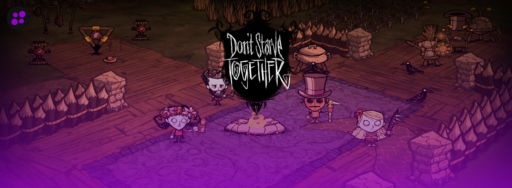
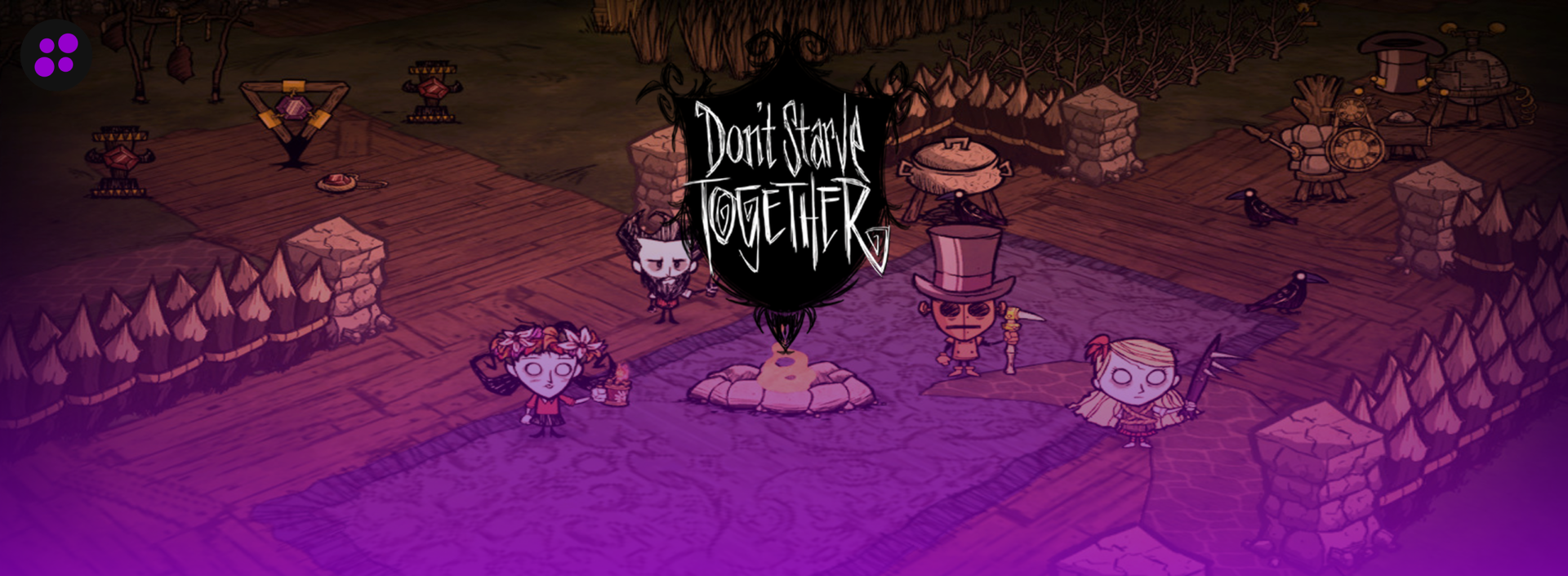

Don’t Starve Together is at its best with a full table of players who all showed up on different nights of the week. One person builds the base, another one runs off to fight Bearger without telling anyone, and somebody’s Wilson has been wearing a beard for three seasons straight because nobody remembered to shave him. That kind of shared, ongoing world is the whole appeal, and it falls apart fast the moment the game has to run through one player’s PC.
The default way to play DST with friends ties the server to whoever’s hosting. Close the game, and everyone else gets kicked with you. Leave your PC on overnight so the world keeps running, and you’re stuck listening to the fan spin while you’re trying to sleep. A dedicated server fixes the obvious stuff: the world runs whether you’re online or not, nobody’s laptop is doing double duty as infrastructure, and the group can drop in whenever their schedule allows instead of working around one person’s availability.
DST is also lighter on hardware than most survival games, which makes picking a host a little different than it would be for something like Ark or Valheim. RAM needs are modest even with a full lobby. What actually matters is single-core CPU speed, since the game simulates the whole world, every creature, and every base on one thread. A host running old, oversold hardware will start to show it once a base gets big and a boss fight kicks off, even if the RAM numbers on the plan looked fine.
Here are the five hosts worth looking at for Don’t Starve Together in 2026.
What to Look For in a Don’t Starve Together Host
DST hosting is cheap across the board because the game just doesn’t need much. That makes it easy to pick a host on price alone and end up with something that struggles the moment your world gets a real base built into it. A few things matter more than the sticker price.
The must-haves:
Single-core CPU speed. World simulation, creature AI, and pathing all run on one thread, so a host advertising a high core count on old hardware isn’t actually solving the problem DST has. Look for modern CPUs clocked well above 3.5GHz rather than a plan that just lists a big RAM number.
Steam Workshop mod support. Most DST groups end up running at least a couple of quality-of-life mods, whether that’s a health bar overlay, a combined status display, or something that tweaks the world generation. Some hosts let you manage this from their panel, and others expect you to handle mod setup through your own Klei account and the game’s server files directly. Neither is wrong, but it’s worth knowing which one you’re getting before you buy.
World customization. DST lets you adjust world generation settings down to specific resource spawn rates, season length, and the difficulty of each biome. A host that exposes these settings cleanly in the panel saves a lot of manual file editing later.
Backups that actually restore. World corruption after a bad mod update or a rough server crash isn’t common, but it happens, and DST worlds can represent months of a group’s progress. Automatic backups with a real restore option matter more here than the marketing copy usually suggests.
A refund window long enough to actually test with your group. Testing a dedicated server properly means getting your actual group online across a few different sessions, not just logging in once by yourself. A 72-hour window barely covers one weekend. Look for something longer.
Nice to have:
Caves and shard support. DST can run as a single Overworld server, or as a two-part cluster with a linked Caves shard underneath it. Not every host makes this a one-click addition, and not every group needs it right away, but it’s worth having if your group plans to chase the late-game bosses eventually. Some hosts charge for it as effectively a second server, and a few build it in for free.
Server locations spread across the map, which matters a lot for a public or semi-public server and barely at all for a handful of friends in the same region.
An active Discord or community forum, handy for troubleshooting a mod conflict at midnight, though it shouldn’t be a substitute for actual support tickets.
Pricing Comparison
| Hosting Provider | Starting Price | RAM / Slots | Best For |
|---|---|---|---|
 | $3.99/month | 2GB, unlimited slots | Best overall, longest refund window |
 | $11.99/month | 4GB, 1-3 players | Widest game library if your group rotates titles |
 | $6.99/month | 2GB, 6 players | Long-time survival and sandbox specialist |
 | $4.51/month | Configurable slots and RAM | EU-based players who want a flexible, prepaid setup |
 | $10.56/month | 4GB, 12 slots | Free Caves shard included, UK and EU coverage |
1. Cybrancee
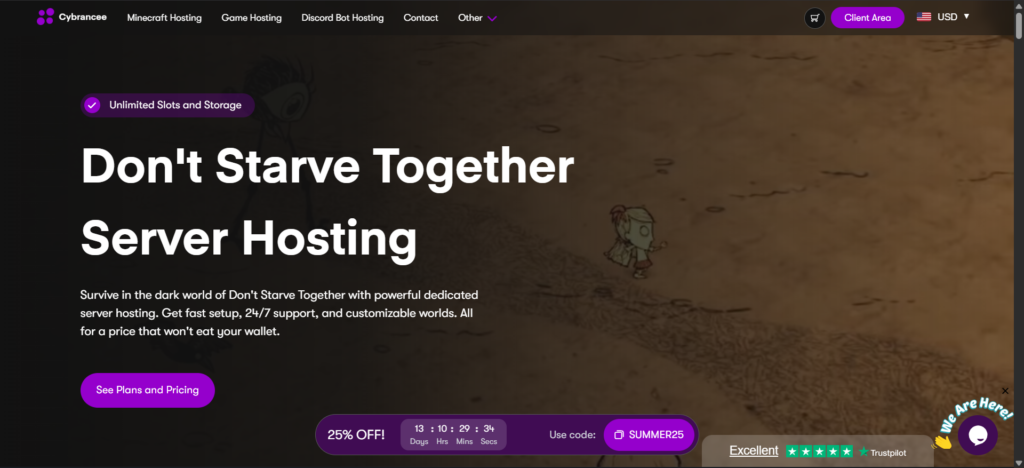
Price: Starting at $3.99/month.
Cybrancee takes the top spot for Don’t Starve Together for the same reason it tends to show up first on lists like this: it doesn’t gate the basics behind a pricier tier. Every tier, including the $3.99 entry plan (Cybrancee names its tiers after DST bosses, Deerclops, Toadstool, Celestial Champion, and a Scalable tier up to 32GB), comes with unlimited player slots, storage, and bandwidth. The hardware behind it is Ryzen CPUs clocked over 4GHz paired with NVMe storage, exactly the kind of single-core headroom DST needs once a base gets big.
Mods work a little differently here than on some other games Cybrancee hosts. Instead of a Workshop browser built into the panel, DST mods are managed through your Klei account and the server’s own config files, which mirrors how the game itself handles mods (they download automatically to a client’s machine the moment they join a modded server, so nobody in the group has to install anything by hand). It’s a small extra step on the host setup side compared to a one-click install, but it also means nothing about the hosting fights against how DST normally works.
The panel itself is a customized build of Pterodactyl, and setup is instant the moment payment goes through. Support runs 24/7 with a mix of an AI assistant for quick questions and real humans for anything more involved. The 90-day money-back guarantee is the longest on this list by a wide margin, which matters a lot for a game where you really want to test a full week or two of sessions with your actual group before committing.
Pros:
- $3.99/month entry tier with unlimited slots, storage, and bandwidth
- Ryzen CPUs clocked over 4GHz, paired with NVMe storage
- Instant setup
- Full support for Steam Workshop mods and world uploads
- Scheduled automatic backups
- DDoS protection included
- Server locations across North America, South America, Europe, Asia, Canada, and Australia
- 90-day money-back guarantee
- 24/7 support with an AI assistant plus real humans
- Rated “Excellent” on both Trustpilot and Google
Cons:
- Mods are managed through your Klei account and server files rather than a one-click panel browser
- No free trial, though the 90-day refund window covers most of what a trial would
For a small group building one base together or a larger community running a modded cluster with Caves attached, Cybrancee’s combination of price, hardware, and refund window is hard to match on this list.
2. BisectHosting
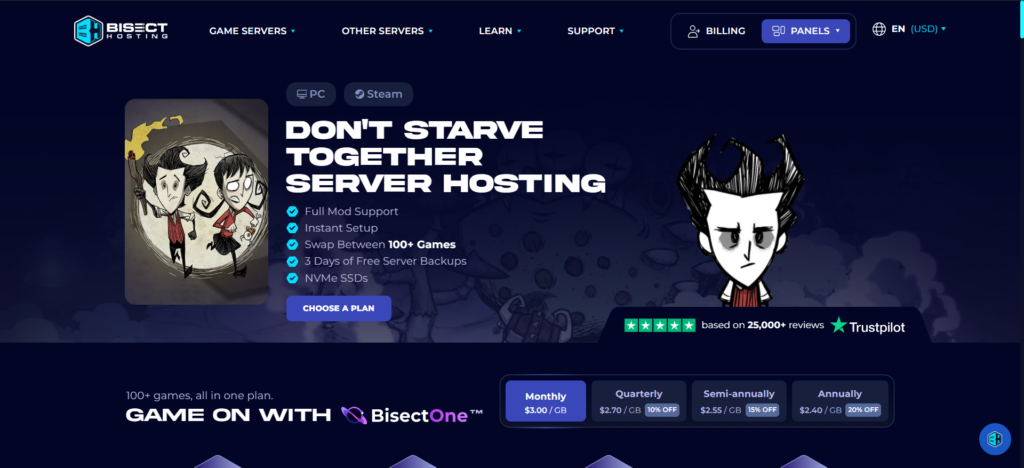
Price: Starting at $11.99/month for 4GB.
Bisect has been around since 2011, and its game library is the real draw here, backed by more than 25,000 reviews across its full catalog. Pricing runs on a per-GB slider at $3.00/GB monthly (it drops to $2.40/GB if you commit to a year), which works out to three rough tiers for DST: 4GB at $11.99/month for 1 to 3 players, 6GB at $17.99/month for 4 to 6 players, and 8GB at $23.99/month once you’re running a heavier modded setup for 7 or more. If your group ever wants to take a break from the Constant and try Valheim or Palworld for a month, the Instance Manager on their Starbase panel lets you swap between setups on the same account instead of canceling and re-ordering.
The hosting itself is solid. Don’t Starve Together runs across 21 global locations, and you can swap between them free of charge if your group’s location changes. It’s all on NVMe SSDs, and support has a genuinely fast average ticket response under 15 minutes across live chat and tickets. Free DDoS protection and 3 days of server backups come standard.
Pros:
- 21 worldwide server locations, with free swapping between them
- Instance Manager for swapping between DST and other games on one account
- NVMe SSD storage
- Free DDoS protection
- 24/7/365 support with average ticket response under 15 minutes
- Backed by 25,000+ customer reviews
Cons:
- $11.99/month for 4GB is the highest starting price on this list for that little RAM
- Per-GB pricing climbs fast: $17.99 for 6GB, $23.99 for 8GB
- Only 3 days of free backups
- 3-day money-back guarantee, a fraction of Cybrancee’s 90 days
If game-hopping matters more to your group than squeezing every dollar out of the plan, Bisect’s tooling earns its spot. Just know you’re paying a real premium for that flexibility compared to a flat-tier host like Cybrancee.
3. Shockbyte
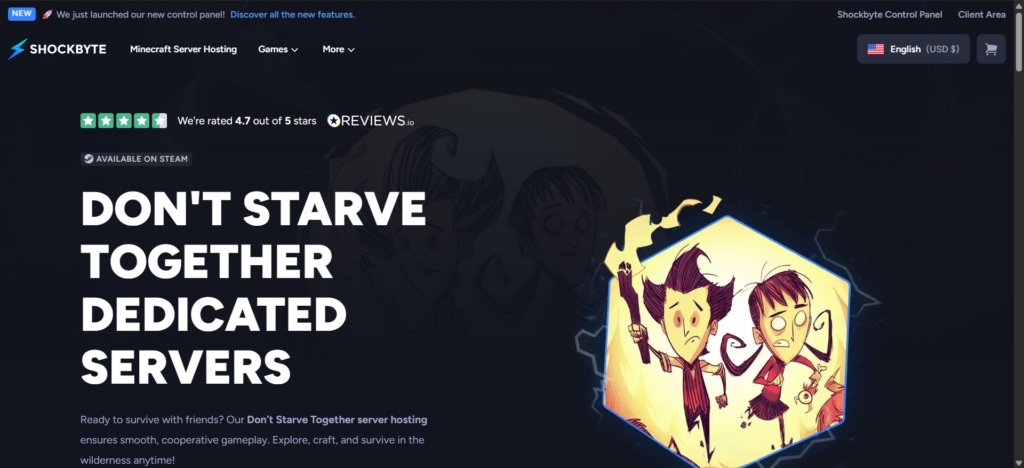
Price: Starting at $6.99/month (2GB, 6 players).
Shockbyte has built its whole reputation on budget survival and sandbox hosting, and DST fits that reputation well. Plans are named after DST characters: Wilson at $6.99/month for 2GB and 6 players, Webber at $11.99 for 3GB and 12 players, and Maxwell starting at $18.00 for 4GB and up past 24 players. The hardware runs on modern processors with NVMe-backed storage, mod installs go through a built-in file explorer rather than requiring FTP from scratch, and setup is instant like everywhere else on this list. DDoS protection and automatic backups are included without an upcharge, and Shockbyte advertises a 72-hour self-serve refund window.
The honest tradeoff shows up in support outside of DST specifically. Technical tickets tend to move at a reasonable pace, but billing questions on other games Shockbyte hosts have been reported taking anywhere from several days to over a week to resolve, and there’s no particular reason to expect DST billing to be handled by a different team.
Pros:
- Three clear tiers: $6.99 (2GB, 6 players), $11.99 (3GB, 12 players), $18.00 (4GB+, 24+ players)
- Modern hardware with NVMe-backed storage
- Instant setup with auto-updates and backups
- 72-hour self-serve refund
- DDoS protection included
- Mod support through a built-in file explorer
Cons:
- Billing support has been reported taking several days to over a week to resolve on other games
- Only a 72-hour refund window, short for testing with a full group
- Player counts are capped per tier rather than unlimited like Cybrancee
Shockbyte is a reasonable pick if the price is the deciding factor and you don’t expect to need billing support. For anything more hands-on, the other hosts on this list offer a bit more cushion.
4. ZAP-Hosting
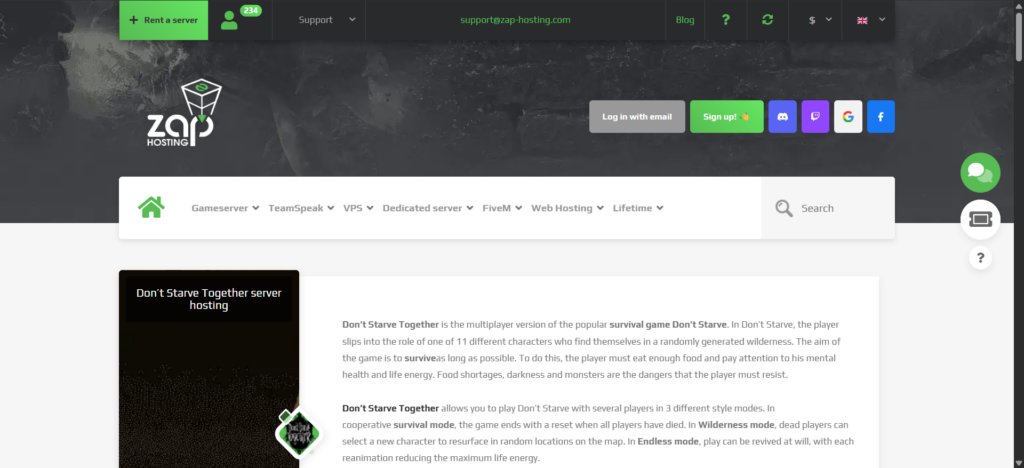
Price: Starting at $4.51/month (a one-time lifetime server option is also available from $62.67).
ZAP-Hosting is the one European-first option on this list, and it shows in how the service is built. Slots and extra RAM are adjustable at any time from the web interface, and everything runs prepaid by default, so there’s no contract to cancel if your group loses interest. Hardware runs on Intel E5-2650v4 processors paired with SSD storage, full FTP access is included for mod uploads, and an online configuration editor handles world settings without needing to dig through raw files.
Support runs through live chat, ticket, and email, but only from 10:30 to 23:00 CET, which is a real consideration if most of your group is playing from North America or Asia. ZAP also doesn’t advertise a fixed refund window the way the other hosts on this list do. Since everything is prepaid, you can simply stop paying and the server closes automatically, but that’s a different guarantee than getting your money back on a plan you already paid for. Review scores are solid regardless, sitting at 4.4 out of 5 on Trustpilot across more than 19,000 reviews and 4.6 out of 5 on Google.
Pros:
- $4.51/month starting price with configurable slots and RAM
- Prepaid model, no contract to cancel
- Full FTP access for mods and world uploads
- Free DDoS protection
- Online configuration editor for world settings
- Strong review scores on Trustpilot and Google
Cons:
- Support hours run 10:30 to 23:00 CET rather than 24/7
- No advertised money-back guarantee, since billing is prepaid rather than refund-based
- Own custom web interface rather than a more widely used panel like Pterodactyl
ZAP is worth a look specifically for players based in Europe, or anyone who prefers paying as they go over a recurring subscription. Just plan around the support hours if your group spans time zones.
5. GTX Gaming
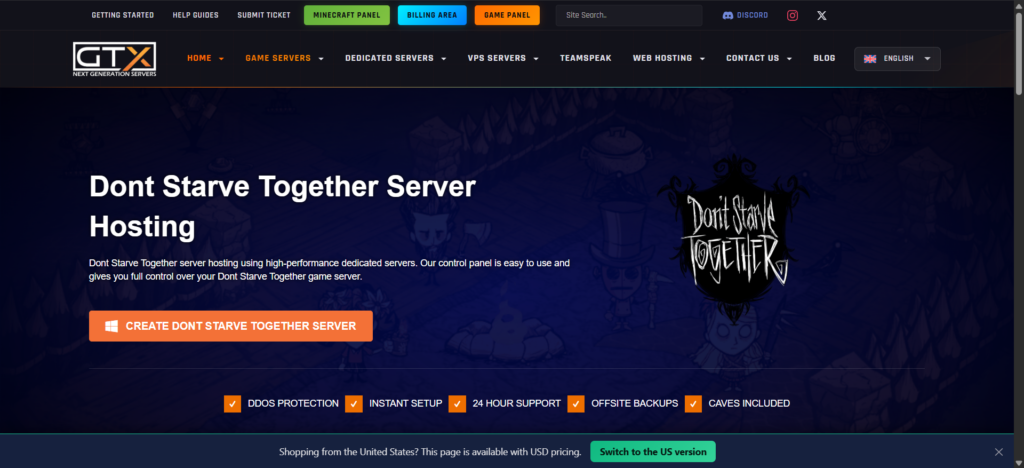
Price: Starting at $10.56/month (4GB, 12 slots), the highest entry price on this list.
GTX Gaming has been hosting game servers since 2007, and Don’t Starve Together gets a genuinely complete feature set here (their site lists just over 50 DST servers currently running, a small but clearly maintained corner of a much bigger catalog). The standout is Caves support included at no extra cost. Where some hosts treat the Caves shard as a second server you have to pay for separately, GTX bundles it in from the start, which is a real convenience if your group wants the full Overworld-and-Caves setup without doing the math on a second plan. All maps, mods, and DLCs are supported automatically as Klei releases them, and the hardware lineup includes Intel’s 13900K and Ryzen chips up through the 7950X3D, comfortably covering DST’s single-core demands.
The tradeoffs are price and flexibility. $10.56/month for 4GB is more than double Cybrancee’s entry tier for a comparable setup, and while GTX lets you upgrade RAM, storage, and CPU priority automatically, moving your server to a different data center requires opening a support ticket rather than doing it yourself in the panel. The refund window is also just 24 hours, the shortest on this list.
Pros:
- Caves shard included for free
- All maps, mods, and DLCs supported automatically
- Enterprise hardware, including Ryzen chips up to the 7950X3D
- Worldwide server locations
- Offsite backups with scheduled tasks
- 24/7 support
Cons:
- Highest starting price on this list at $10.56/month
- Only a 24-hour refund window
- Server location changes require a support ticket rather than a self-service move
GTX makes the most sense for a group that specifically wants the Overworld-and-Caves setup handled for them without extra shopping, or for players based in the UK who’d rather host closer to home. Just be ready to make your decision quickly given the short refund window.
Overworld and Caves: Do You Need a Second Server?
If you’re new to DST hosting, the Caves question trips a lot of people up. A default Don’t Starve Together server only covers the Overworld, the surface biomes most players spend the bulk of their time in. Caves is a separate underground area with its own creatures, resources, and boss fights, and running it means operating a second linked server process, called a shard, alongside your main one.
Some hosts sell the Caves shard as effectively a second server purchase. Others, like GTX Gaming, bundle it into the base price and advertise it as a headline feature. With others, it’s more of a special request through support rather than a self-service toggle, so it’s worth checking before you buy if your group knows it’ll want the full Overworld-and-Caves setup. Casual players who mostly want to build a base and survive the seasons can skip it entirely, while groups chasing late-game bosses and the full crafting tree will eventually want the Caves shard to unlock everything the game has to offer.
Conclusion
Cybrancee tops this list for the reason it usually does on comparisons like this: the entry tier isn’t a stripped-down version of the real plans, the hardware is built for exactly the kind of single-core performance DST leans on, and the 90-day refund window gives a group enough time to actually test a server together instead of guessing from a product page.
The rest of the list earns its place for narrower reasons. Bisect is worth it if your group likes switching games. Shockbyte is fine if price is genuinely the only factor and you don’t expect to need billing support. ZAP-Hosting is the strongest option if your players are mostly in Europe or you’d rather pay as you go. GTX Gaming is the pick if you specifically want the Caves shard bundled in without extra setup, as long as you’re ready to commit fast given the 24-hour refund window.
Don’t Starve Together doesn’t ask much of a server compared to most survival games, but the difference between a host that treats it as an afterthought and one that actually builds around its single-core demands still shows up the moment your base gets big and the seasons start turning.
Happy surviving!
If you think your business should be on our list, contact us.