

If you’ve decided that you want to open your own Terraria modded server, then you’ve probably asked yourself the question, “What mods should I use?”
With thousands of mods on tModLoader, it can become tiring and confusing to differentiate between the mods you need and the ones you don’t. As you probably know, each mod is different: one mod completely changes the game, another improves the quality of life, and some of them are required if you want a smooth experience.
In this blog, we’ll talk about the best Terraria mods for your multiplayer server, starting with what makes a mod worth using, to the best mods in each category, finishing with common mistakes when building a modded server for you to avoid any problems
What Makes a Good Multiplayer Mod?
Before we start talking about the best mods for your Terraria server, it is very important to understand what actually makes a mod suitable for your multiplayer world. Here are the main things to look for:
- Stability And Performance: A good multiplayer mod doesn’t mean the mod needs to be fun; it needs to be stable. For your modded Terraria server to work properly, all the selected mods must be able to handle a lot of players on the server at the same time without crashing the server or causing any other problems with progression.
- Compatibility: You should consider looking for the ones that can run with multiple mods simultaneously without breaking the game files or causing any game-related issues.
- Balanced Progression: Certain types of mods are made only for single-player experiences, and adding multiple players with these installed can cause multiple issues with progression.
- It Must Improve Overall Experience: A good multiplayer mod improves the experience for everyone on the server, not just one player. It comes with performance and stability improvements, while a bad mod comes with several issues, crashes, and desyncs that can lead players to leave your server.
- Long-Term Accessibility: When creating your own Terraria modded server, if you’re choosing compatible and stable mods from the start, this will surely create a more enjoyable experience for everyone on your server, reduce problems and maintain a great atmosphere as your community grows.
When you’re creating your own public server, you must keep these in mind.
Main Gameplay Mods
These are the ones that customize your entire Terraria world, giving you complete overhauls by adding new content such as bosses, items, biomes, and progression systems. If you wish for a new experience, you can’t go wrong with these.
The most popular choices are:
- Calamity Mod: Frequently mentioned as the most well-known and used Terraria mod because it adds a massive amount of in-game content, including new bosses, new weapons, new biomes, new classes, completely expanding the endgame. It also comes with custom difficulties that make it a favorite for already experienced players looking for a bigger challenge than the vanilla version has to offer.
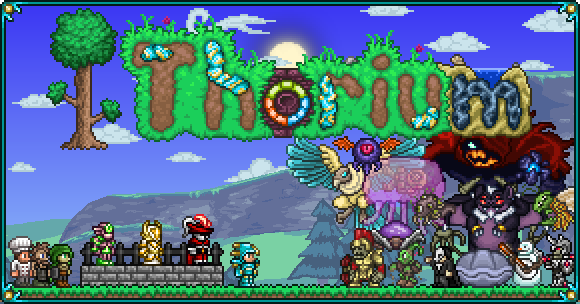
- Thorium Mod: While also being popular in the Terraria community, this mod takes a completely different approach. Instead of giving a complete gameplay overhaul, it expands it in a more natural style, keeping it close to the original Terraria version. If you like Terraria’s original experience but just want more of it, Thorium fits perfectly.
- Spirit Mod: One of Terraria’s largest content mods, another content expansion mod that adds new biomes, bosses, weapons, events, and mechanics. Creating a totally fresh experience for everyone to explore and have fun, being somewhere between Calamity and Thorium in terms of what it has to offer and overall design.
- Mod of Redemption: Is a large-scale content mod, being a match for story-focused players looking for original content from a mod. Adding all-new lore, bosses, enemies, weapons, as well as the mysterious Abandoned Laboratory dungeon and many more locations.
- Secrets of the Shadows: Preferred mostly by players who want another full content expansion without drastically changing the gameplay style. Often paired with a few quality-of-life mods for a more enjoyable and longer experience. Expanding Terraria with new locations, buffs, items, bosses, a completely new class named Void, and much more!
Essential Mods
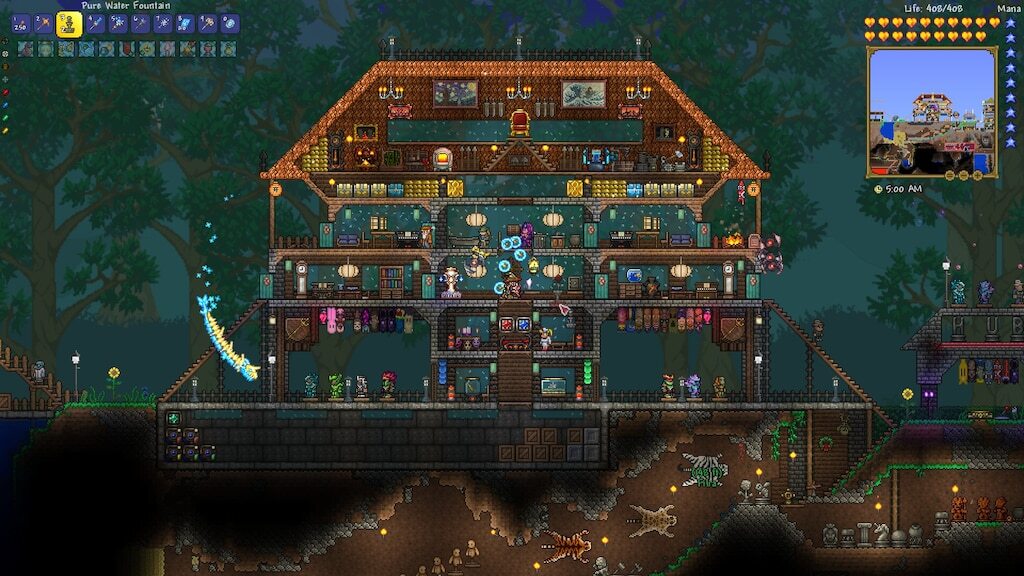
These mods are the ones you should always consider when planning your Terraria server. They don’t change the gameplay that much, but they do make it more enjoyable and accessible for everyone in your multiplayer server.
The most popular choices are:
- Magic Storage: It introduces a storage system available for everyone to craft and store items, removing the need for multiple chests. Everyone can craft or store items from the same interface, which is very useful in multiplayer servers because it reduces repetitive tasks.
- Recipe Browser: As you’re progressing, keeping in mind every crafting recipe can become tiring for certain people. Recipe Browser solves this issue by letting you search for any item you’re looking for, how to craft it, and what it’s used for in the game.
- Boss Checklist: This mod helps you organize progression; it introduces a list showing every boss, which ones you’ve defeated, and how to summon any of them. Becoming very useful and less time-consuming, especially when your server has mods that include multiple bosses.
Quality-of-life Mods
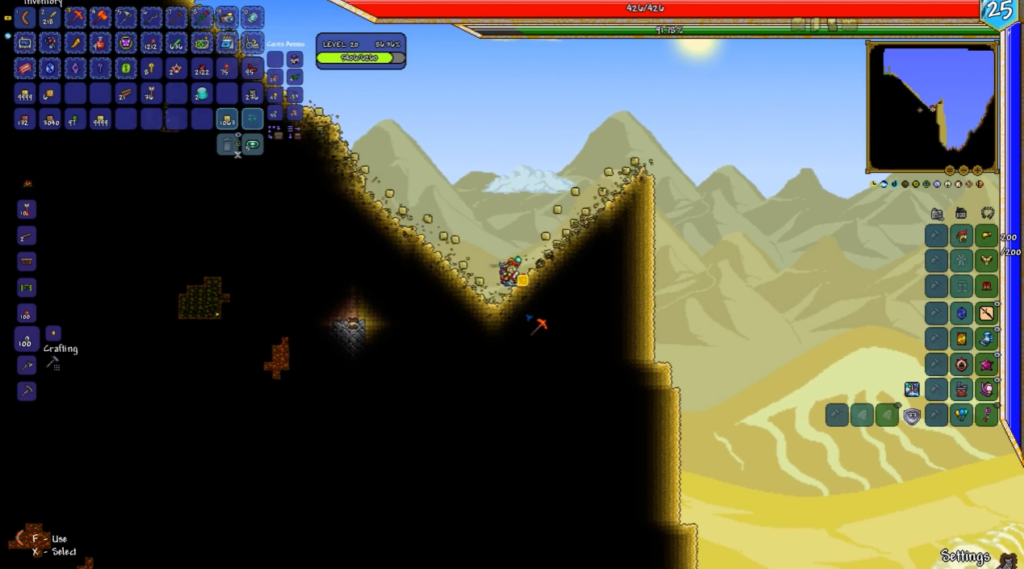
These types of mods focus on improving overall game experience. They don’t add new bosses, items, or biomes, or change progression, but they improve the overall experience by making shared progression feel smoother, improving server quality of life, and, most importantly, they focus on reducing grind.
The most popular choices are:
- VeinMiner: Allowing all the players on your server to break entire ore veins at once, making resource gathering much faster and less time-consuming for the whole multiplayer server.
- Census Mod: A frequently used NPC tracker that shows every townsperson’s status, which is useful when multiple players are building and progressing in the game at the same time, making their overall experience way more reasonable.
- Auto Trash: This one is a simple but extremely useful utility mod that helps every player automatically manage unwanted items in a faster way. It lets you filter items you don’t want, automatically deleting them when you pick them up.
- Helpful Hotkeys: Everyone will eventually find this mod useful at a point in their progression. It offers custom hotkeys that make the game easier and less time-consuming with faster inventory management, quick buffing, equipment swap, and much more.
Combat and Expansion Mods
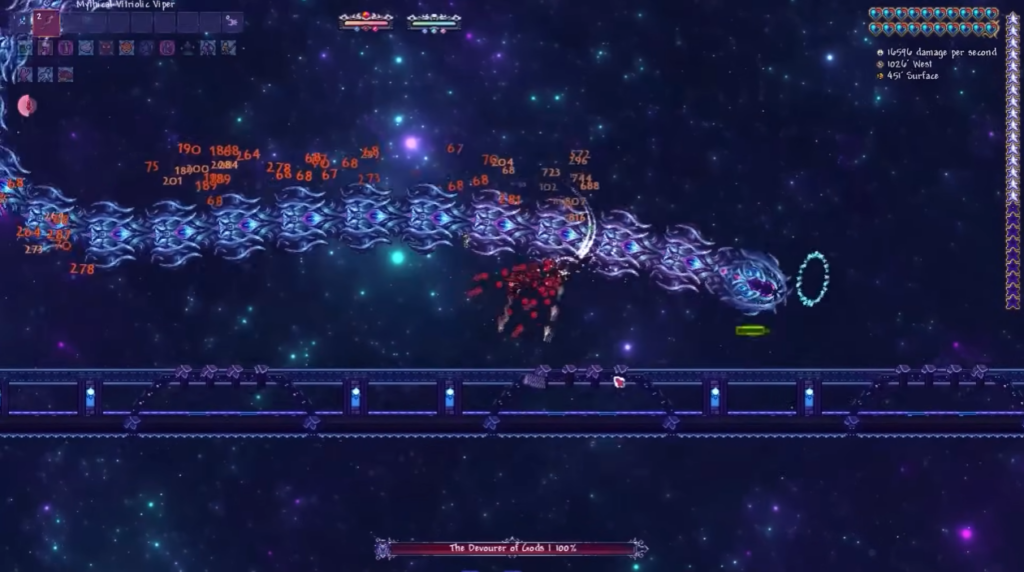
While not as important for all multiplayer servers as the types of mods discussed above, these can change the game experience for more experienced groups.
They tend to focus on adding more difficult bosses, large progression systems, or completely new combat mechanics. The best choice for players who already understand the game very well.
Adding new bosses, items, and different ways to progress, these mods make the game harder than the vanilla version. A really good fit for those who already know Terraria very well; this type of mod is not very beginner-friendly.
The most popular choices are:
- Fargo’s Mutant Mod: Is a large game expansion that adds a wide variety of content designed to make game progression significantly easier and faster. This mod features new items and NPCs that modify the game without completely changing it. In multiplayer servers, it is often used as a support mod rather than a main progression overhaul.
- Fargo’s Souls Mod: This one is a completely different experience. It is a great difficulty expansion for the game, mostly for already experienced players looking for a more challenging experience. Well known for adding Eternity Mode difficulty, with multiple reworks and enemy buffs, making the game harder to progress.
- Infernum Mod: An add-on mod for Calamity that adds a custom difficulty meant to be harder than Death Mode. It comes with a complete overhaul to boss AIs along with more content such as achievements, weapons, and biomes. Becomes a must-try if you liked the standard Calamity version.
- Wrath of the Gods: Usually chosen by players who have already seen everything Calamity and vanilla Terraria have to offer and want something more than that. The community loves it because it introduces reworked boss fights with new mechanics. It also expands Calamity’s storyline with new content such as characters, lore, items, and more.
Recommended Server Modpacks
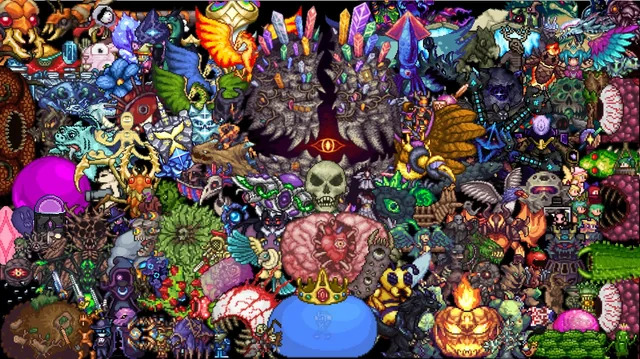
Instead of randomly combining mods that can affect your server performance if not done correctly, it is better to build a structured setup depending on the type of server you want to create and manage.
Here are some recommended server setups:
- Beginner Server Setup: If you’re setting up your modded Terraria server for the first time and don’t have that much experience in the game, or you just want to keep everything as in the vanilla version but with simple and useful improvements, you should try this beginner setup. This setup is made of Magic Storage, Recipe Browser, and Boss Checklist to make inventory management, crafting, and progression much easier for everyone on your modded server. This is a very accessible setup, and it still keeps the game similar to its vanilla version.
- Hardcore Server Setup: This setup mainly features the Calamity Mod; you can also pair it with Fargo’s Mutant Mod, which adds additional stuff like new NPCs. Combine it with some quality-of-life mods we just talked about, and you get a challenging experience that requires good teamwork and game knowledge, typically selected by veteran players.
- Simple Co-op Server Setup: As you probably thought of it, fully modded servers are not for everyone. If your objective is to play and enjoy Terraria for fun on your server, a simple mod setup focused on quality-of-life improvements is usually the right choice for your server. You can’t go wrong with VeinMiner, speeding up resource gathering, or with Census, which helps with NPC tracking as well as progression. Pairing them up with other quality-of-life mods removes repetitive tasks and saves time without changing Terraria’s original gameplay. It’s an excellent setup for casual groups playing for fun who want a smoother multiplayer experience while staying close to the vanilla version of the game.
If you don’t want to configure your server manually from the start, you can use hosting services that handle all the work for you. With Cybrancee, we offer Terraria Hosting Plans that can be adjusted to all your needs and help you set up your Terraria server instantly, coming with a ready-made library to select mods and install mods with one click, with everything already optimized for improved performance and stability, from DDoS protection to global server locations with minimal latency and much more.
Common Mistakes When Building a Modded Server
One of the biggest mistakes players make when building a modded Terraria server is adding too many overhaul mods at once. This will always lead to compatibility issues and broken progression. Make sure you keep a single overhaul modification for your server for it to run properly.
Another common issue is mixing mods that were simply not designed to work together; this can easily cause conflicts or missing in-game content. To prevent this, always check if your new mod is compatible with your current modpack and update all of your mods to their latest versions.
Performance is another factor that is often overlooked more than it should be. Just because a mod runs well in a singleplayer world doesn’t mean it will likely run the same on a multiplayer server. If you’re hosting a server for several players, make sure you avoid installing unnecessary mods and that your server has enough resources to handle your modpack.
Finally, every player on the server must have the exact same mods and versions installed for them to be able to play without any issues. Even a single missing mod can prevent people from joining the server. Before launching your server, make sure everyone has the selected modpack installed.
Most problems with modded multiplayer servers don’t come from the game itself; they come from poor mod management and server setup. Taking your time to make a solid and compatible setup will save you countless headaches later on.
Summary
Creating a great and stable modded Terraria server isn’t about downloading every popular mod you can find and throwing them together; it’s about picking the right ones for the experience you want to create on your multiplayer server.
A well-structured modpack will always lead to a server with fewer issues and compatibility problems, making the overall multiplayer experience way smoother and enjoyable.
Whether you’re looking for a complete overhaul like Calamity, a more vanilla-friendly experience like Thorium, or a few quality-of-life mods to make your gameplay more enjoyable and less repetitive, there is a mod setup for every type of server you’re planning to create.
The key is to prioritize compatibility and performance in your server, along with the needs of the players joining your world.
If you’re ready to host your own modded multiplayer server for Terraria, make sure you have a reliable hosting provider that can keep up with your necessities.