

Vanilla Minecraft is a sandbox. Modded Minecraft is a completely different game wearing the same skin. Drop in Create for automated factories, Ars Nouveau for magic, Applied Energistics for storage networks that make spreadsheets look simple, and a survival world turns into something closer to a part-time job you actually enjoy. That’s the appeal, and it’s why packs like All the Mods, RLCraft, and Vault Hunters have their own dedicated communities that barely touch vanilla anymore.
The problem is that modded servers are a bit different to host than a plain survival world. A vanilla server with ten friends barely dents 2GB of RAM. Load up a 300-mod pack like All the Mods 10, and you’re suddenly asking a single CPU thread to process chunk loading, custom dimensions, machine tick updates, and a dozen mods that weren’t necessarily written with server performance in mind. Get the hosting wrong, and you’re not looking at minor lag. You’re looking at a server that crashes on startup because Forge threw an out-of-memory error before the world even finished loading.
Not every “Minecraft hosting” provider handles that well. Plenty of them will happily sell you a plan, install the modpack, and leave you to figure out why your TPS blows the moment three people start mining at once. The five providers below treat modded Minecraft as a real use case instead of an afterthought bolted onto a vanilla product.
What to Look For in a Modded Minecraft Host
Modded hosting has its own checklist, and it’s longer than what you’d need for a plain survival server. Here’s what actually matters, split into what you need and what’s just nice to have.
The must-haves:
- Real mod loader support. Forge, NeoForge, and Fabric aren’t optional extras. They’re the foundation. A host that only offers vanilla and Paper isn’t a modded host, full stop. Check that switching loaders doesn’t require a support ticket or a server rebuild.
- Enough RAM headroom, and a host that’s honest about it. A lightweight pack like SkyFactory can run on 4GB. Something like RLCraft or GregTech: New Horizons wants 8GB minimum, and All the Mods-scale packs are more comfortable at 10 to 12GB. If a host’s product page recommends less RAM than the modpack’s own installer recommends, that’s a red flag, not a bargain.
- A CPU that doesn’t blow up. Minecraft’s world tick still runs on a single thread no matter how many cores the server has. A host running budget plans on overcrowded shared nodes will choke a modded server even with plenty of RAM allocated. Clock speed and node density matter more than the marketing copy about “unlimited resources.”
- One-click modpack installation from a real source. CurseForge, Modrinth, FTB, Technic, and ATLauncher cover the vast majority of packs people actually play. If installing a pack means manually uploading a hundred jar files over FTP, that’s 2015-era hosting.
- Backups that actually restore. Modded worlds corrupt more easily than vanilla ones, mostly because a single mod update can break world save compatibility. Automatic backups with a one-click restore option are the difference between a bad patch day and losing three weeks of a community’s progress.
Nice to have, but not dealbreakers:
- An instance manager or game-swap feature. Being able to spin up a second modpack instance, or switch your whole server to a different game entirely, is convenient if your group’s interests shift. It’s a comfort feature, not a core requirement.
- Dozens of global regions. Nice for a public server with a scattered player base. Overkill if it’s you and four friends who all live in the same time zone.
- A support Discord server. Genuinely helpful when you’re three hours into a mod conflict at midnight, but it’s a bonus layer on top of actual ticket support, not a replacement for it.
Pricing Comparison
| Hosting Provider | Starting Price | RAM (Modded-Capable Tier) | Best For |
|---|---|---|---|
 | $1.99/month | 2GB and up | Best overall, full mod loader support at every modding tier |
 | $7.99/month (Premium) | 4GB and up | Biggest modpack ecosystem, 2,300+ one-click installs |
 | $7.49/month | 4GB and up | Fastest support response times, EX Series for heavy packs |
 | $2.50/month | 4GB and up | Budget-friendly entry point, CurseForge/FTB/Technic support |
 | £1.90/GB (~$2.40) | 6GB and up | EU/UK players, deepest hybrid loader support |
1. Cybrancee
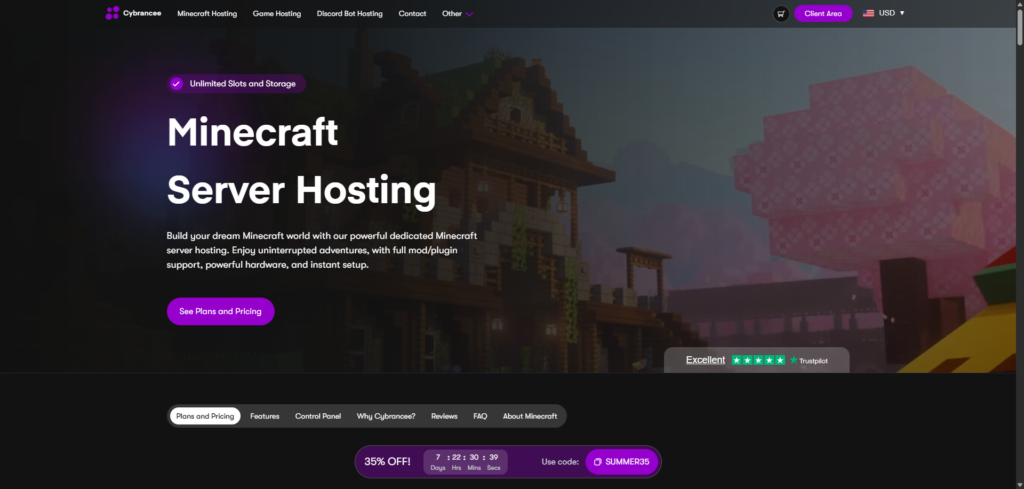
Cybrancee tops this list for a fairly simple reason: it doesn’t make you pay more just to unlock mod support. Plans start at $1.99/month, but Forge and NeoForge are already switched on from the 2GB tier, lower than every other host on this list. BisectHosting, Apex, and Shockbyte all hold real modding back until their 4GB tiers, and GTX Gaming waits until 6GB. Every modding-capable Cybrancee plan also comes with unlimited player slots, unlimited bandwidth, and unlimited storage, which matters more on a modded server than a vanilla one since worlds with dozens of mod-generated dimensions eat disk space fast.
The mod loader list is genuinely deep: Vanilla, Forge, NeoForge, Fabric, Paper, Bedrock, and Velocity are all supported, and switching between them happens from the control panel, not through a support ticket. If you want to try a pack on Fabric, decide it’s not for you, and move to a NeoForge pack the next week, there’s no rebuild involved.
The one-click installer pulls from a library of over 10,000 modpacks with direct CurseForge integration, so setting up something like Better MC or a custom pack is a search-and-click job rather than a file upload marathon. The panel itself is a customized build on Pterodactyl, the same panel software a lot of the more technical hosting crowd already trusts, minus the part where you have to set it up yourself.
Pros:
- Modding support starts at the 2GB tier, not locked behind a premium plan
- Full loader support: Forge, NeoForge, Fabric, Paper, and Bedrock
- 10,000+ modpacks with one-click CurseForge installs
- Unlimited slots, bandwidth, and storage on every modding-capable plan
- Ryzen CPUs clocked over 4GHz paired with NVMe storage
- Built-in Minecraft RAM calculator to help pick a plan before you buy
- Scheduled automatic backups
- Server locations across North America, Europe, UK, Asia, Australia, and India
- 90-day money-back guarantee, the longest window on this list by a wide margin
- 24/7 human support plus an AI companion for quick answers to common questions
- Plants a tree for every server ordered, which won’t matter to everyone but is a nice touch if it does to you
Cons:
- No free trial, though the 90-day refund window makes that a minor complaint
- The number of RAM tiers takes a minute to sort through if you’re not sure how much a specific pack needs, though the built-in calculator handles most of that guesswork.
For a group that wants real mod loader flexibility without buying into a premium tier just to unlock Forge, Cybrancee is the easiest recommendation on this list. The 90-day window also means you can actually stress-test a heavy pack for a couple of months before deciding whether it’s the right fit, instead of guessing from a product page.
2. BisectHosting
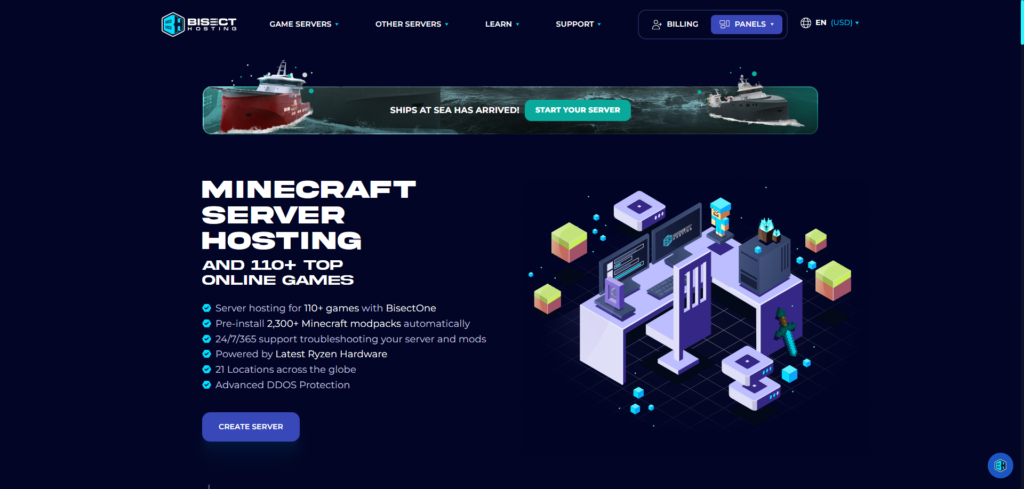
BisectHosting has been around since 2011, founded by Max Podkidkin and Andrew Blatchford after they got tired of running their own popular Minecraft servers on hosts that couldn’t keep up. That history shows in how deliberately the modded tooling has been built out.
The modpack catalog is the headline feature: over 2,300 one-click installs, one of the deeper libraries among hosts that aren’t just mirroring the entire CurseForge catalog. Bisect splits its Minecraft plans into Budget and Premium tiers, and the split actually matters for modded play. Budget runs on shared, lower-priority hardware that’s fine for vanilla or light-plugin servers, but it’s not built for Forge or Fabric modpacks. Premium, starting at $7.99/month for 4GB, is where modded Minecraft gets realistic, and Premium Plus at $15.98/month for 8GB and 30 slots is the sweet spot for a modpack with around a hundred mods and an active community.
Bisect’s custom panel, Starbase, includes an Instance Manager that lets you keep several modpack setups on one account and swap between them without ordering a new server each time. It also supports MariaDB and MySQL out of the box, which matters if you’re running a hybrid Forge-plus-plugins server with an economy or land-claim plugin that wants a real database instead of flat files. Support tickets average under 15 minutes to a first response, and the company runs servers across 21 locations worldwide.
Pros:
- Large one-click unique added modpack library at 2,300+
- Instance Manager for running and swapping between multiple modpack setups
- MariaDB/MySQL support for hybrid Forge-plus-plugin servers
- 21 global server locations
- Average support response time under 15 minutes
- Free DDoS protection on every plan
- Ryzen and Intel Xeon CPUs paired with NVMe storage
Cons:
- Real modded performance requires the Premium tier. Budget plans aren’t built for it
- A 3-day (72-hour) money-back guarantee, shorter than what Cybrancee offers
- Per-GB pricing on the higher tiers climbs faster than Cybrancee’s flat, modding-capable plans
If modpack variety and the ability to run several different setups from one account matter most to you, Bisect’s Instance Manager is the best tool for that job on this list. Just budget for the Premium tier rather than the entry plan, because the Budget tier genuinely isn’t the same product.
3. Apex Hosting
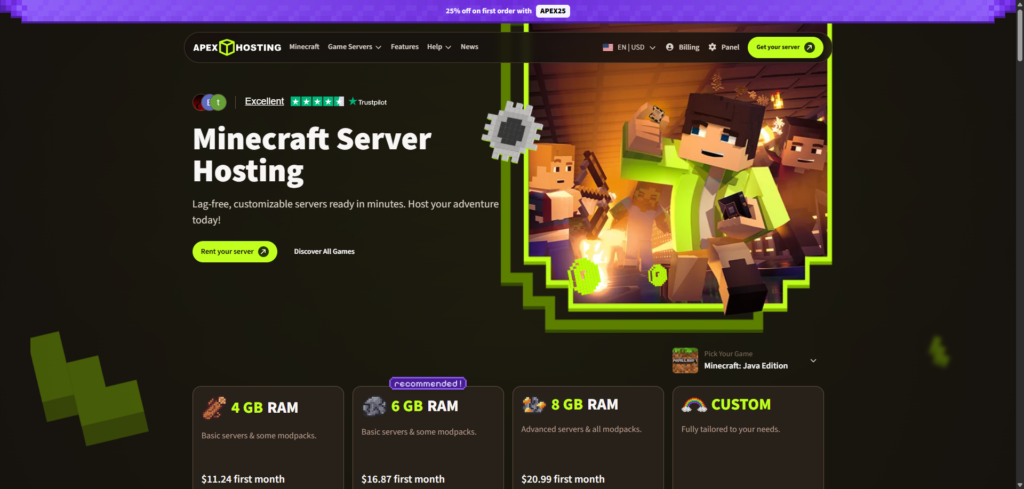
Apex Hosting has built its reputation on the thing budget hosts usually cut first: support speed. Apex’s own published average is around five minutes for a first ticket response, and it shows up in user reviews too, which is aggressive for the industry and genuinely useful when a modpack update breaks something at nine on a Sunday night. Entry pricing starts around $7.49/month, climbing to roughly $15/month for a 4GB plan, which puts Apex on the pricier end of this list. The support operation behind that price is a real part of what you’re paying for.
Where Apex stands out for modded specifically is the EX Series, a premium tier built around a Ryzen 9 5900X in the US and EU (a Ryzen 7 5800X in Asia-Pacific), 4 dedicated vCores, NVMe storage, and clock speeds up to 4.8GHz. That’s a real step up from shared-resource plans for a heavily modded server or a large community that can’t afford TPS drops during peak hours. The regular tiers cover Forge, Fabric, and NeoForge with one-click CurseForge installs for over 200 modpacks, and the panel includes guided setup tutorials genuinely aimed at first-time server owners.
Apex runs across 18 to 20-plus server locations spanning the US, Europe, and Asia-Pacific, so latency shouldn’t be the reason to skip them for a spread-out community. Daily automated backups and DDoS protection are included on every plan. The one real showing of age is the Multicraft panel itself. It gets the job done, but a few reviewers have pointed out that it feels outdated next to the newer Pterodactyl and Starbase-style panels other hosts on this list have moved to.
Pros:
- Fastest average support response time on this list, around 5 minutes
- EX Series offers dedicated vCores and high clock speeds for heavy modpacks
- Guided setup tutorials genuinely help first-time server owners
- 18 to 20-plus global server locations
- Forge, Fabric, and NeoForge support with one-click CurseForge installs
- Daily automated backups and included DDoS protection
Cons:
- Entry pricing runs higher than most budget-tier competitors for comparable RAM
- Only a 7-day money-back guarantee, well short of Cybrancee’s 90 days
- The Multicraft panel is functional but starting to show its age
- Individual mods, as opposed to full modpacks, still need manual FTP installation
Suppose a heavy modpack and a support team that actually answers fast matter more to you than saving a few dollars a month; Apex is worth the premium. The EX Series in particular is built for exactly that use case.
4. Shockbyte
Shockbyte has been running since 2013 and is one of the most recognizable names in Minecraft hosting for a simple reason: the entry price is hard to beat. The “Dirt” tier starts at $2.50/month for 1GB and 10 slots, aimed squarely at someone spinning up a small vanilla world for a handful of friends. For modded play specifically, you’ll want to look past that entry tier. The “Stone” plan at $10/month for 4GB and 50 slots is a more realistic modded starting point, and anything running a 100-plus mod pack should plan on 8GB or more.
The one-click modpack installer covers CurseForge, Feed The Beast, and Technic, so most of the popular launchers are handled without hunting down individual jar files. Shockbyte has been rolling out a new custom control panel to replace the older Multicraft-based system, with a console that feels more responsive and modpack browsing organized by category instead of a raw file list. Servers run on modern AMD EPYC processors (the 4244P and 4464P models) alongside some Intel Xeon hardware, a real step up from the aging hardware some budget hosts are still running.
The honest tradeoff with Shockbyte is support speed, particularly on the billing side. Technical support tends to move reasonably fast, but billing tickets have been reported taking anywhere from five to twelve days in some cases. If your server goes down and you need a fast human response rather than a self-service fix, that’s worth knowing going in. A few users have also flagged the optional hibernation mode, which puts an idle server to sleep, as slow to wake back up when someone finally logs on. The refund window sits at 3 days (72 hours), the same as BisectHosting’s.
Pros:
- Low entry price at $2.50/month
- One-click installs for CurseForge, Feed The Beast, and Technic
- New custom control panel is a real improvement over the old Multicraft setup
- Modern AMD EPYC and Intel Xeon hardware
- Free DDoS protection with an SLA covering network outages
- 45+ games supported if your group wants to swap titles occasionally
Cons:
- Budget-tier RAM (1 to 2GB) is genuinely too tight for anything beyond vanilla or light plugins.
- Billing support response times are the slowest reported on this list, sometimes five to twelve days.
- Modpack selection, while solid, is smaller than Bisect’s library
- Hibernation mode can be slow to wake a server back up after it’s gone idle
Shockbyte earns its spot for anyone who wants a legitimate modded setup without paying premium prices, as long as you go in knowing support might take a while to reach, especially for anything billing-related.
5. GTX Gaming
GTX Gaming has been running since 2007, founded by Matthew Griffin, making it the oldest provider on this list, and it’s built a strong reputation specifically in the UK and wider European market. Minecraft plans are priced per GB of RAM starting around £1.90/GB (roughly $2.40), with the popular Iron plan (4GB, suited to 10 to 15 players with light plugins) running about £7.80/month. For actual modded play, GTX recommends starting at 6GB, priced from around £11.70/month, and scaling up to 20GB or more for large modpacks like RLCraft, All the Mods, or Better MC with 30-plus concurrent players.
What sets GTX apart on the modding side is how many loaders it supports without treating any of them as an afterthought: Forge, NeoForge, Fabric, and Quilt are all covered, alongside hybrid platforms like Mohist and Arclight that let you run Forge mods and Bukkit-style plugins on the same server, something not every host on this list handles cleanly. One-click installs pull from CurseForge, Modrinth, FTB, and Technic directly through the panel.
The panel setup is more layered than some competitors: GTXcontrol handles general server management, Multicraft covers Java-specific Minecraft controls, and a separate modpack panel (gamepanel2) handles browsing and installing packs. It’s not a single unified dashboard the way Cybrancee’s or Bisect’s panels are, but each piece does its job. GTX also holds official Verified Host status from Hypixel Studios for Hytale, and Trustpilot reflects a strong reputation too, with a 4.7 out of 5 rating across more than 1,400 reviews.
The one place GTX clearly lags the rest of this list is the refund window. It’s 24 hours, the shortest of any host here, well short of even Bisect and Shockbyte’s 3-day policies, let alone Cybrancee’s 90-day policy.
Pros:
- Broadest hybrid loader support: Forge, NeoForge, Fabric, Quilt, Mohist, and Arclight
- One-click installs from CurseForge, Modrinth, FTB, and Technic
- Dedicated RAM guide and plan-picker wizard for choosing the right tier
- 28 global data center locations
- Strong Trustpilot reputation at 4.7/5 across 1,400-plus reviews
- Unlimited player slots on every plan, daily offsite backups
Cons:
- Just a 24-hour money-back guarantee, the tightest window on this list
- Pricing in GBP is a minor hassle for non-UK/EU customers tracking costs in other currencies
- The panel setup spans three separate tools rather than one unified interface
- Per-GB pricing means costs scale up quickly for the RAM-heavy modpacks actually need
If your player base is mostly in Europe, or you’re running a pack that leans on a less common loader like Quilt or a hybrid setup like Mohist, GTX Gaming covers ground the other four hosts on this list don’t. Just make your decision before that 24-hour window closes, because there’s no long trial period to fall back on here.
Understanding Mod Loaders and Modpack Platforms
If you’re new to modded Minecraft hosting, the terminology gets confusing fast, so here’s the short version of what actually matters when picking a plan.
Forge has been the backbone of Minecraft modding for over a decade and still has the largest library of mods available. Most of the big, complex packs (RLCraft, GregTech: New Horizons, most tech-heavy packs) are built on Forge.
NeoForge is a newer fork of Forge that most active mod developers have been migrating to for recent Minecraft versions. If you’re setting up a server for a modpack released in the last year or so, there’s a decent chance it runs on NeoForge rather than classic Forge, even if the pack’s name doesn’t make that obvious.
Fabric is the lighter-weight alternative, generally faster to load and update, and popular for performance-focused or smaller-footprint modpacks. It’s become the go-to for players who want mods without the overhead Forge packs sometimes carry.
Quilt is a newer fork of Fabric, less common but growing, and mostly relevant if a specific mod you want requires it.
Hybrid platforms like Mohist and Arclight let you run Forge mods alongside Bukkit or Spigot plugins on the same server, which matters if you want an economy plugin and EssentialsX running next to your modpack. Not every host supports these cleanly, so it’s worth checking specifically if a hybrid setup is part of your plan.
As for where the actual modpacks come from: CurseForge is the largest platform and where most popular packs live. Modrinth has grown fast as an open-source-friendly alternative with a reputation for better mod page quality control. Feed The Beast (FTB) and Technic are older, established launchers with their own curated pack libraries, and ATLauncher rounds out the group with a smaller but dedicated catalog. A host that only supports CurseForge installs will cover most players’ needs, but if the specific pack you want lives exclusively on Modrinth or Technic, it’s worth confirming your host’s installer actually pulls from there before you buy.
Conclusion
Cybrancee earns the top spot here because it removes the biggest friction point in modded hosting: paying extra just to unlock mod support in the first place. Full Forge, NeoForge, and Fabric support starting at the 2GB tier, a modpack library that pulls straight from CurseForge, and a 90-day window to actually test a heavy pack before committing puts it ahead of the pack for most buyers.
The other four earn their spots for more specific reasons. BisectHosting is the pick if modpack variety and running multiple setups from one account matter most to you. Apex Hosting is the one to choose if fast support and dedicated hardware for heavy packs are worth paying a premium for. Shockbyte makes sense if budget is the primary constraint and you’re willing to trade some support speed for it. GTX Gaming is the strongest option for European players or anyone running a pack on a less mainstream loader like Quilt or a hybrid Mohist setup, as long as you’re ready to commit fast given how short its refund window is.
Modded Minecraft is a genuinely different hosting problem than vanilla, and the gap between a host that treats it as a real product versus a bolted-on feature shows up the moment your server actually gets busy. Whichever of these five you land on, check the RAM your specific modpack actually recommends before you buy, not just what the hosting plan claims is enough. That one detail causes more modded server headaches than anything else on this list.
Happy modding!
If you think your business should be on our list, contact us.