
Unlimited Slots and Storage
Terraria
Server Hosting
Explore and conquer the vast world of Terraria with reliable, lag-free dedicated Terraria server hosting. Enjoy 24/7 support, instant setup, affordable pricing, and complete mod support (tModloader, TShock).

35% OFF!
Use code:
 SPRING35
Powerful Plans and
Unbeatable Prices


Skeletron
Monthly
$3.99
Start NowFeatures
2GB RAM
Unlimited Slots
Unlimited Storage
Unlimited Bandwidth
Supports Modding
90 Day Refund Policy

Recommended Plan
Plantera
Monthly
$7.99
Start NowFeatures
4GB RAM
Unlimited Slots
Unlimited Storage
Unlimited Bandwidth
Supports Modding
90 Day Refund Policy
Recommended Plan
Moon Lord
Monthly
$14.99
Start NowFeatures
8GB RAM
Unlimited Slots
Unlimited Storage
Unlimited Bandwidth
Supports Modding
90 Day Refund Policy
Recommended Plan
Scalable
Monthly
$29.99
Start NowFeatures
32GB RAM
Unlimited Slots
Unlimited Storage
Unlimited Bandwidth
Supports Modding
90 Day Refund Policy
Recommended Plan

Terraria Server Features

Super-Speed Optimized
Enjoy lag-free gaming on our powerful Terraria dedicated servers. Optimized for performance, speed, and reliability.
Low Ping
SSD NVMe Storage
Powerful Servers

Instant Setup
No waiting around, our Terraria servers are ready from the moment you sign up.

DDoS Protection
All Terraria servers are fully protected from DDoS attacks, free of charge.

Global Locations
Server locations in North America, South America, Europe, Asia, Canada and Australia, ensuring minimal latency and smooth performance wherever you are.

Wait, There is More!


Scheduled Backups
Automatically schedule backups to keep your Terraria world safe and secure.

24/7 Human Support
Our support team is available around the clock when you need help and assistance.

Always Online 24/7
Our servers are always online with no interruptions or downtime. Enjoy 99.99% uptime.

Supports Mods/Plugins
Customize your Terraria world. Compatible with TShock or TModloader, free of charge.
Easily Install Your Favorite Mods
Install your favorite Terraria mods in under a minute. Our servers support tModLoader, tShock and Vanilla versions of Terraria.
tModLoader
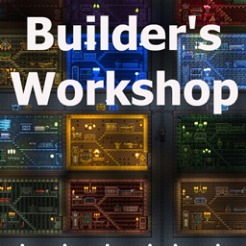
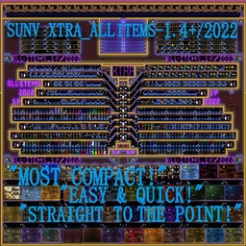
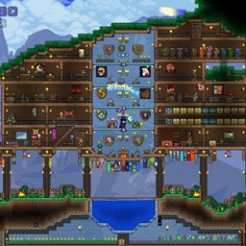
tModLoader is a mod browser built into the game, where you can easily browse and add mods to your server directly from the Terraria game menu. With tModLoader, you can add new weapons, armour, and tools.

TShock
TShock serves as a server administration tool for your Terraria server. With TShock, you can set granular player permissions, restrict access to certain areas of your world, and implement anti-cheat.
Vanilla
If you want to play Terraria as the original game, then Vanilla is for you. With Vanilla, you'll still have access to lots of weapons, tools, and bosses, but you won't be able to add mods or use advanced server admin tools.
Our Easy to Use Game Hosting Control Panel
Easily manage your Terraria server from a single panel. Get real-time resource monitoring, scheduled backups, an intuitive file manager and instant answers from our intelligent AI companion, and so much more!
Why Cybrancee?
24/7 - 365 Support
Help and support available day and night. Our friendly support team is always happy to help you, whatever the question.

Money Back Guarantee
90 day full money-back guarantee if you're not satisfied with your Terraria server.

Rated Excellent
Our customers rate us as 'Excellent' on both Trustpilot and Google reviews.

Powerful Hardware
All of our Terraria servers run on high performance Ryzen CPUs, clocking in at over 4GHz, paired with NVMe SSDs.
Why We Are Rated Excellent
We are known for top-quality Terraria servers, helpful support, high reliability, and great value prices. See what our users have to say.

Frequently Asked Questions
Our dedicated Terraria servers run on Ryzen CPUs (4GHz +) and NVMe SSDs.
Yes, you can upgrade your Terraria server at any time without disruption. Simply log into your client area, select the upgrade option, and choose the plan that best suits your needs. The upgrade costs are calculated on a pro rata basis, meaning you will only pay for the remaining time on your current plan, with the difference applied to your new plan.
Yes, our Terraria server hosting fully supports mods through tModLoader. You can easily browse, install, and manage mods directly from the Terraria game menu, making the process quick and easy. Mods allow you to add new bosses, armour, weapons, and expanded content like Calamity or Thorium. Mods are automatically synced with players when they join, so there's no manual setup required for your friends.
All Terraria servers are set up instantly. As soon as you place an order, your Terraria server will be ready and accessible, allowing you to start playing without frustrating delays.
Yes, our dedicated Terraria servers run day and night, without stoppages. Our Terraria servers are designed to operate 24/7 with maximum performance and reliability, ensuring a smooth gaming experience.
Yes, you can use our 'server importer' feature found in our panel, or simply navigate to your Cybrancee game hosting control panel's file manager, and use the drag-and-drop feature to upload your world files. You can now start your Terraria server and continue your adventure where you left off, it's that simple!
Yes, we fully support crossplay on our Terraria servers. Terraria crossplay works between PC (Steam) and Mobile (iOS and Android), meaning you and your friends can play together across these platforms on the same server. Console editions of Terraria (PlayStation, Xbox, Nintendo Switch) do not currently support crossplay with PC or Mobile.
Yes, our Terraria servers run the latest 1.4.5 Bigger & Boulder update by default. You don\'t need to configure any extra settings, or modify your server. The Bigger & Boulder update introduced new items, enemies, balance adjustments, quality of life improvements, and world generation tweaks. To see a full breakdown of everything added and changed, check out our Terraria 1.4.5 Bigger & Boulder Update Guide.
Yes, you can backup all files on your Terraria server, as well as restore your server to a previous version if data is lost. Automatic backups can also be scheduled to run at a set time and date.
Featured Guides

How to Host a Terraria Server
Learn how to get started with your Terraria server, from sign up to joining your world...
Installing Terraria Mods with tModLoader
Learn how to use tModLoader to easily add mods to your Terraria server...
How To Setup Terraria Crossplay for PC and Mobile Edition
Learn how to play with your friends across different devices, at the same time...
Other Game Servers



About Terraria
What is Terraria?
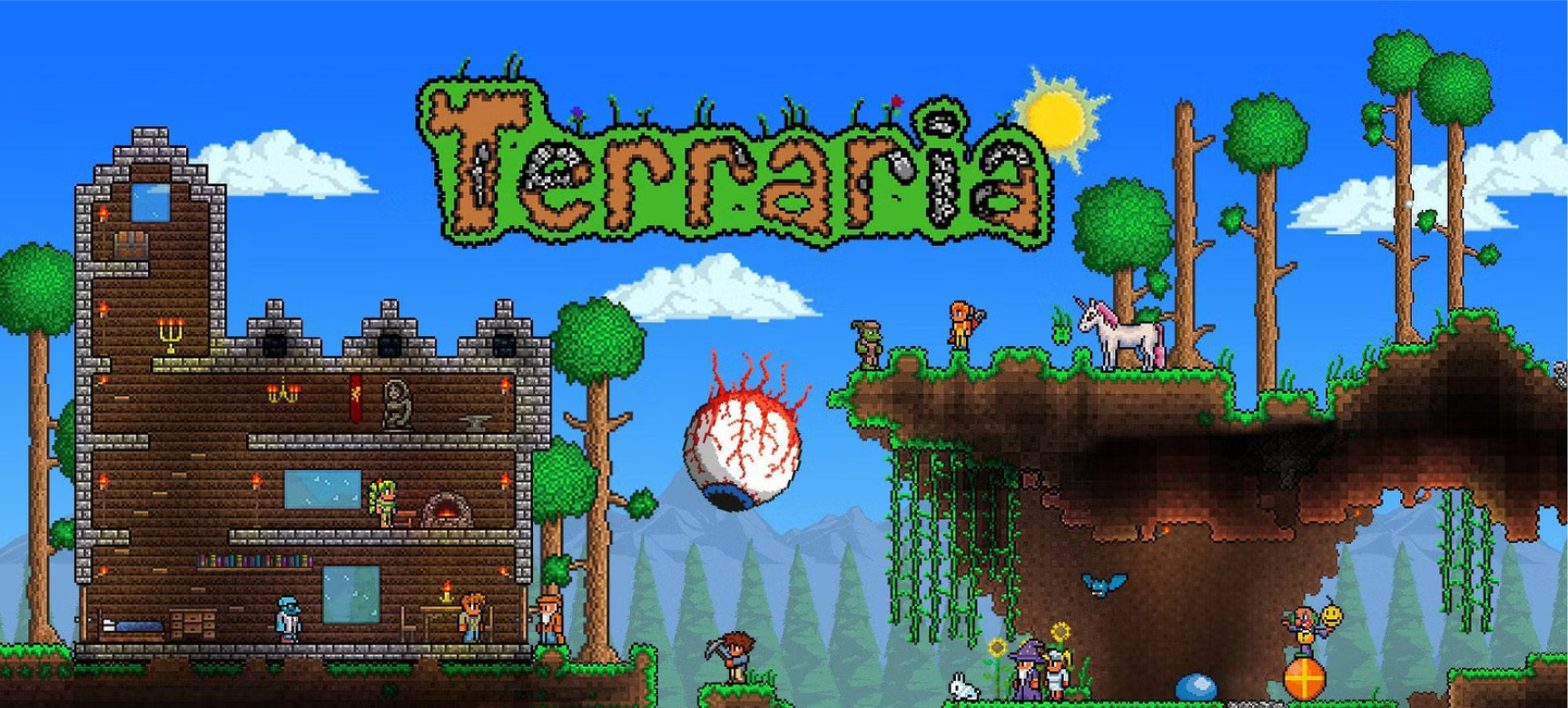
Terraria is one of the best-selling indie games ever made, with over 44 million copies sold, and remains popular to this day. Terraria is a 2D game, pixel art in style, with a lot of charm. There is no fixed objective in Terraria, but the core of the game revolves around mining resources to craft better gear that will aid you in defeating the many bosses you'll encounter, and building complex cave systems and structures. You'll face several different bosses, such as Eye of Cthulhu, or the final boss, Moon Lord. After a boss is defeated they will drop gear that can be used to fight the next boss.
At the very start you'll need to create a world (small, medium, or large), then choose your character. You can make 6 different characters and 16 worlds, the cool part is that all of your characters can share worlds with each other. When joining your world for the first time, you only get the basics: a sword, axe, and pickaxe. With these tools you can battle, dig, and harvest wood.
Multiplayer
Cybrancee makes setting up a Terraria server easy as a few clicks, so you and your friends can start playing right away. We provide a powerful control panel where you can manage your server. From your control panel, you have full control over your server. You can change your world name, set a server password that only your friends know, add a message of the day, and much more.
Our servers run 24/7, so your world is always online, even when you're not. This is a big advantage over self-hosting, where the host (you) has to stay in-game for anyone else to join. With a dedicated server, your friends can jump in whenever they want without having to wait on you. Freedom!
All of our Terraria servers support crossplay between PC and mobile, so your friends don't all need to be on the same platform to play together. We also support modding through both tModLoader and TShock. tModLoader is used for adding gameplay mods like Calamity or Thorium, while TShock is a server management tool that gives you more control over permissions, anti-cheat, and commands. Each serves different purposes, so can't be run at the same time.
Difficulty Modes
In Terraria, there are two distinct methods of changing the difficulty. You can change the Character Difficulty or the World Difficulty. Character Difficulty determines what happens when you die, setting this to Hardcore means when you die it's permanent. World Difficulty primarily affects how powerful the bosses you face are. An interesting part of the game that is different to difficulty is Hardmode. To activate a Hardmode world you'll need to travel deep into your world until you face the Wall of Flesh boss in the Underworld. Once this boss has been defeated, Hardmode will automatically activate. Hardmode brings new enemies, dungeons, metals, and bosses.