
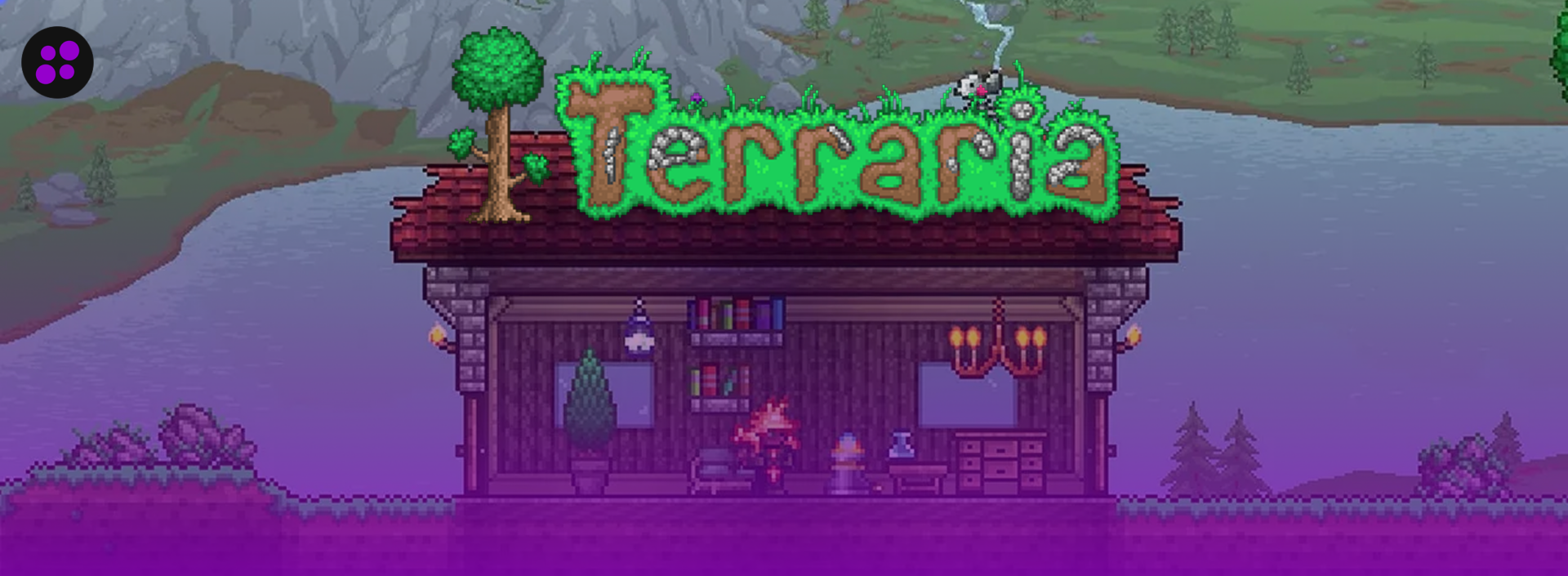

Terraria has been out since 2011, and it isn’t slowing down. Re-Logic marked the game’s 15th anniversary in May 2026 by announcing it had passed 70 million copies sold across PC, console, and mobile, with crossplay between platforms confirmed as the next big update. Fifteen years in, players are still building bases, digging toward hardmode, and losing to the Wall of Flesh together on a regular Tuesday night.
Most of that time gets spent in multiplayer. If you and a few friends, or a whole community, want a world that stays up whether or not you personally are online, you need a dedicated server. The problem is that not every hosting provider treats Terraria the same way. Some hosts build proper support for tModLoader and TShock into their panel. Others just let you upload a vanilla server file and leave the rest to you. Picking the wrong one can turn a fun project into a laggy, crash-prone mess. In this blog, we’ll walk through exactly what to look for so you can pick the right host the first time. Let’s get started.
Why You Need Quality Terraria Hosting
Before comparing specs, it helps to know what’s actually at stake. Poor Terraria hosting shows up as:
- Constant lag during boss fights, especially with several players on screen and a lot of active projectiles at once.
- Crashes when tModLoader mods conflict with each other or the server runs out of memory.
- Slow world loading, particularly on larger maps or heavily modded worlds with a lot of custom content to load in.
- Lost progress when a corrupted save has no working backup to fall back on.
Terraria’s server process is also mostly single-threaded, much like Minecraft’s. That means a host running your world on an overcrowded shared node, on older hardware with a weak clock speed, will start to stutter the moment a boss fight kicks off with four players active, even though the game itself is far lighter than something like a heavily modded Minecraft pack.
1. Understand Your Server’s Purpose
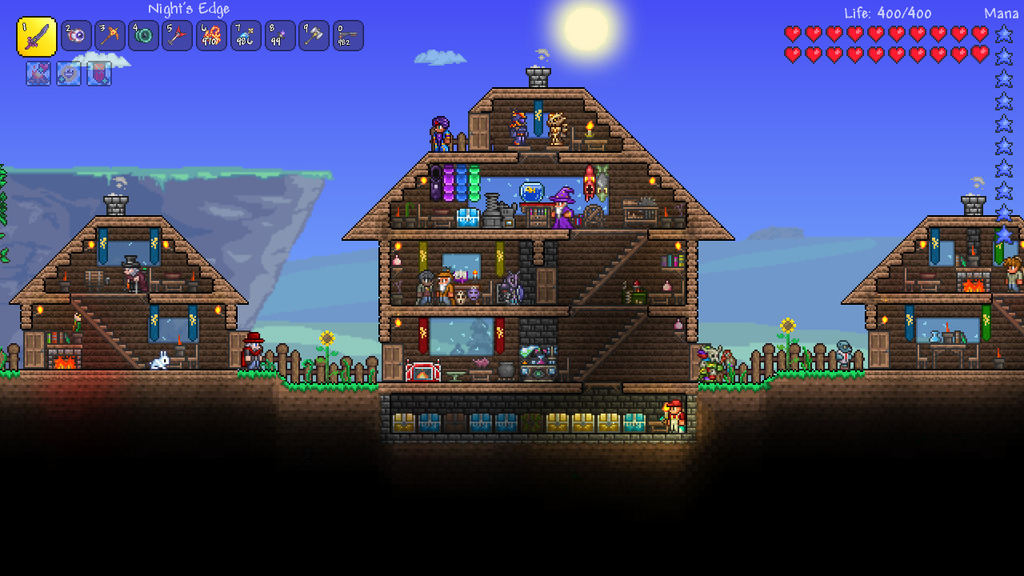
Before you pick a provider, ask yourself a few questions:
- Who will play? A handful of friends, or a public community that strangers can join?
- How many players do you actually expect at once? 4? 8? 16?
- Will you run vanilla, tModLoader for content mods like Calamity or Thorium, or TShock for server administration and moderation?
- Do you want a lightly modded world, or a full overhaul modpack with new bosses and biomes?
- Does the server need to run 24/7, or only when your group is actually online?
These answers shape everything that follows, from how much RAM you actually need to which features are worth paying extra for. A private world for three friends has very different requirements than a public TShock server that strangers can wander into.
2. Key Features to Look For
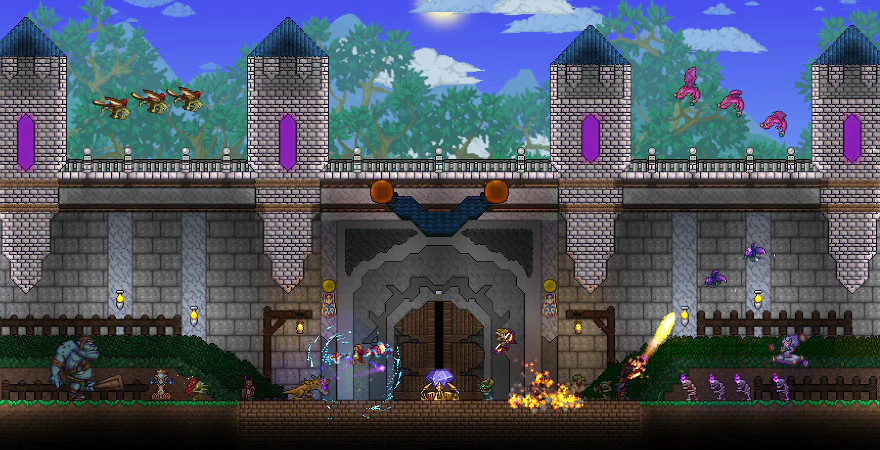
Here’s what actually separates a host worth paying for from one that isn’t.
I. Reliable Uptime
Look for a host that promises close to 24/7 uptime. If the server goes down every time your friends finally have a free night to play, it doesn’t matter how cheap the plan was or how good the panel looks.
II. Low Latency
Pick a host with a data center near your players. Terraria is more forgiving than a twitch shooter when it comes to ping, but noticeable delay still throws off boss fights, and it makes precise building or wiring frustrating over time. Hosts with locations spread across North America, Europe, and Asia give you a better shot at landing close to wherever your group actually lives.
III. Sufficient RAM
Terraria doesn’t need much, but getting the amount right still matters:
- Vanilla: 1GB to 2GB is enough for up to around 8 players.
- TShock with no added content mods: similar RAM needs to vanilla, since TShock itself is lightweight and focused on administration rather than gameplay.
- tModLoader with a handful of mods: 2GB to 4GB, depending on how much content those mods add.
- Heavy modpacks like Calamity or Thorium with several players active: 4GB or more.
If a host is pushing 8GB minimums on you for a small group running a light modpack, that’s not a Terraria-specific recommendation; it’s just an upsell dressed up as advice.
IV. Capable CPUs
Terraria’s server runs mostly on a single thread, so clock speed matters far more than core count. A modern CPU running at 4GHz or higher will handle boss fights and busy worlds noticeably better than an older chip with more cores but a lower clock speed. A host can advertise a high core count on cheap, aging hardware and still leave your server struggling the moment a real fight starts, so look for current-generation Ryzen or Intel processors rather than budget-tier boxes that have been in service for years.
V. DDoS Protection
Any server reachable by the public is a potential target, and Terraria servers are no exception. Make sure DDoS protection comes included with the plan rather than sold separately as an add-on you have to remember to enable.
VI. Automatic Backups
World corruption tends to happen right after a bad update, or when a mod hasn’t caught up to a new Terraria patch yet and starts behaving unpredictably. A host with automatic backups, and a real one-click restore rather than a manual process buried in a support form, saves you from losing hours of progress to something entirely outside your control.
VII. Easy-to-Use Control Panel
A good panel lets you switch between vanilla, tModLoader, and TShock without filing a ticket, manage mod files directly, and restart or reconfigure the server without digging through a manual first. Full file access matters here too, since installing mods like Calamity or Thorium usually means dropping the mod files into the right folder yourself rather than picking from a locked-down list.
VIII. Responsive Customer Support
Terraria hosting is a smaller market than Minecraft’s, so it helps to have a support team that has actually dealt with a tModLoader error or a TShock configuration issue before, rather than one reading from a script written for a completely different game.
3. Check Real User Reviews
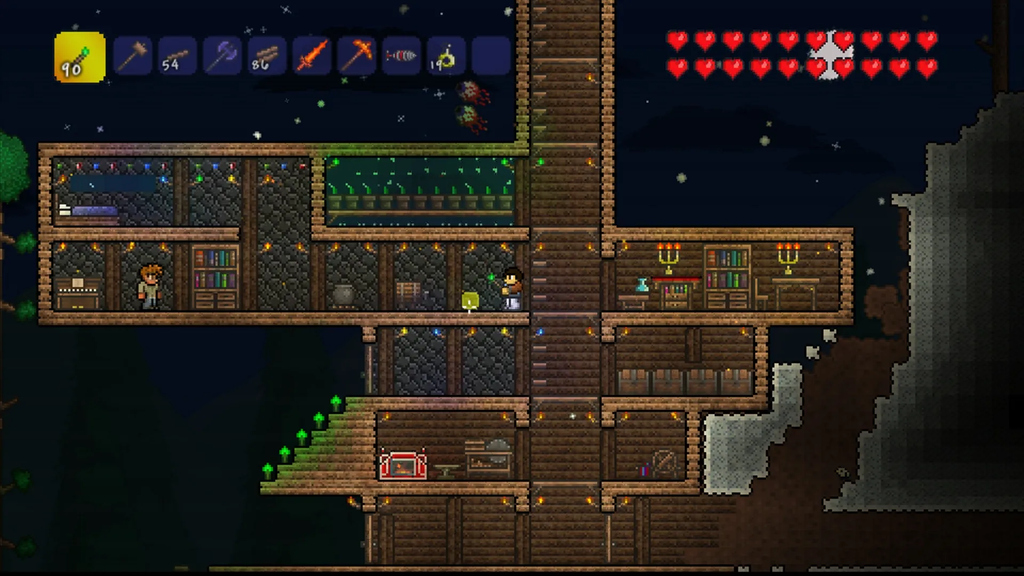
Search the provider on Trustpilot, ScamAdvisor, and Reddit before committing to anything. Reviews tend to surface the same handful of problems:
- Complaints about hidden fees that only show up after signup.
- Reports of unexplained downtime, especially around patch days.
- Reviews mentioning poor or slow support, particularly for anything beyond a basic reset.
- Comments about mods or TShock not working properly on that host’s specific setup.
A pattern of the same complaint across several reviews is worth more than any single five-star or one-star review on its own.
4. Compare Prices
A host offering a huge amount of RAM for a suspiciously low price is usually overselling its hardware, and that shows up as lag the moment a few players and a boss fight happen at the same time. Look for a fair price for the resources actually offered, and check for:
- A free trial or money-back guarantee you can actually use to test the server with a real group of players, not just a token few days.
- Hidden charges for backups, mod support, or moving your server to a different location after signup.
The cheapest plan on paper isn’t always the cheapest once you factor in what you’d have to pay extra for later.
5. Look for Extra Perks
A few extras are worth watching for once you’ve narrowed down the basics:
- One-click support for both tModLoader and TShock, so you’re not manually configuring either one from scratch.
- Drag-and-drop world importing, useful if you’re moving a save over from your own PC and want to keep your progress.
- Crossplay support between PC and mobile, since Re-Logic has been rolling this out and more servers are expected to support it going forward.
- Easy upgrades if your server outgrows its current plan, without having to cancel and re-order from zero.
A Quick Note on tModLoader vs. TShock
These two get mentioned in the same breath a lot, but they solve different problems.
tModLoader is a mod framework. It started as a community project back in the Terraria 1.3 era and landed on Steam in 2020, and it’s now the backbone of Terraria’s modding scene. It changes what the game is: new bosses, biomes, and full overhauls like Calamity and Thorium all run through it, along with smaller quality-of-life mods like Magic Storage for consolidating chests or Recipe Browser for looking up crafting recipes without leaving the game.
TShock is server administration, not content. It doesn’t add anything to the game itself. Instead, it gives a server owner tools that don’t exist in vanilla multiplayer, things like permissions, region protection, anti-grief measures, and admin commands. It’s aimed at public or larger servers where letting anyone build or destroy without oversight would get out of hand fast.
If you want to know more about the differences between tModLoader and TShock, you can have a look at our blog tModLoader vs TShock: What’s the Difference?
A host that only supports one of the two is fine if you already know which one you need. If you’re not sure yet, look for one that lets you run either, or switch between them, without extra cost.
Popular Terraria Hosting Providers
Some well-known names in Terraria hosting include:
Why Cybrancee Is the Best Choice for Terraria Server Hosting
- Full tModLoader and TShock Support: Switch between vanilla, tModLoader, and TShock without opening a ticket.
- Unlimited Player Slots, Bandwidth, and Storage: No caps to run into as your world or community grows.
- High-Performance Hardware: Ryzen CPUs clocked over 4GHz paired with NVMe SSD storage, built for Terraria’s single-thread demands.
- Instant Setup: Your server is ready minutes after signup, whether vanilla or modded.
- Crossplay Support: PC and mobile players can join the same server.
- Easy World Importing: Drag and drop your existing world files straight into the panel to continue where you left off.
- DDoS Protection: Included free on every plan.
- Scheduled Backups: Automatic backups keep your world safe from corrupted saves or bad updates.
- 24/7 Support: Real help available around the clock, not just business hours.
- 90-Day Money-Back Guarantee: Enough time to actually test the server with a real group before deciding.
- Great Value for Money: Plans start at $3.99, making solid Terraria hosting affordable without cutting corners on hardware.
You can check Cybrancee Terraria Server Hosting. Prices start at $3.99.
Final Thoughts
Choosing the best Terraria server hosting isn’t about grabbing the cheapest plan you can find. It’s about matching the host’s RAM, CPU, mod support, and backup policy to how you actually plan to play, whether that’s a small vanilla world with friends who log in a couple of nights a week, or a public TShock server running Calamity for dozens of players around the clock.
Take your time, read real reviews, and test the support team before you commit to anything long-term. The right host means a smooth Terraria world, fewer nights lost to lag or a crashed server, and players who actually stick around.
Happy building!